Read MT5 account history and closed trades by API
Read MT5 closed trades over a REST API: when to use deals, history orders or positions, how time windows and paging work, and why broker time is not UTC.
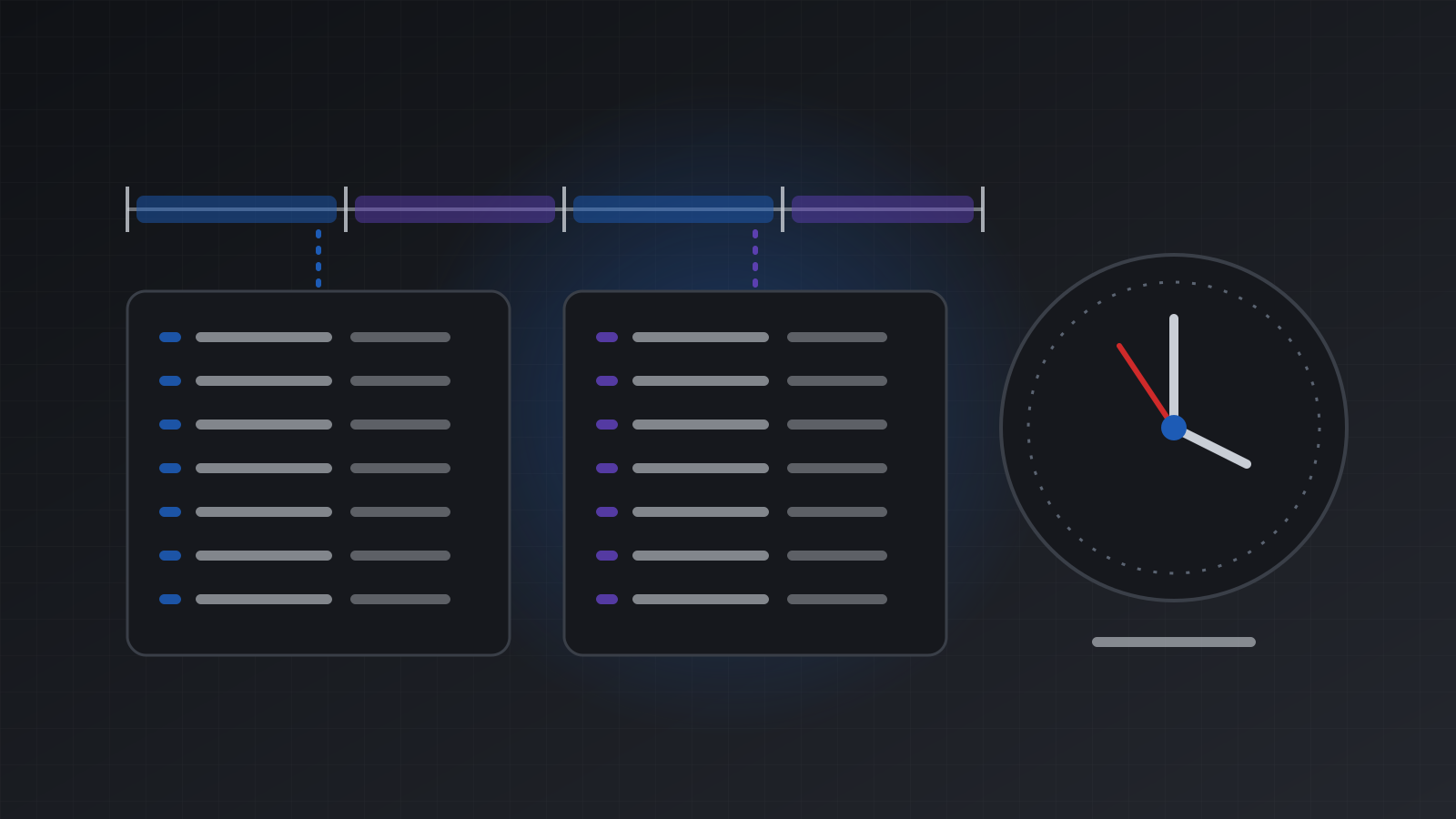
To read MT5 account history by API, ask for deals in a time window: GET /users/current/accounts/{id}/history-deals/time/{startTime}/{endTime}. Deals are the record of what filled, with profit, commission and swap on each one, so closed trades come from deals. The window is in UTC, the start is included and the end is not, and each call returns up to 1000 rows that you page with offset. Each deal has a UTC time and a separate brokerTime, because the broker’s clock is not UTC.
This post is about the API side: which route to call, how to page, how to stay in sync, and how to handle time. For turning deals into round trip trades and a journal in pandas, see Build a trading journal from your MT5 history.
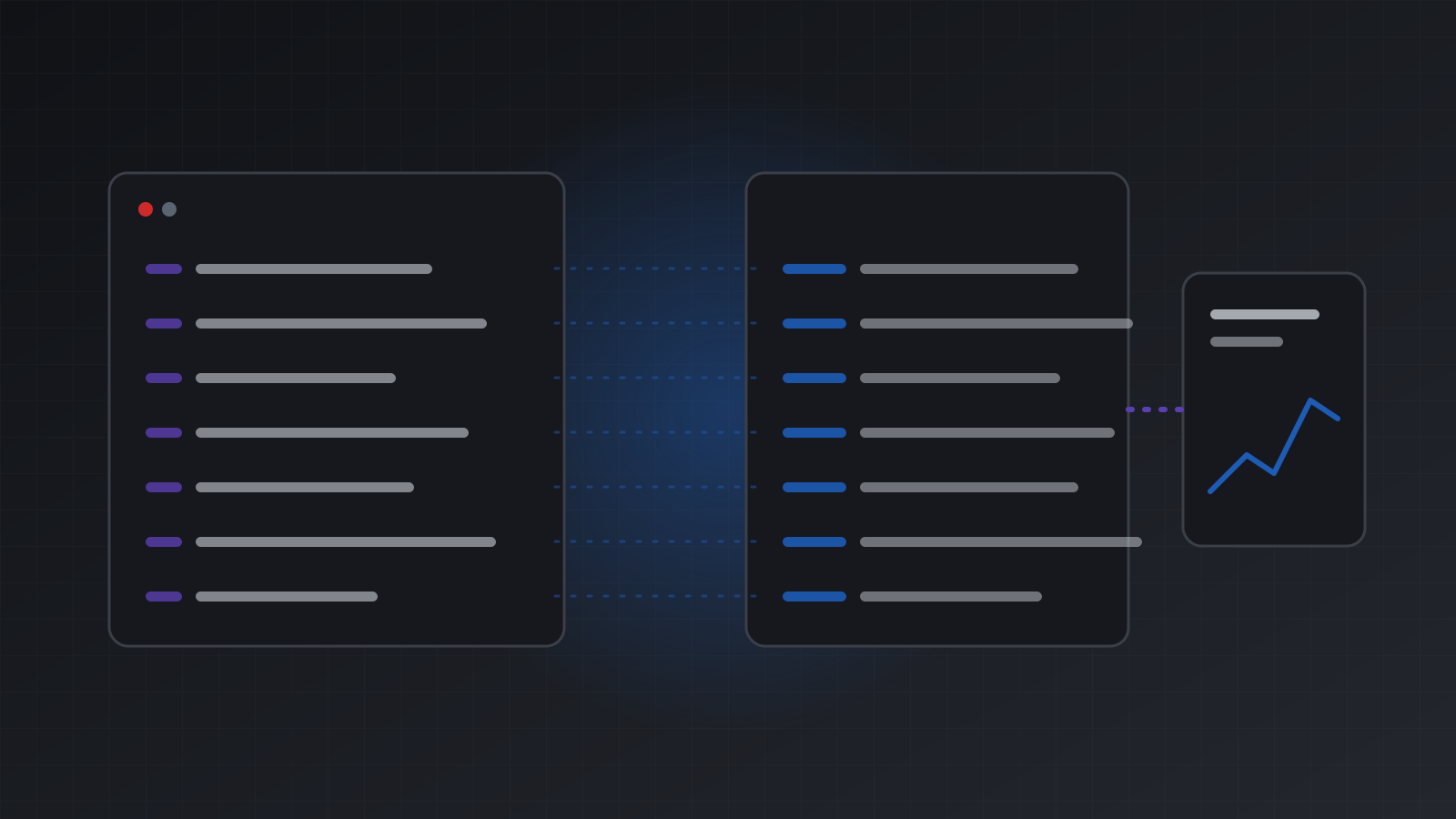
Deals, orders and positions in one minute
MT5 keeps three kinds of record. They answer different questions.
| Record | What it is | Ask it when you want |
|---|---|---|
| Order | A request: buy 0.1 lots, or a pending limit | What was asked for, and when it was filled or cancelled |
| Deal | A fill, or a money movement | Profit, costs, entry and exit prices |
| Position | The open trade that deals build up | What is open now |
A closed trade is a position whose deals add up to zero volume. One opening deal and one closing deal is the simple case. A partial close adds more deals to the same position.
Open positions come from GET /positions. Everything that is finished comes from the history routes below.
The six history routes
All paths are under /users/current/accounts/{id}. Each one returns a bare JSON array, sorted by time and then id.
| Route | Returns |
|---|---|
history-deals/time/{startTime}/{endTime} | Every deal in the window |
history-deals/position/{positionId} | Every deal of one position |
history-deals/ticket/{ticket} | One deal on MT5. On MT4, the deals of that order ticket |
history-orders/time/{startTime}/{endTime} | Orders done (or set up, if never done) in the window |
history-orders/position/{positionId} | Every order of one position |
history-orders/ticket/{ticket} | The order with that ticket |
Pick by the question:
- “What did I make this week?” Deals by time.
- “What happened to this trade?” Deals by position, then orders by position if you want the requests too.
- “Was this pending order filled or cancelled?” Orders by ticket. Look at
stateanddoneTime.
A first call
curl -s "https://api.tickwire.io/users/current/accounts/$ACC/history-deals/time/2026-11-01T00:00:00Z/2026-11-06T00:00:00Z?offset=0&limit=1000" \
  -H "auth-token: $TW_KEY"
A deal looks like this, shortened:
{
  "id": "48213377",
  "platform": "mt5",
  "type": "DEAL_TYPE_SELL",
  "entryType": "DEAL_ENTRY_OUT",
  "symbol": "EURUSD",
  "volume": 0.1,
  "price": 1.08412,
  "profit": 18.4,
  "commission": -0.7,
  "swap": 0,
  "positionId": "48190021",
  "orderId": "48213301",
  "reason": "DEAL_REASON_TP",
  "time": "2026-11-04T14:20:05.112Z",
  "brokerTime": "2026-11-04 16:20:05.112"
}
The fields to know:
entryType:DEAL_ENTRY_INopens,DEAL_ENTRY_OUTcloses,DEAL_ENTRY_INOUTreverses,DEAL_ENTRY_OUT_BYcloses by an opposite position.type:DEAL_TYPE_BUYandDEAL_TYPE_SELLare trades.DEAL_TYPE_BALANCE,DEAL_TYPE_CREDIT,DEAL_TYPE_COMMISSIONand others are money movements.reason: why it happened, such asDEAL_REASON_SL,DEAL_REASON_TP,DEAL_REASON_SOfor a stop out, orDEAL_REASON_CLIENT.profit,commission,swapand, on MT5 when the broker charges one,fee: add them for the net result of a deal.
Balance and credit deals are included on purpose. Leave them out of trading results, but keep them for deposits, withdrawals and a daily loss baseline.
Windows and paging
Times in the path are ISO-8601 UTC, such as 2026-11-01T00:00:00Z. The start is inclusive and the end is exclusive, so back to back windows never count a deal twice:
[2026-11-01T00:00:00Z, 2026-11-02T00:00:00Z)
[2026-11-02T00:00:00Z, 2026-11-03T00:00:00Z)
limit is 1 to 1000, and 1000 by default. If a call returns exactly limit rows, there may be more. Raise offset by the number you got and ask again:
import os
import requests

BASE = "https://api.tickwire.io/users/current/accounts/" + os.environ["TW_ACCOUNT"]
AUTH = {"auth-token": os.environ["TW_KEY"]}

def deals_between(start, end, limit=1000):
    out, offset = [], 0
    while True:
        r = requests.get(
            f"{BASE}/history-deals/time/{start}/{end}",
            headers=AUTH, params={"offset": offset, "limit": limit}, timeout=30,
        )
        r.raise_for_status()
        page = r.json()
        out.extend(page)
        if len(page) < limit:
            return out
        offset += len(page)

deals = deals_between("2026-10-01T00:00:00Z", "2026-11-01T00:00:00Z")
trades = [d for d in deals if d["type"] in ("DEAL_TYPE_BUY", "DEAL_TYPE_SELL")]
print(len(deals), "deals,", len(trades), "trade deals")
History calls weigh more than most reads in the rate limits, so fetch a large range once and store it rather than asking for it again and again.
Staying in sync
After the first full read, you only need new deals. There are two ways.
Poll. Ask from your last deal’s time up to now. Overlap by a minute, and drop any deal whose id you already have. The overlap covers a deal that lands right at the edge.
Stream. Open the account WebSocket at wss://api.tickwire.io/users/current/accounts/{id}/ws and subscribe with a start time:
{"type": "subscribe", "sync": {"startingHistoryTime": "2026-11-05T00:00:00Z"}}You get the history from that time in deals and historyOrders frames, then new ones in dealAdded and historyOrderAdded frames as they happen. The streaming page lists every frame. The post Webhooks vs polling for trading apps helps you pick.
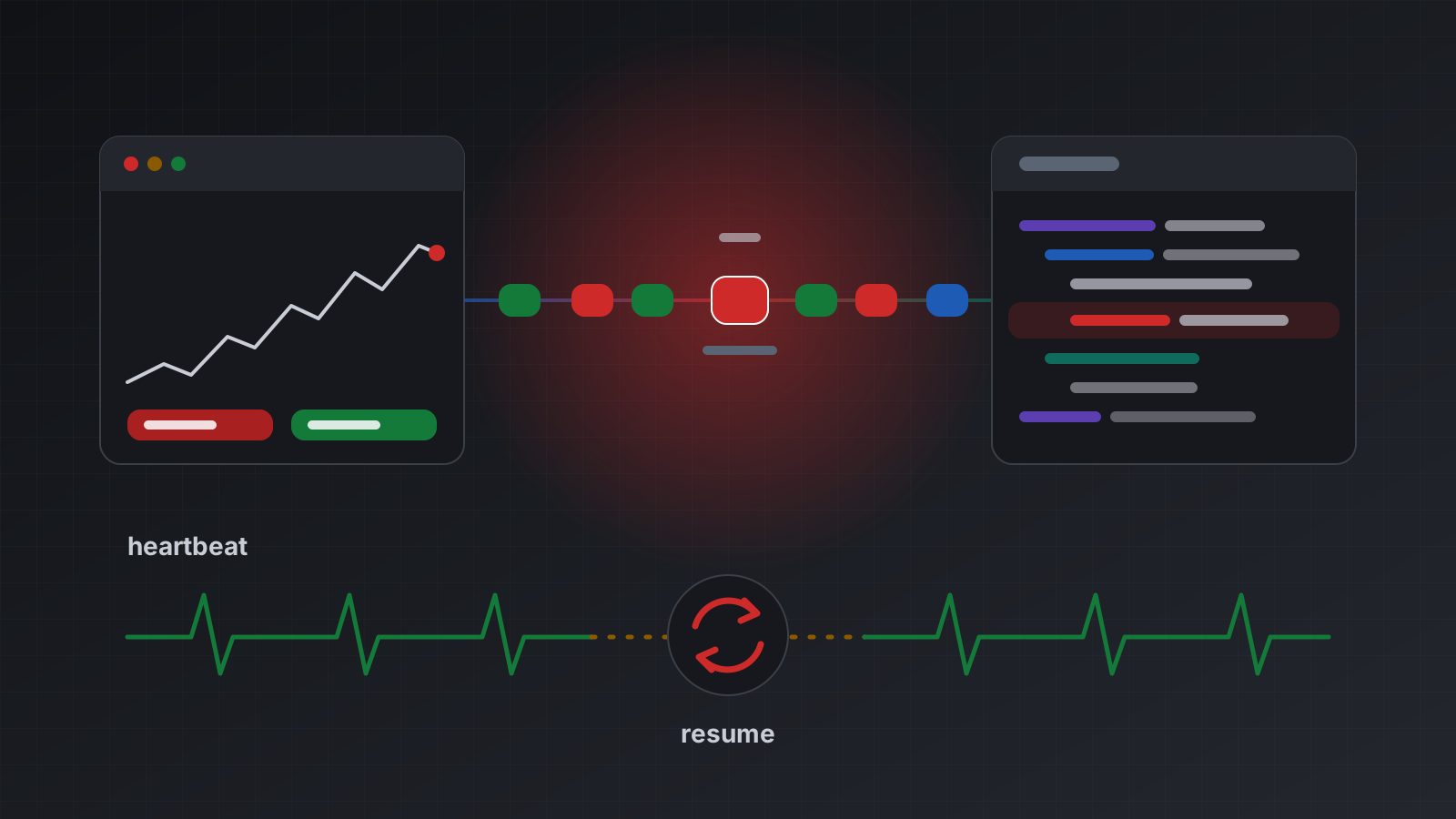
Broker time is not UTC
MetaTrader servers keep their own clock. Many run at UTC+2 in winter and UTC+3 in summer, but not all. Tickwire converts deal times to UTC with the offset it measured for that server, and labels them clearly:
timeis UTC, with aZ.brokerTimeis the broker’s local time, writtenYYYY-MM-DD HH:mm:ss.SSSwith noZ.
Use time to sort and to join with other data. Use brokerTime to decide which trading day a deal belongs to, because daily loss rules usually reset at the broker’s midnight, not UTC midnight.
To see the offset, read the server time:
curl -s "https://api.tickwire.io/users/current/accounts/$ACC/server-time" -H "auth-token: $TW_KEY"It returns time, brokerTime, brokerUtcOffsetMinutes, offsetSource and confidence.
If the offset is not known yet, for example just after a terminal starts and before fresh prices arrive, a time window route answers 503 broker_time_unknown instead of guessing. Wait for Retry-After and ask again. That is safer than a report that is quietly two hours off. Broker server time is not UTC explains why this matters.
MT4 accounts
The same routes work on MT4. MT4 keeps closed orders, not deals, so Tickwire shows them as deals and history orders with the same fields. Each position gets one entry deal and one exit deal per close, and the position id is the first ticket. Tickwire selects all history in the terminal at start, so older trades are not cut off by the terminal’s own history filter.
Read only access
A journal or report never needs to trade. Add the account with its investor password, and the terminal cannot trade at all: account information shows tradeAllowed: false. A read only API key adds a second lock on your side. The MetaTrader 5 API page shows the rest of what an account can do through the same API.
Reading history tells you what happened. It does not tell you what will happen next, and it does not make a strategy profitable.
Frequently asked questions
Should I read closed trades from deals or from orders?
From deals. Deals carry the fill price, profit, commission and swap. Orders tell you what was requested and whether it was filled or cancelled.
Why does a history request return 503 broker_time_unknown?
Tickwire does not know the broker’s clock offset yet, usually just after the terminal starts. It refuses to guess. Wait for the Retry-After time and ask again.
Are the times in the path UTC or broker time?
UTC, written in ISO-8601 with a Z. The start is included and the end is left out.
How many deals can I get in one call?
Up to 1000. If you get exactly the limit back, raise the offset by that number and ask again until a page comes back short.
Are deposits and withdrawals included?
Yes. They come as balance and credit deals. Filter them out of trading results, and keep them for cash flow and daily baselines.
Does this work on MT4?
Yes. The routes and fields are the same. MT4 closed orders are shown as deals and history orders.
Trading carries risk, and you can lose money. This post explains software and how it behaves; it is not investment advice.