Monitor many MT4 and MT5 accounts from one place
Watch dozens of MT4 and MT5 accounts from one script: list them in one call, read each health status, treat unknown as unknown, and get a webhook when one drops.
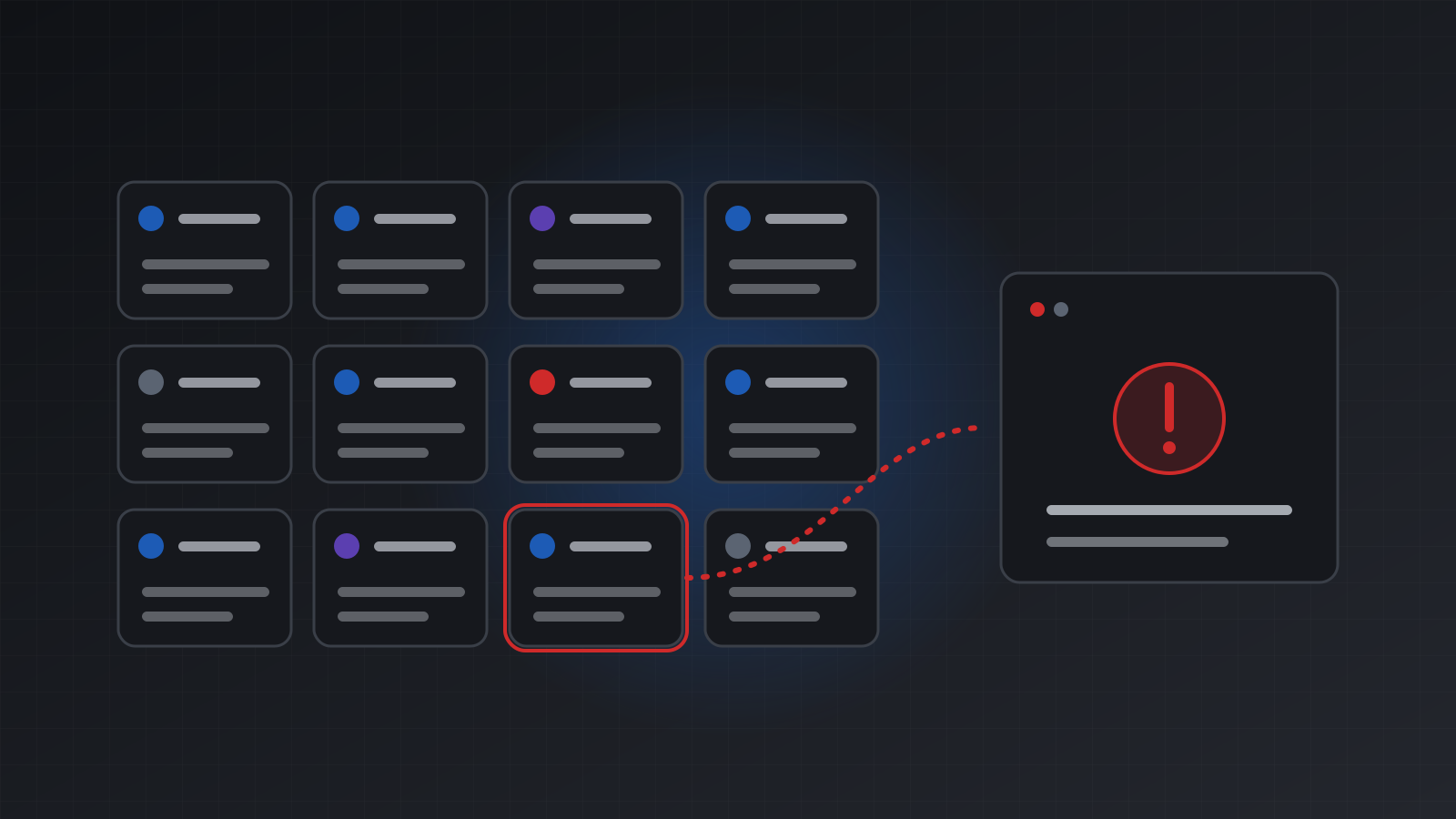
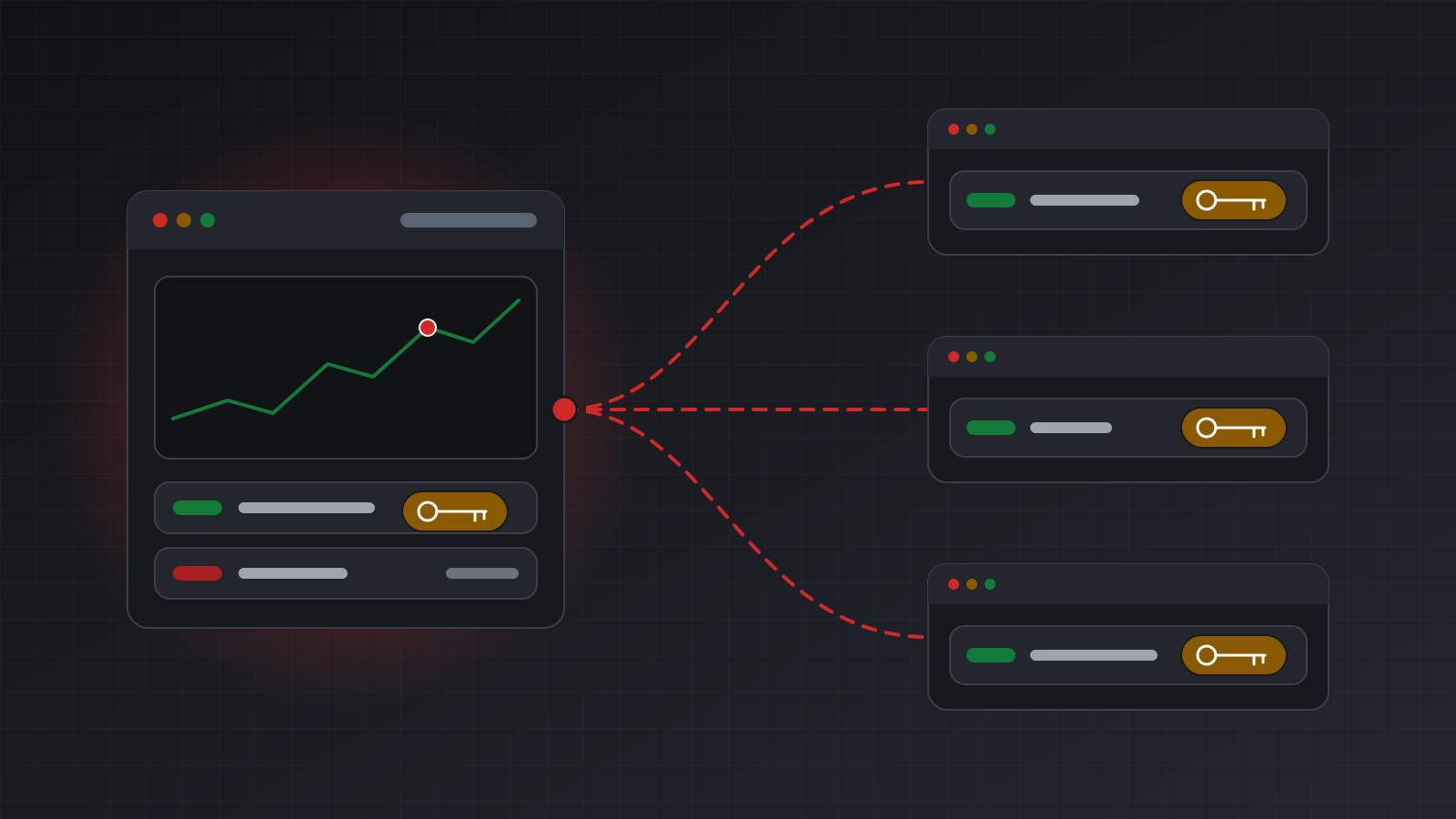
To monitor many MT4 and MT5 accounts from one place, list them all in one call with GET /users/current/accounts, read the health block on each one, and register a webhook for account.health_changed so you hear about a drop without polling. Each account reports healthy, degraded, stale, disconnected or down, measured from reads that worked. An account with no report yet says unknown. Show that as unknown, never as connected.
This post builds a small fleet monitor: one list call, a status table and a webhook receiver. The same code works for MT4 and MT5.
If you want the theory of why “connected” is really three separate facts, read Is your trading bot really connected? first.
The health states, and one more answer
Tickwire measures health from three signals: the broker link the terminal reports, the last good account read, and whether any price is moving.
| Status | Meaning | What to do |
|---|---|---|
healthy | Connected, the account reads, prices move | Nothing |
degraded | Connected and readable, but no price has moved for 30 seconds | Usually a closed market or a paused feed. A market order on a symbol whose price has stopped is refused with quote_stale |
stale | Sent only by older engines. Treat it like degraded | Read normally, and check prices before a market order |
disconnected | No broker link, or no good account read for 60 seconds, or still reconciling after a restart | Usually the broker. Tickwire reconnects on its own |
down | The terminal cannot be read, or the account is not running | Check reason_code, such as ERR_OTP_REQUIRED |
unknown | No health report exists yet | Wait. Do not guess |
The last row matters most on a dashboard. A tile that says “connected” because nothing said otherwise is a lie. A tile that says “unknown” is the truth, and a person can act on it.
One call for the whole fleet
curl -s "https://api.tickwire.io/users/current/accounts?limit=1000" \
  -H "auth-token: $TW_KEY" -H "api-version: 2"
With api-version: 2 the answer is {"count": ..., "items": [...]}. Each item has _id, name, login, server, platform, state, connectionStatus, tags, and a health block:
{
  "_id": "acc_7Qx",
  "name": "prop demo 3",
  "platform": "mt4",
  "state": "DEPLOYED",
  "connectionStatus": "CONNECTED",
  "tags": ["prop", "london"],
  "health": {
    "status": "healthy",
    "connected": true,
    "tradingEnabled": true,
    "reasons": [],
    "checkedAt": "2026-11-07T09:14:02Z",
    "error": null
  }
}
connectionStatus is CONNECTED only when a recent health report says healthy or degraded and confirms the broker link. Otherwise it is DISCONNECTED_FROM_BROKER or DISCONNECTED. health.status is unknown until a report exists, and connected is then null, not false.
The list takes filters, so a large fleet can be cut down: state, connectionStatus (repeat it for more than one), tags, query and region, plus offset and limit up to 1000.
A status table in Python
import os
import requests

TW = "https://api.tickwire.io"
HEADERS = {"auth-token": os.environ["TW_KEY"], "api-version": "2"}

def fleet():
    items, offset = [], 0
    while True:
        r = requests.get(f"{TW}/users/current/accounts", headers=HEADERS,
                         params={"offset": offset, "limit": 1000}, timeout=30)
        r.raise_for_status()
        page = r.json()["items"]
        items.extend(page)
        if len(page) < 1000:
            return items
        offset += len(page)

ORDER = {"down": 0, "disconnected": 1, "unknown": 2, "degraded": 3, "healthy": 4}

rows = []
for a in fleet():
    h = a.get("health") or {}
    status = h.get("status") or "unknown"
    rows.append((ORDER.get(status, 2), status, a["platform"], a["name"],
                 a["state"], "; ".join(h.get("reasons") or [])))

for _, status, platform, name, state, reasons in sorted(rows):
    print(f"{status:<13} {platform:<4} {state:<14} {name:<24} {reasons}")
The worst accounts sort to the top. Anything the code does not recognise is treated as unknown, not as fine.
When to read one account in full
The list shows the last health each account reported. For the details on one account, ask it directly:
curl -s "https://api.tickwire.io/users/current/accounts/$ACC/health" -H "auth-token: $TW_KEY"This adds last_account_read_age_s, last_tick_age_s, prices_live, broker_time, reconciling and restart_recovery. The HTTP code is 200 for healthy and degraded, and 503 for the rest. An account that is not running answers 200 with status: "down", its state and a reason_code. One that is still deploying answers 503 account_deploying with Retry-After. Read the body every time. Do not treat the code alone as the status.
For a full picture in one read, GET /users/current/accounts/{id}/snapshot returns account information, positions, orders, health and server time. Each section has a status of ok, stale or unavailable, and the whole answer has a complete flag. If complete is false, show the gap.
Keep an eye on the rate limits and do not loop over every account every second. Use the list for the overview, the account stream or webhooks for changes, and a full read only when a status changes.
Hear about drops with a webhook
Polling tells you about a drop only on your next poll. A webhook tells you within 60 seconds. Register an endpoint:
curl -s -X POST https://api.tickwire.io/v1/webhooks \
  -H "X-API-Key: $TW_KEY" -H "content-type: application/json" \
  -d '{"url": "https://example.com/hooks/tickwire"}'
Store the secret, which starts with whsec_. Then narrow it to the events a monitor needs:
curl -s -X PATCH https://api.tickwire.io/v1/webhooks/wh_91c \
  -H "X-API-Key: $TW_KEY" -H "content-type: application/json" \
  -d '{"enabledEvents": ["account.health_changed", "account.login_failed", "account.stop_out", "trade.outcome_unknown"]}'
account.health_changed fires when health moves between healthy, degraded, stale, disconnected and down, or when connectionStatus changes. account.login_failed means the broker refused the login, and the payload never contains credentials.
A small receiver:
import hashlib, hmac, json, time

SEEN = set()

def verify(secret, headers, raw_body, tolerance_s=300):
    ts = headers["X-Tickwire-Timestamp"]
    if abs(time.time() - int(ts)) > tolerance_s:
        return False
    expected = hmac.new(secret.encode(), f"{ts}.".encode() + raw_body, hashlib.sha256).hexdigest()
    given = headers.get("X-Tickwire-Signatures") or headers["X-Tickwire-Signature"]
    return any(hmac.compare_digest(expected, s.strip().removeprefix("sha256="))
               for s in given.split(","))

def handle(secret, headers, raw_body):
    if not verify(secret, headers, raw_body):
        return 401
    event_id = headers["X-Tickwire-Event-Id"]
    if event_id in SEEN:
        return 200
    SEEN.add(event_id)
    event = json.loads(raw_body)
    data = event["data"]
    print(event["type"], data.get("account_id"), data.get("previous_status"), "->", data.get("status"))
    return 200
Three rules for the receiver:
- Answer fast. Reply with a 2xx within 5 seconds and do the slow work later.
- Expect repeats. Delivery is at least once, so de-duplicate on
X-Tickwire-Event-Id. - Expect disorder. Events can arrive out of order. Use the event as a trigger to read fresh health, not as the final word.
Failed deliveries are retried for 72 hours, and the delivery log keeps 30 days. After your receiver has been down, re-read the fleet list rather than trusting the events you missed. The webhooks page has the full catalog.
Email for the people, webhooks for the code
You do not need code for the basics. The Account status emails, set under Settings > Email notifications, tell you when an account has been disconnected for more than a few minutes, when it comes back, when a login fails, and when a new account does not connect. The Trading alerts emails cover margin calls, stop outs and orders with an unknown outcome.
For Tickwire itself, the status page shows each part of the service, including MT4 trading and MT5 trading. A part with no check shows as unknown, for the same reason as above.
What monitoring does not do
A green dashboard means the terminals are working. It does not mean the strategies on them are working. Watch drawdown and results separately. No monitor makes a strategy profitable. If you run tools for many traders, the MetaTrader API for prop firm tools page covers the account reads they need.
Frequently asked questions
How do I list all my MT4 and MT5 accounts in one call?
Call GET /users/current/accounts with the api-version 2 header. You get a count and an items list, and each item has a health block. Page with offset and limit, up to 1000 a page.
What does unknown mean on an account?
No health report exists yet, often right after an account is added or a terminal restarts. Show it as unknown and wait. Never show it as connected.
What is the difference between degraded and disconnected?
Degraded means the account is connected and readable, but prices have not moved for 30 seconds, often because the market is closed. Disconnected means there is no broker link or no good account read for 60 seconds.
Do I have to poll every account?
No. Use the list for an overview, and a webhook for account.health_changed to hear about changes within 60 seconds.
Does this work the same for MT4 and MT5?
Yes. Health, the account list and the webhook events use the same fields on both platforms.
Can I get alerts without writing code?
Yes. Turn on Account status emails under Settings > Email notifications. They cover disconnects, reconnects, failed logins and accounts that never connect.
Trading carries risk, and you can lose money. This post explains software and how it behaves; it is not investment advice.