Hosted terminals vs MetaTrader on a VPS
Running MT4 or MT5 on your own VPS or using a hosted terminal API: an objective comparison of cost, control, maintenance and monitoring.
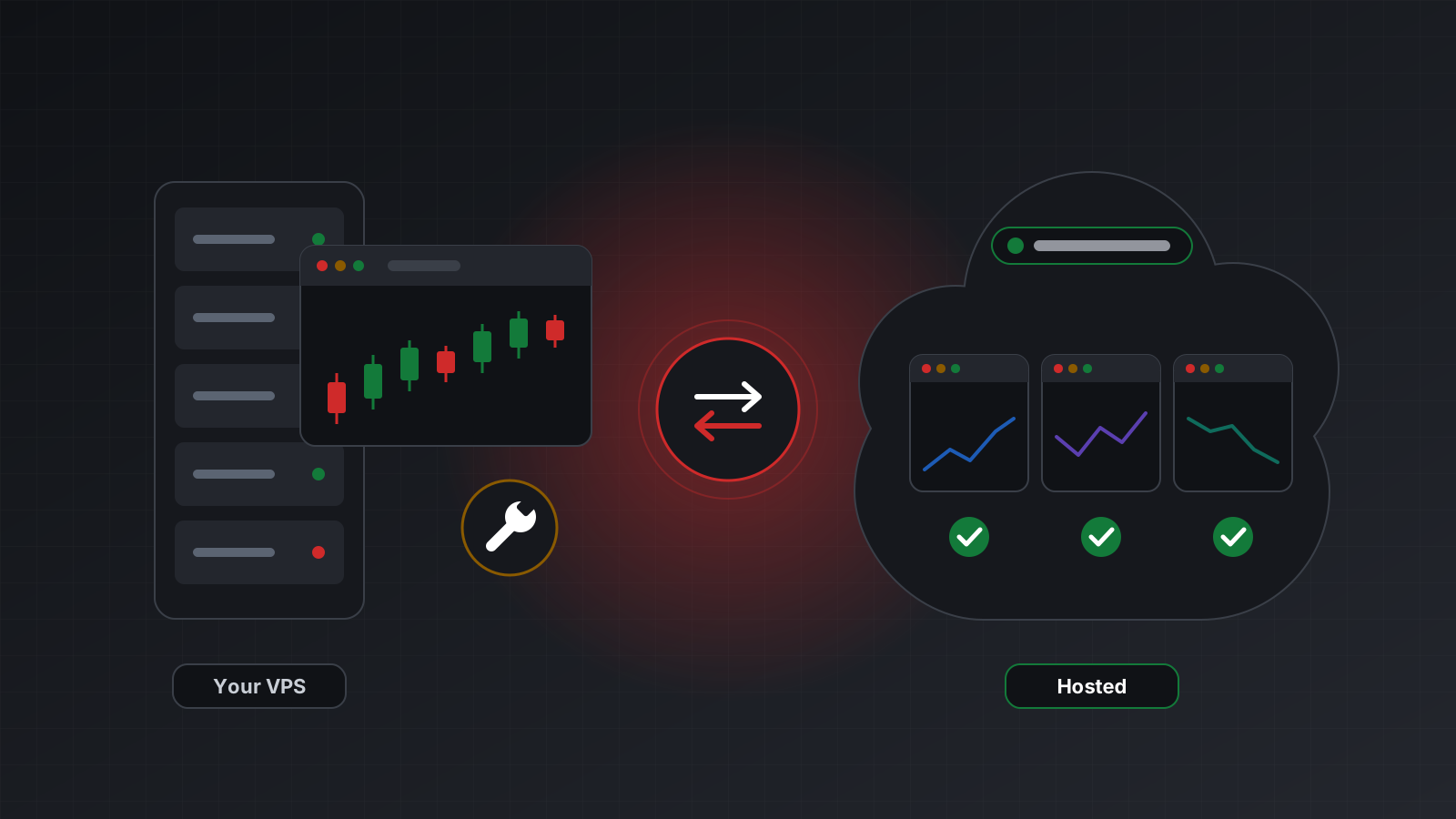
An automated strategy needs a MetaTrader terminal that stays logged in while you sleep. Your laptop won’t do that. So sooner or later every algorithmic trader picks a home for the terminal, and the two common choices are a VPS you run yourself or a hosted terminal you reach through an API.
Both are reasonable. They suit different people, different strategies and different numbers of accounts. This post compares them on the four things that usually decide it: cost, control, maintenance and monitoring.
What each option is
A VPS (virtual private server) is a computer you rent in a data centre, usually running Windows. You connect with remote desktop, install MetaTrader 4 (MT4) or MetaTrader 5 (MT5), log in to your broker account, and leave it running. Everything on the machine is yours to configure. The terminal also offers a built-in virtual hosting rental of its own, aimed at keeping trading robots and signal subscriptions running around the clock.
A hosted terminal is a real MT4 or MT5 terminal that a provider runs for you, one per trading account. You never see its desktop. Instead your code talks to it through a REST API (web addresses you call with ordinary HTTP requests) and often a WebSocket, a connection that stays open so prices and account events arrive as they happen.
The underlying terminal is the same program in both cases. What changes is who looks after it, and how your strategy reaches it.
Four things to compare
Most decisions come down to the same four questions: what it costs, how much you control, who keeps it running, and how you find out when it stops.
Cost
A VPS has a monthly server fee, often with the Windows licence included. One server can run several terminals at once, so the cost per account falls as you add accounts, until memory or processor runs out. Each terminal needs a share of memory, and more if it has many charts open.
The fee is not the whole cost. Someone has to set the machine up, keep it patched and fix it when something breaks. If that someone is you, your time is part of the price.
A hosted terminal usually costs a fixed fee per account per month. The cost grows in a straight line with the number of accounts. There is nothing to set up and no server to size.
A rough rule of thumb:
- For many accounts on one strategy, a well-run VPS can work out lower per account, provided you are comfortable running it.
- For a handful of accounts, or for teams that would rather not run Windows servers, a per-account fee is often simpler to reason about.
Work it out for your own numbers. Count the hours, not just the invoice.
Control
A VPS gives you full control. You choose the Windows version, the terminal build and every setting. You can open charts and trade by hand. You can run MQL programs (automated strategies running inside the terminal), custom indicators and the official MetaTrader 5 Python library on the same machine. If your strategy already lives inside the terminal, a VPS is its natural home.
A hosted terminal gives you an interface instead of a desktop. You can do what the API offers: read the account, stream prices, place, change and close orders, fetch history. Your strategy runs in your own code, written in any language and running anywhere. You give up the desktop in exchange for not having to manage it.
Questions to ask yourself:
- Does my strategy live inside the terminal, as an MQL program, or outside it, as Python or another language?
- Do I need to look at the terminal’s charts and trade manually on this account?
- Do I want my code to run on a Mac, Linux or a cloud service rather than on Windows?
- Do I want an AI agent to work with the account? That needs an API either way.
Maintenance
This is where the two differ most in day-to-day life.
On a VPS, these are yours:
- Windows updates, including the ones that reboot the machine overnight.
- Terminal updates, which arrive on their own and restart the terminal.
- Making sure the terminal starts again after a reboot, logs back in and reopens its charts.
- Disk space, log files and memory leaks over weeks of uptime.
- Remote desktop security: strong passwords, limited access, no exposed ports you don’t need.
- Your own HTTP service, if you built one so outside code can reach the terminal.
None of this is hard on its own. Together it is a small part-time job, and it tends to need attention at awkward hours.
On a hosted terminal, the provider handles the machine, the terminal and its restarts. Your maintenance is your own code: its dependencies, its deployment and its error handling.
Monitoring
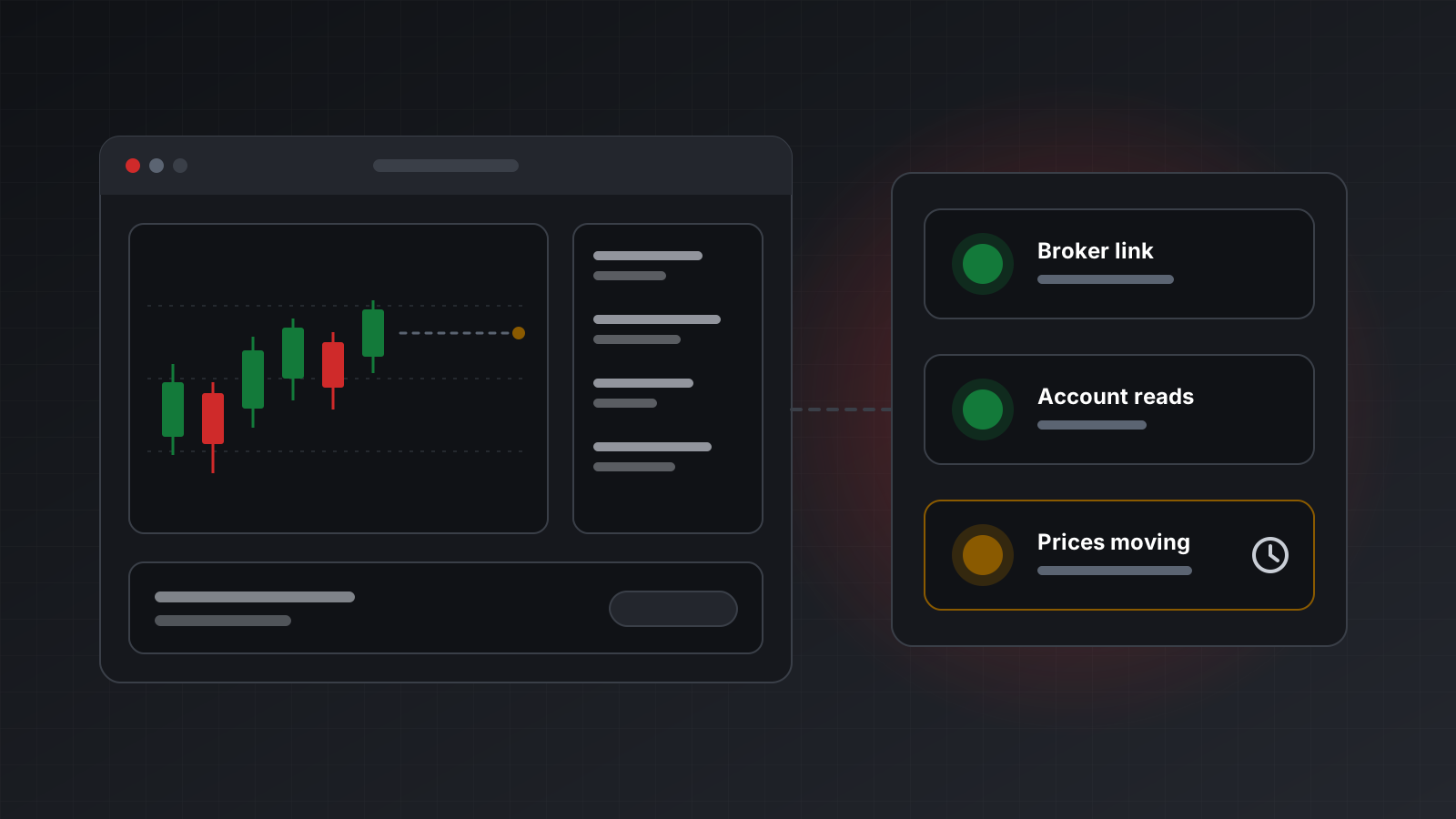
A terminal that is running is not the same as a terminal that is working. It can be:
- running but logged out, after a password change or a broker restart,
- running but stuck on a dialog that nobody clicks,
- connected to the broker while the price feed has stopped,
- connected, with trading disabled for the account.
A check that only asks “is the terminal process alive?” passes in all four cases. Good monitoring asks for evidence: when was the account last read successfully, and when did a price last move?
On a VPS you build this yourself. You need a check that reads the account, a check that watches prices, a way to tell a closed market from a dead feed, and an alert that reaches you. Weekends and holidays make it harder, because prices stop moving there for good reason.
On a hosted terminal, look for a provider that reports health from evidence rather than from the process alone, and that can push alerts to you. Then test that claim before you rely on it.
Side by side
| Your own VPS | Hosted terminal | |
|---|---|---|
| Cost model | Monthly server fee, shared by its terminals | Fee per account per month |
| Your time | Setup, patches, restarts | Your own code only |
| Desktop and charts | Yes | No |
| MQL programs inside the terminal | Yes | Built for code outside it |
| Code on Mac, Linux or cloud | Only with your own HTTP service | Yes |
| Health and alerts | You build them | Reported by the provider |
| Scaling to more accounts | Add terminals until the server is full | Add accounts |
Neither column wins everywhere. A trader with one MQL strategy and some Windows experience may be happiest on a VPS. A developer running Python strategies across several accounts may prefer not to own any Windows machines at all. Some people use both: a VPS for an inside-the-terminal strategy, a hosted API for everything their own code does.
Doing this with Tickwire
Tickwire is a hosted terminal service. It runs one real MT4 or MT5 terminal per trading account and gives your code one REST and WebSocket API for both platforms, so nothing needs installing on Windows.
Health is measured from work that succeeded: the broker link, the last successful account read, and
whether prices are moving. A closed market shows as connected with no moving prices, not as a
failure. See health for the fields, and webhooks to be told
when an account disconnects. Every order takes an Idempotency-Key and every change is recorded in
an audit log with who made it and why.
Pricing starts at $12 per account a month on a shared address, or $14 with a dedicated address of your own that is never reassigned to anyone else. There is a 7-day free trial; see pricing. If you already call another MetaTrader API, switching means changing a base URL and a key.
Checklist
- Decide where your strategy lives: inside the terminal or in your own code.
- Price your time, not only the server or subscription.
- If you run a VPS, plan for Windows updates, terminal restarts and remote desktop security.
- Monitor from evidence: last account read and last price move, not just “process alive”.
- Make sure alerts reach you outside working hours.
- Practise on a demo account before you risk money, whichever home you choose.
Trading carries risk, and you can lose money. This post explains software and how it behaves; it is not investment advice.