Is your trading bot really connected?
A running MetaTrader terminal is not a working one. How to tell connected from merely alive, using the broker link, account reads and price movement, on MT4 and MT5.
A trading bot that thinks it is connected when it isn’t is worse than one that knows it is down. The down bot stops. The confused bot keeps deciding, keeps sending orders that fail, or keeps trading on a price that stopped updating an hour ago.
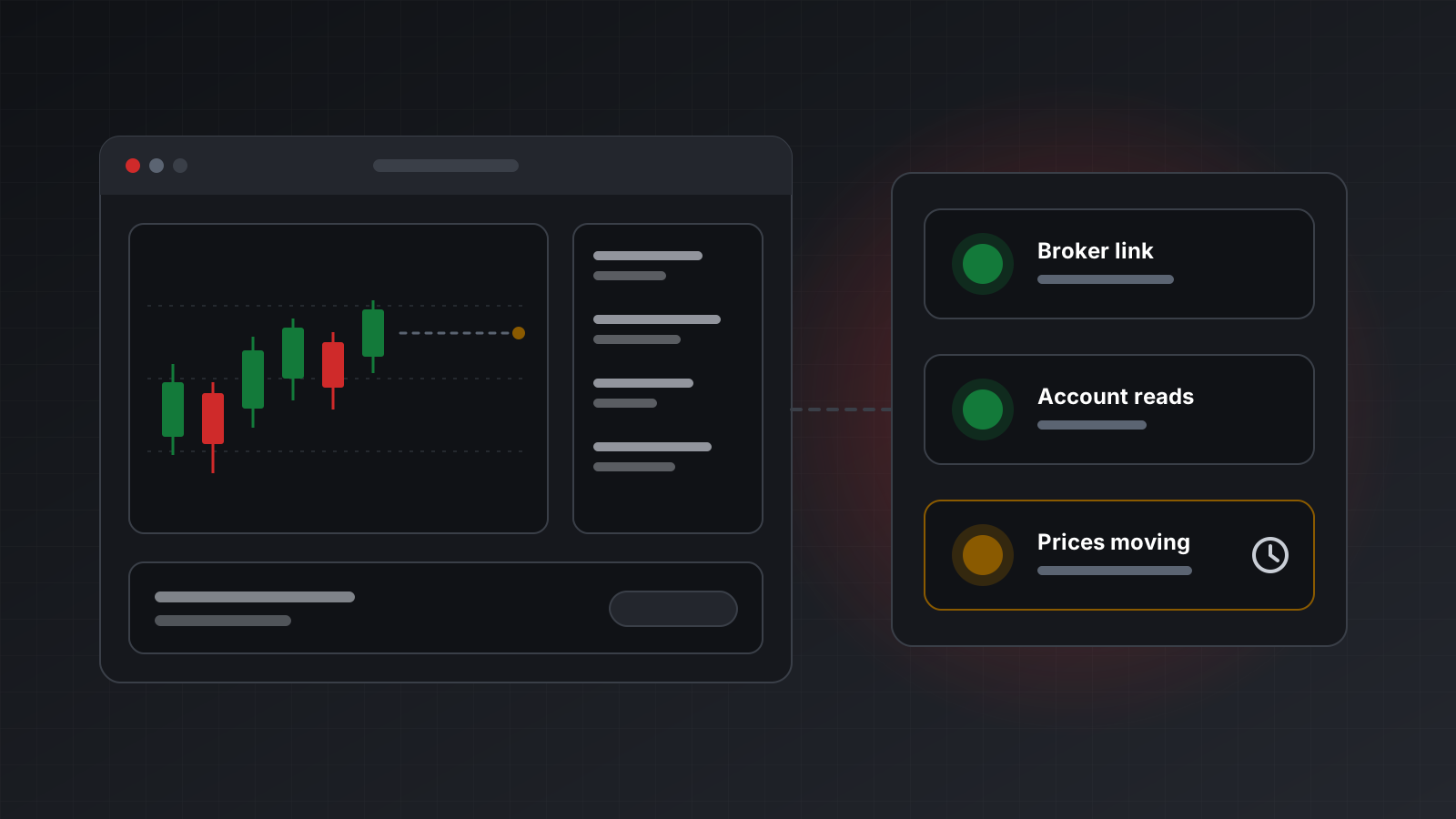
“Connected” sounds like one yes-or-no fact. In MetaTrader it is at least three separate facts, and each one can be true while the others are false. This post explains what can go wrong, which signals to check, and how to turn them into one honest answer.
Everything here applies to both MetaTrader 4 (MT4) and MetaTrader 5 (MT5).
Alive is not the same as working
The usual health check is “is the process running?” or “does the API answer?”. Both can say yes while the bot is useless. Real cases that look healthy from the outside:
- The terminal is running but logged out. The broker rejected the password, or the session expired, and the terminal sits there quietly.
- A dialog is waiting. The terminal is stuck on a prompt, such as a password change or a one-time code, that nobody will ever click.
- The broker link is up, but the feed has stopped. The socket is open, the account answers, and the price has not moved for an hour.
- The login is read-only. MetaTrader accounts have an investor password that can see everything and trade nothing. A bot logged in with it gets every read right and every order refused.
- Algorithmic trading is switched off in the terminal, so orders from an automated strategy running inside it are blocked.
- The quote is ancient. Right after login, some servers hand out a cached quote that can be years old. It looks like a price. It isn’t one.
Each of these breaks a different part of the bot, which is why one “connected” flag is not enough.
Three signals, measured separately
A useful health check measures work that succeeded, not just a process that exists. Three independent signals cover the cases above:
- The broker link. The connection state the terminal itself reports. In MQL this is
TerminalInfoInteger(TERMINAL_CONNECTED); in the official MetaTrader 5 Python library it isterminal_info().connected. - Account reads. When the account was last read successfully: balance, equity, positions. A fresh read shows the broker is actually answering, not just that a socket is open.
- Price movement. Whether any symbol’s tick time has moved forward recently. Not whether a price exists, but whether it is changing.
On top of those, check permission to trade separately. TERMINAL_TRADE_ALLOWED tells you whether the terminal allows automated trading, and AccountInfoInteger(ACCOUNT_TRADE_ALLOWED) is false for an investor login. The client terminal properties page in the MQL5 reference lists these flags.
| Signal | Catches | Doesn’t catch |
|---|---|---|
| Broker link | Logged out, network down | Frozen feed, read-only login |
| Account reads | A link that is open but not answering | Frozen feed |
| Price movement | Frozen feed, ancient cached quotes | Read-only login |
| Trade permission | Investor login, trading switched off | Everything above |
A quiet market is not an outage
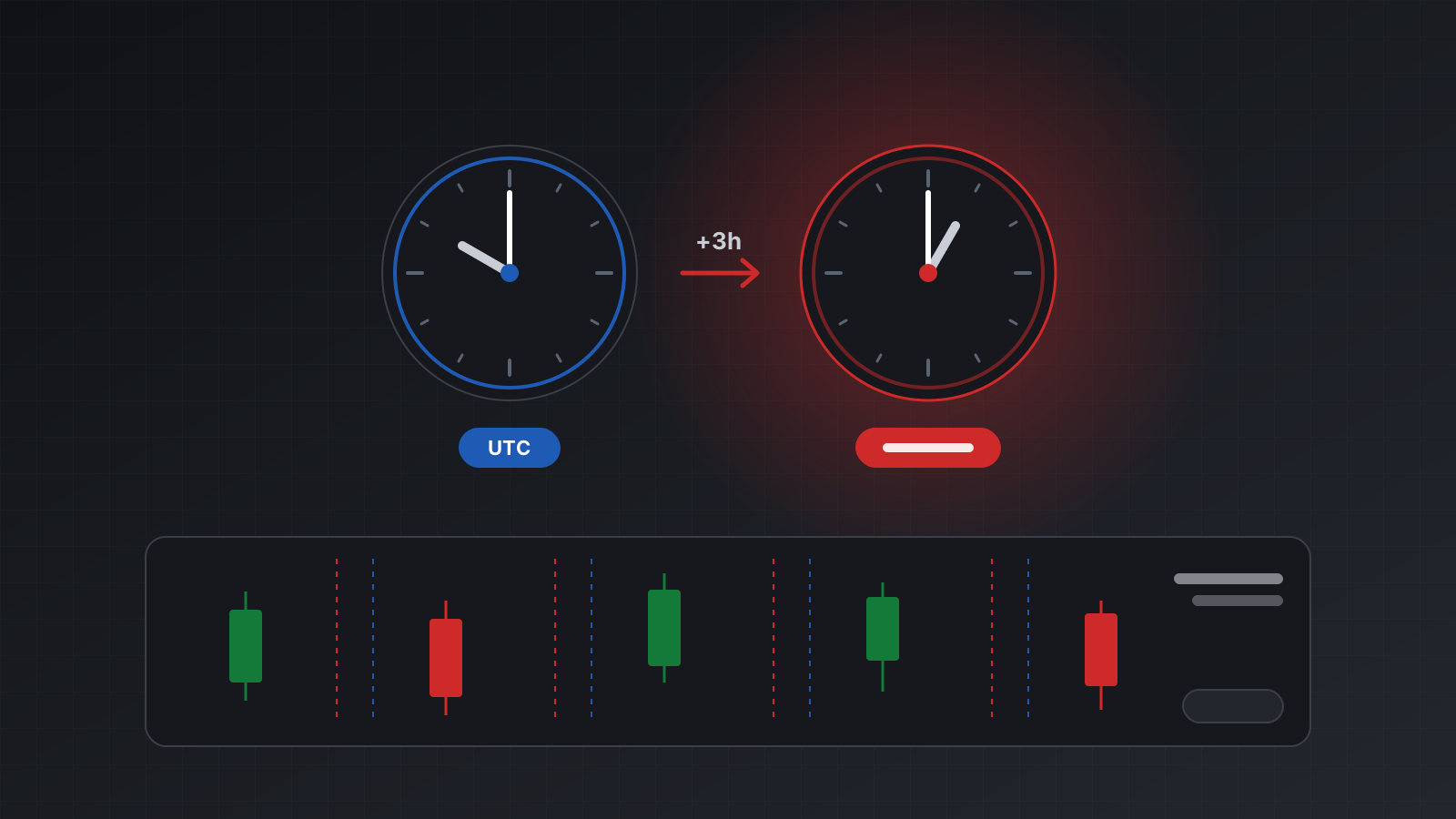
Price movement needs care, because prices also stop for good reasons. Forex closes at the weekend. Stock CFDs close overnight. A crypto symbol may trade on Saturday while everything else is still.
So “no prices moving” should not be reported as “down”. The account is still connected. It is just quiet. If your monitoring raises an alarm every Friday night, you will learn to ignore alarms, and then you will ignore the real one.
A few rules that work:
- Check every symbol in the Market Watch (the list of symbols the terminal follows), not one pair. One pair can be closed while others trade.
- Report “connected, no live prices” as its own state, with the reason in words.
- Don’t guess from a calendar. Holiday hours, broker-specific sessions and crypto make calendars wrong. Measure instead.
- Treat a quote older than a few days as no quote at all.
For the bot itself the rule is simpler: don’t trade on old prices. Before you send an order, check that the price you based it on is fresh.
When you can’t tell, say “unknown”
Sometimes a measurement is missing. The terminal didn’t answer the health probe in time. The service just restarted and hasn’t read the account yet. In that moment you don’t know whether the bot is connected.
The honest answer is unknown, and a bot should treat unknown like disconnected: don’t send new orders until you know more. The dangerous move is to fill the gap with the last known value. “It was connected a minute ago” is how a bot ends up trading through an outage.
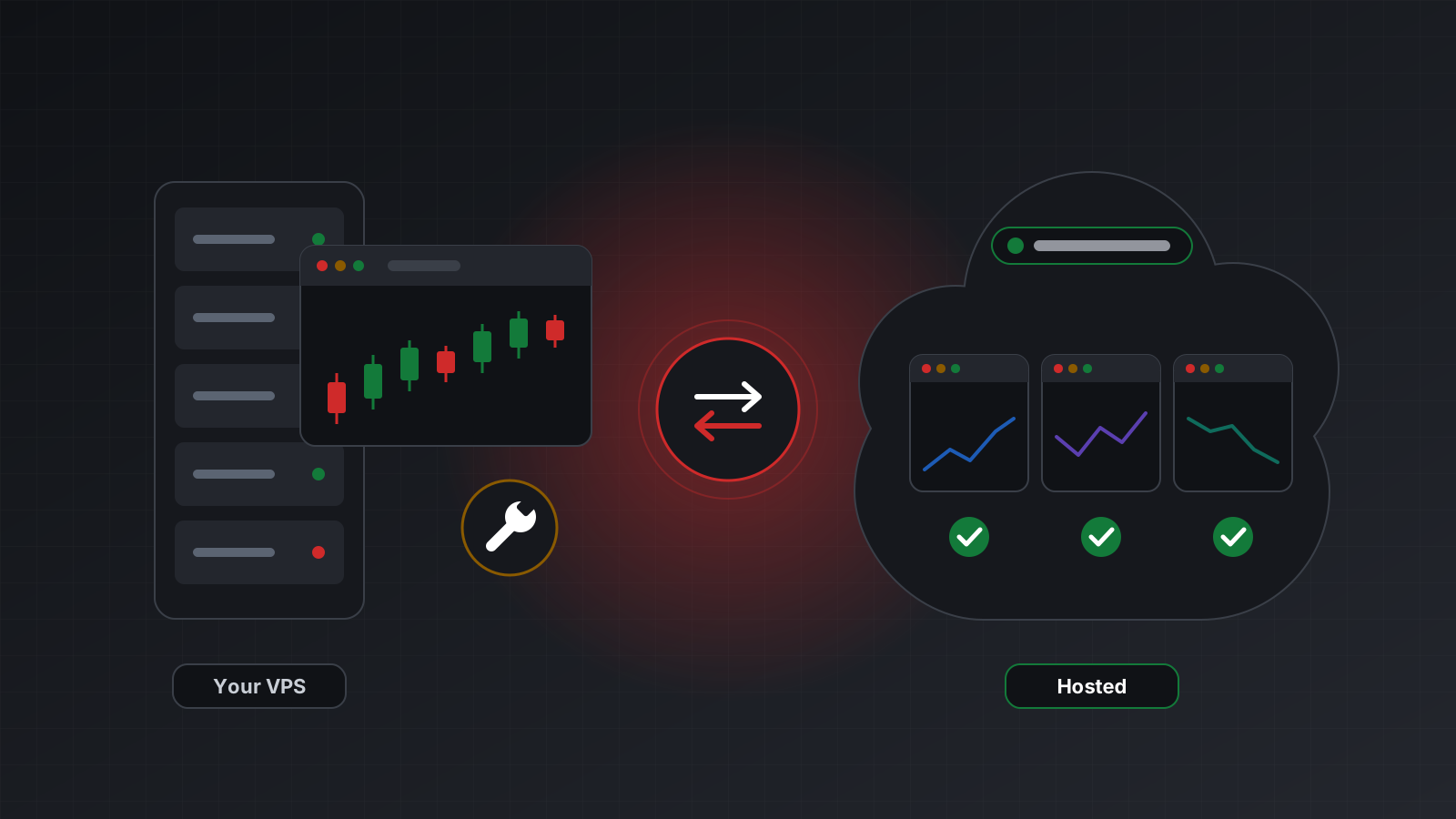
The same goes for restarts. After a restart, an order that was in flight may or may not have filled. Until positions and orders have been read again, the account should not report itself healthy. Tickwire’s health stays disconnected with reconciling: true in exactly that window. See a retry should never place a second trade for why this matters.
A pre-trade health gate in Python
Here is a gate a bot can call before every new order. It reads Tickwire’s health snapshot with requests and refuses unless all the evidence is good.
import requests

TW = "https://api.tickwire.io"
TOKEN = "tw_live_..."
ACCOUNT = "<ACCOUNT_ID>"

MAX_PRICE_AGE_S = 10        # your own threshold, stricter than the default

def ready_to_trade() -> tuple[bool, str]:
    try:
        r = requests.get(f"{TW}/users/current/accounts/{ACCOUNT}/health",
                         headers={"auth-token": TOKEN}, timeout=10)
        h = r.json()
    except (requests.RequestException, ValueError):
        return False, "health unknown: no answer"

    if h.get("status") != "healthy":
        return False, f"status {h.get('status')}: {'; '.join(h.get('reasons') or [])}"
    if not h.get("trading_enabled"):
        return False, "connected, but trading is not enabled (investor login or switched off)"
    if h.get("prices_live") is not True:
        return False, h.get("prices_reason") or "prices not confirmed live"
    age = h.get("last_price_age_s")
    if age is None or age > MAX_PRICE_AGE_S:
        return False, f"newest price is {age} s old"
    return True, "ok"

ok, why = ready_to_trade()
if not ok:
    print("pausing:", why)      # skip this signal, don't queue it blindly
Notice what the gate does with missing values. A None age, a null for prices_live, or no answer at all all mean “not ready”. Nothing missing is ever read as fine.
Push instead of poll
Polling before each order is the minimum. For a bot that runs around the clock, it also helps to be told when things change:
- A stream. On a WebSocket, a health update arrives whenever it changes, and a heartbeat comes at regular intervals. If the heartbeat stops, your side of the link is the problem, and your bot’s own state is now
unknown. - Webhooks. A webhook is an HTTP call to your server when something happens. A health-change webhook lets a small service page you, or pause a strategy, without the bot polling at all.
- Ages, not just flags. Keep the age of the last account read and the last price in your own logs. When something goes wrong at 3 a.m., those numbers tell you which signal failed first.
Checklist
- Health is measured from work that succeeded, not from a running process.
- The broker link, account reads and price movement are checked separately.
- Permission to trade is checked on its own: investor logins and switched-off trading.
- A quiet market is reported as quiet, not as down.
- Missing evidence means
unknown, andunknownmeans no new orders. - After a restart, nothing is healthy until positions and orders are read again.
- The bot checks price age before every order.
- Practise on a demo account before you risk money, and unplug the network once on purpose to see what your bot does.
Doing this with Tickwire
Tickwire runs one real MT4 or MT5 terminal per account and reports health from the three signals above. The /users/current/accounts/{id}/health route answers healthy, disconnected or down with plain-language reasons and the ages behind them, and agents get connected, disconnected or unknown with the evidence. It never reports connected without evidence, and a closed market stays healthy with prices_live: false.
- Health documents every field, the account snapshot and accounts that aren’t running.
- Streaming covers
healthandbrokerConnectionStatusframes. - Webhooks covers
account.health_changed, sent on every transition.
Trading carries risk, and you can lose money. This post explains software and how it behaves; it is not investment advice.