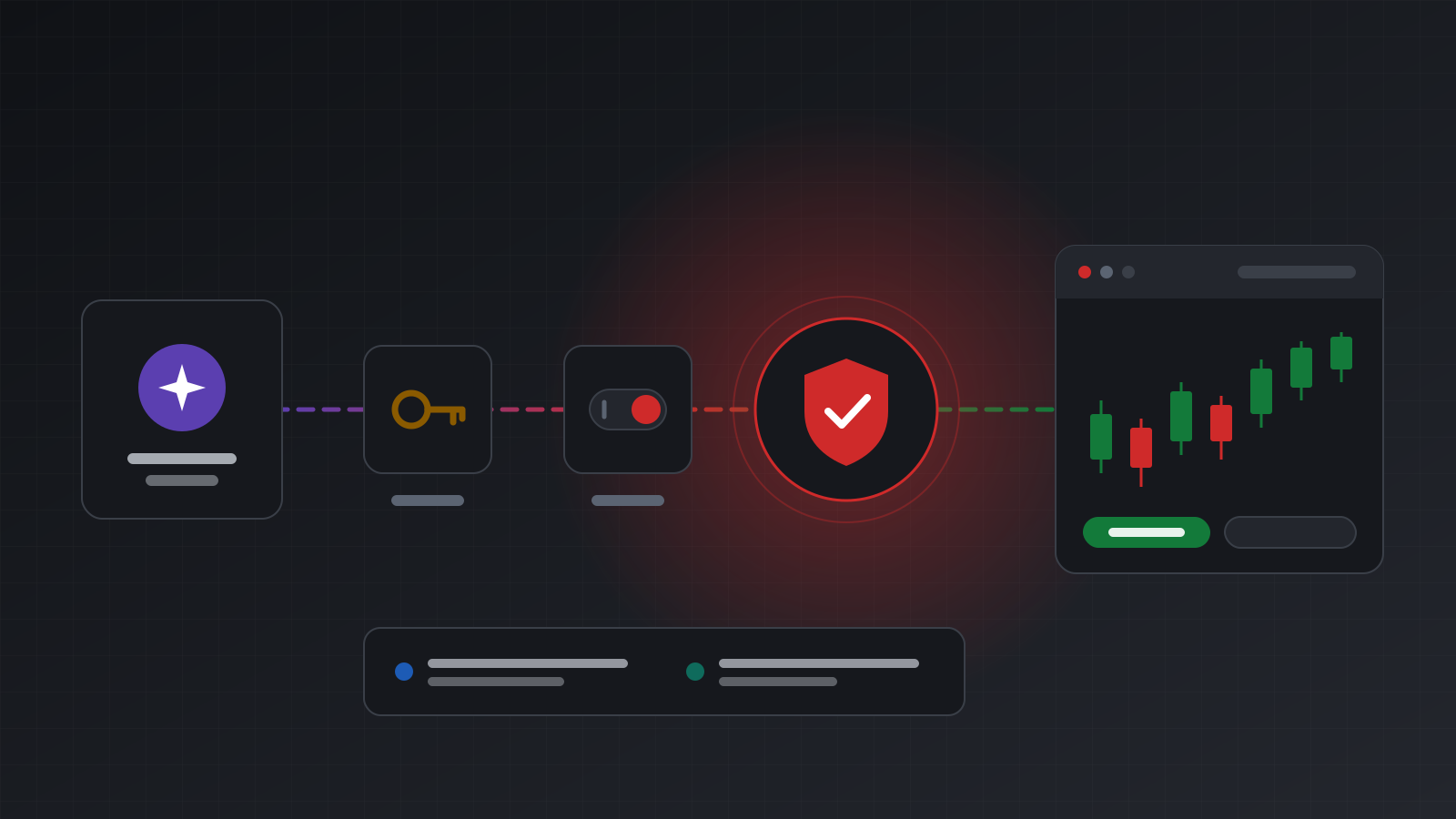
A retry should never place a second trade
Why a timed-out order request may still have filled, and how idempotency keys, an honest unknown result and careful reconciling keep a retry from opening a second position.
Every trading bot eventually sends an order and gets no answer. The request times out, the Wi-Fi drops, the server restarts. The obvious fix is to send the order again. That obvious fix is how traders end up with two positions where they wanted one, or four where they wanted two.
The problem is simple to state. A timeout tells you that you did not hear back. It does not tell you whether the broker received the order. Your retry logic has to work without knowing which of those happened.
This post explains why that is, what an idempotency key does about it, and how to write a retry loop that cannot double your position.
Why a timeout doesn’t mean “nothing happened”
An order travels a long way. Your code sends an HTTP request to an API. The API passes the order to a MetaTrader terminal. The terminal sends it to the broker’s trade server, which fills it and sends a confirmation back along the same path. A failure can happen at any step:
- Before the order left your side. Nothing reached the broker. A retry is safe.
- After the broker filled it, on the way back. The position is open. A retry opens a second one.
- While the terminal was waiting for the broker. MetaTrader itself can’t tell. MT5 has a return code for exactly this,
TRADE_RETCODE_CONNECTION, and MT4 has “trade timeout” and “trade context busy”. The order may or may not have executed.
From the outside, all three look the same: no answer. So a retry rule like “if it failed, send it again” is only safe in the first case, and you can’t tell which case you are in.
A position here means an open trade on the account. A lot is the unit of trade size; on most forex symbols one standard lot is 100,000 units of the base currency. Doubling a position by accident doubles the risk you meant to take.
What an idempotency key does
An operation is idempotent when doing it twice has the same effect as doing it once. Placing an order is not naturally idempotent. An idempotency key makes it so.
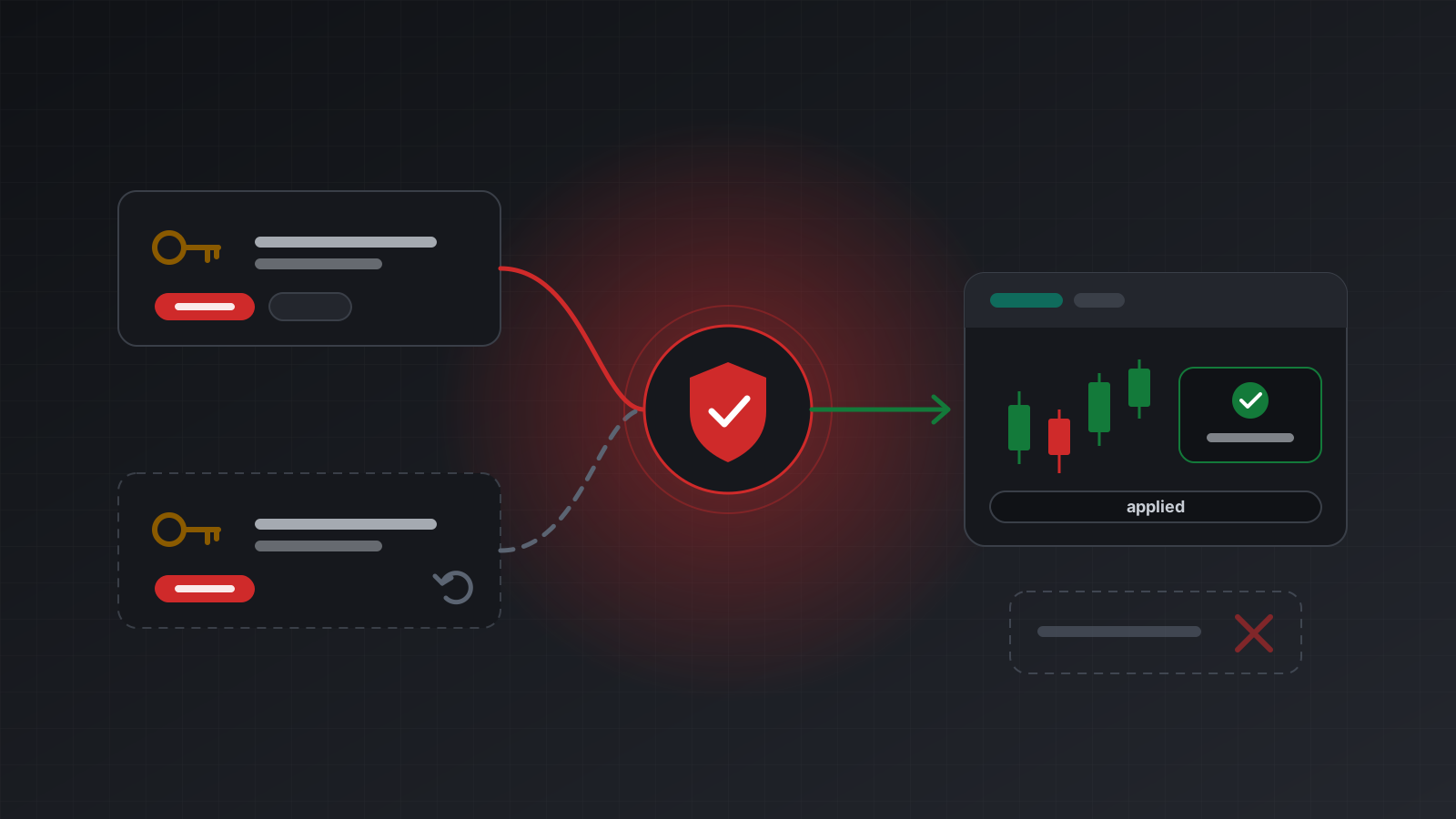
The idea: you attach a unique key to the request, for example in an Idempotency-Key header. The server remembers each key and the result it produced. If the same key arrives again, the server does not send the order to the broker a second time. It returns the stored result.
On Tickwire, the rules look like this (from the idempotency docs):
| You send | You get |
|---|---|
| A new key | The order is sent once, and the result is stored against the key |
| The same key and the same body | The stored result, with the header Idempotent-Replayed: true. Nothing is sent again |
| The same key and a different body | 409 idempotency_conflict. You probably reused a key by mistake |
| The same key while the first call is still running | 409 idempotency_in_flight with Retry-After. This request did nothing; the first one may still execute |
The Idempotent-Replayed header matters. It lets your code tell a replay from a fresh execution without comparing bodies.
Make keys from your own ids
The key only protects you if the retry uses the same key as the first attempt. That sounds obvious, but the most common mistake is generating a fresh random key inside the retry loop. Every attempt then looks like a new order.
Good keys are deterministic: built from ids your system already has, so that a crashed worker that restarts produces the same key for the same decision.
- A signal-driven bot: signal id plus account id, such as
sig-4411-acc_7Qx. - A trade copier: the source deal id plus the target account id.
- A strategy that rebalances: the strategy name, the bar time it acted on, and the account.
Avoid keys built from the current time, a random number per attempt, or anything else that changes between attempts. If you truly want two identical orders, give each one its own key on purpose.
Keys expire. On Tickwire a stored result is kept for 24 hours, after which the key can be used for a new request. That is long enough for any sensible retry window.
The answer can be “unknown”
Even with a key, there is one case left. The terminal sent the order, and the broker link dropped before the confirmation came back. Nobody knows yet whether it filled.
A careful API should say so plainly instead of guessing. Tickwire order responses carry the broker’s code (numericCode, stringCode) and an outcome:
applied: it happened. The broker confirmed it, or the result was found in the terminal.no_change: nothing needed doing, such as closing a position that’s already closed.partial: part of the volume was filled.rejected: the broker refused it. Nothing happened.unknown: it can’t be confirmed either way. It may have executed.
When the link drops mid-order, Tickwire checks the terminal’s positions, orders and deals for the request before it answers. Only when that check can’t settle it do you see unknown.
What to do with unknown:
- Never retry with a new key. That is the exact path to a double position.
- Retry with the same key after a few seconds. The server re-checks before doing anything.
- Or reconcile yourself: read open positions and recent deals, and match on your own client id.
If the terminal connection itself restarted in the middle of an order, the key stays unknown until it expires. It is never sent again, and it is never quietly turned into applied. Health also stays not healthy until positions and orders have been read again, so your bot gets a clear signal to wait.
A retry loop that can’t double up
Here is a small Python loop using the requests library. It retries network errors and “try again later” answers, always with the same key, and stops on anything final.
import time
import requests

TW = "https://api.tickwire.io"
TOKEN = "tw_live_..."           # your API key
ACCOUNT = "<ACCOUNT_ID>"

FINAL = {"applied", "no_change", "partial", "rejected"}

def place_order(signal_id: str, order: dict) -> dict:
    key = f"sig-{signal_id}-{ACCOUNT}"          # same key on every attempt
    headers = {
        "auth-token": TOKEN,
        "Idempotency-Key": key,
        "X-Actor": "signal-bot",
        "X-Reason": f"signal {signal_id}",
    }
    url = f"{TW}/users/current/accounts/{ACCOUNT}/trade"

    for attempt in range(6):
        try:
            r = requests.post(url, json=order, headers=headers, timeout=20)
        except requests.RequestException:
            time.sleep(min(2 ** attempt, 30))   # network error: same key is safe
            continue

        body = r.json()
        code = body.get("code") or body.get("error")

        if r.status_code == 200:
            if body.get("outcome") in FINAL:
                return body
            time.sleep(5)                       # "unknown": ask again, same key
            continue
        wait = r.headers.get("Retry-After")
        if r.status_code in (429, 502, 503) or (r.status_code == 409 and wait):
            time.sleep(int(wait) if wait else min(2 ** attempt, 30))
            continue                            # in flight, rate limit, not connected
        raise RuntimeError(f"order refused: {r.status_code} {code}")

    # Still unresolved: hand over to reconciliation, never to a new key.
    raise RuntimeError(f"outcome unresolved for key {key}; reconcile before acting")
A few details worth noticing:
- The key is built once, outside the loop.
POST /tradeanswers HTTP 200 even when the broker rejects, so the code readsoutcomerather than trusting the status code alone.502and503answers are retried with the same key. A503 not_connectedwas never sent at all.- A
409withoutRetry-Afteris a conflict (a reused key with a different body). That is a bug to fix, not something to retry. - The loop gives up by raising, not by inventing a new key. A person or a reconciliation job decides what happens next.
The order body itself can carry clientId. On the /users/current/.../trade endpoint, clientId works as the key if you don’t send the header, and it shows up on positions and deals, which makes the next step easy.
Reconciling when the answer stays open
Reconciling means comparing what you think happened with what the account shows. After an unresolved order:
- Wait until the account’s health is back to healthy.
- Read open positions and pending orders, and look for your
clientId. - Read recent deals (the fills), again matching on
clientId. - If you find it, record it as filled. If you can prove it isn’t there, you may decide to send a fresh order, with a fresh key, as a new decision.
The account snapshot returns account information, positions, orders, health and server time in one call, which is handy here. A match on symbol, side and volume alone is evidence, not proof: another request may have opened a position that looks the same. Your own id is the reliable link.
Checklist
- Every order call carries an idempotency key.
- Keys come from your own ids, never from the clock or a fresh random value per attempt.
- Retries reuse the key. Always.
unknownmeans “may have executed”. It never triggers a new key.409withRetry-Aftermeans wait;409without it means a bug.- Every order carries a client id you can find later on positions and deals.
- Practise the failure paths on a demo account before you risk money, so you have seen a timeout and an
unknownbefore they matter.
Doing this with Tickwire
Every Tickwire order route takes an Idempotency-Key, the same key returns the first result instead of a second order, and an order that can’t be confirmed is reported as unknown. Every change is also written to an audit log with who sent it (X-Actor) and why (X-Reason).
- Idempotency and trade outcomes has the full rules, including restarts mid-order.
- The sandbox has magic logins that produce an unconfirmed order, a rejection or a disconnect, so you can test your loop.
- The trading bot guide puts this together with streaming and health checks.
Trading carries risk, and you can lose money. This post explains software and how it behaves; it is not investment advice.