MetaTrader5 package functions as REST calls
Call a MetaTrader 5 API from Python on Linux or macOS with plain HTTP. A map from each MetaTrader5 package function to its REST route, with working code.
To use a MetaTrader 5 API from Python without Windows, call a hosted MT5 terminal over HTTPS instead of importing the official MetaTrader5 package. The official package only runs on Windows next to an open terminal. With a hosted API such as Tickwire, the terminal runs in the cloud and stays logged in, and your Python code uses the requests library on Linux, macOS or Windows. Each package function, such as account_info() or order_send(), has a matching REST route that returns JSON.
If you want the background on why the package needs Windows, and how a VM or VPS compares, read why pip install MetaTrader5 fails on a Mac or Linux. For the overview of the MT5 Python API, see its own page. This post skips that and goes straight to the code: which route replaces which function, and the few habits that keep a script safe.
Set up in one minute
You need Python 3 and requests. There is no MetaTrader package to install.
python3 -m pip install requestsGet a key and a connected demo account from the free sandbox. It needs no sign in and no card:
curl -s -X POST https://api.tickwire.io/v1/sandbox/signup \
  -H "content-type: application/json" -d '{"platform": "mt5"}'
The answer holds an apiKey that starts with twsk_ and an account.id. The key is shown once. Put both in environment variables:
export TW_KEY=twsk_...
export TW_ACCOUNT=acc_...
Now a tiny client:
import os
import requests

BASE = "https://api.tickwire.io/users/current/accounts/" + os.environ["TW_ACCOUNT"]
AUTH = {"auth-token": os.environ["TW_KEY"]}

def get(path, **params):
    r = requests.get(BASE + path, headers=AUTH, params=params, timeout=15)
    r.raise_for_status()
    return r.json()

print(get("/account-information"))
That prints the balance, equity, free margin, leverage and currency as JSON. That is the whole setup.
No initialize() and no login()
With the official package, every script starts with initialize() and often login(). Your script holds the broker password and the terminal must be open on the same machine.
On Tickwire you give the broker password once, when you add the account. It is write only and never comes back. The hosted terminal logs in and stays logged in. Your script only holds a Tickwire API key. There is no shutdown() either, because each request is a plain HTTPS call.
To check that the terminal really reached the broker, read health instead of trusting a return value:
r = requests.get(BASE + "/health", headers=AUTH, timeout=15)
h = r.json()
print(r.status_code, h["status"], h.get("connected"), h.get("last_tick_age_s"))
status is healthy, degraded, disconnected or down. The route answers 200 for the first two and 503 for the others, so read the body instead of raising on the code. See health for what each one means.
The function map
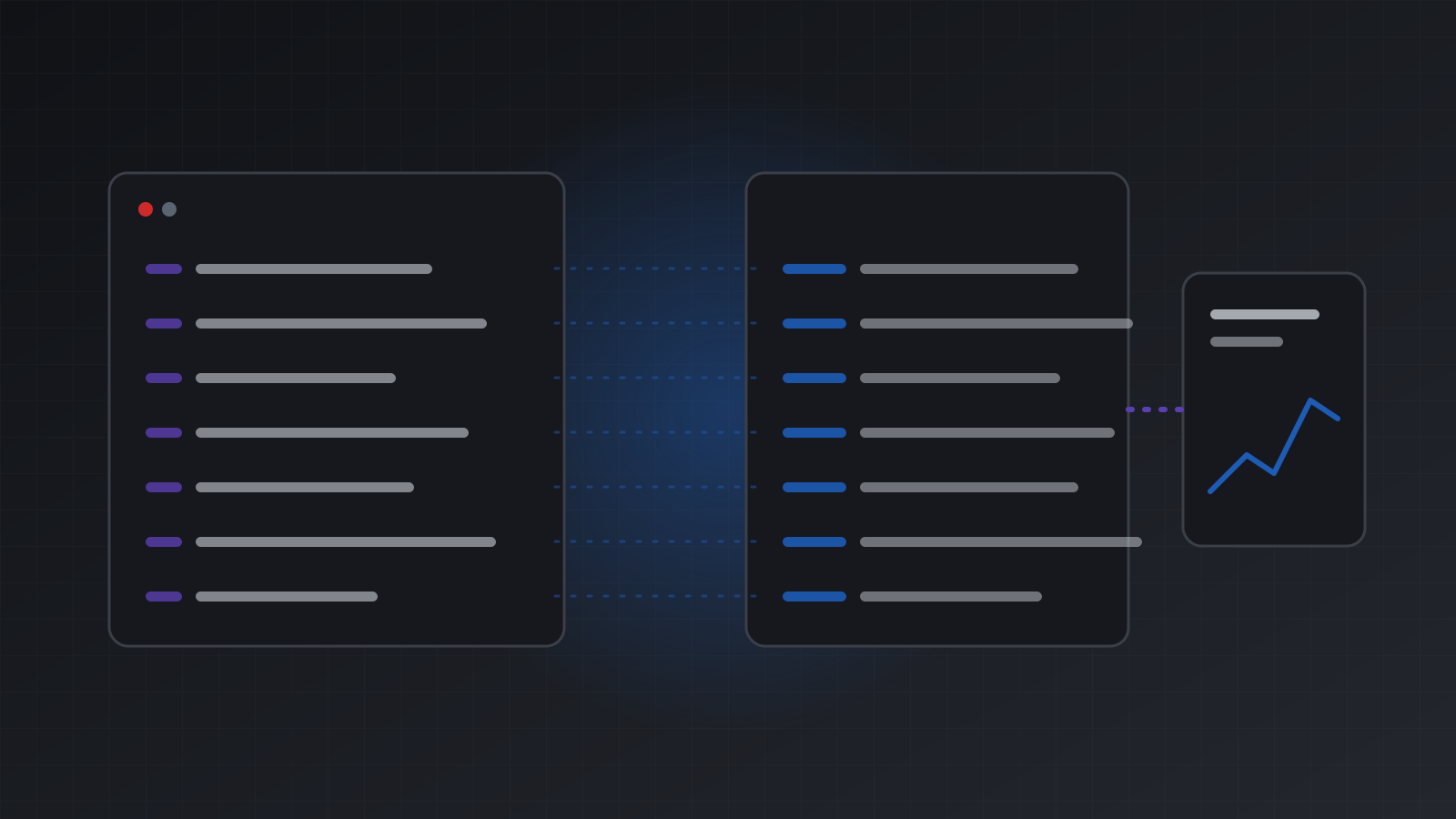
Here is what replaces each common function. All paths are under /users/current/accounts/{id}.
| MetaTrader5 package | REST route | Notes |
|---|---|---|
initialize(), login() | none | The hosted terminal stays logged in |
account_info() | GET /account-information | camelCase JSON |
terminal_info() | GET /health | One honest status |
symbols_get() | GET /symbols | Array of names |
symbol_info() | GET /symbols/{symbol}/specification | tickSize, minVolume, volumeStep and more |
symbol_info_tick() | GET /symbols/{symbol}/current-price | time in UTC and brokerTime |
copy_rates_from() | GET /historical-market-data/symbols/{symbol}/timeframes/{tf}/candles | Up to 1000 bars a call |
positions_get() | GET /positions | |
orders_get() | GET /orders | Pending orders |
order_check() | POST /trade/check | Nothing is sent |
order_send() | POST /trade | Send an Idempotency-Key |
history_deals_get() | GET /history-deals/time/{start}/{end} | ISO-8601 UTC |
history_orders_get() | GET /history-orders/time/{start}/{end} | ISO-8601 UTC |
Each function has its own page in the MetaTrader5 Python function reference, with the Tickwire route next to it. For example, see order_send() and history_deals_get().
Prices and candles
tick = get("/symbols/EURUSD/current-price")
print(tick["bid"], tick["ask"], tick["time"], tick["brokerTime"])

bars = get("/historical-market-data/symbols/EURUSD/timeframes/1h/candles", limit=100)
print(len(bars), bars[-1]["time"], bars[-1]["close"])
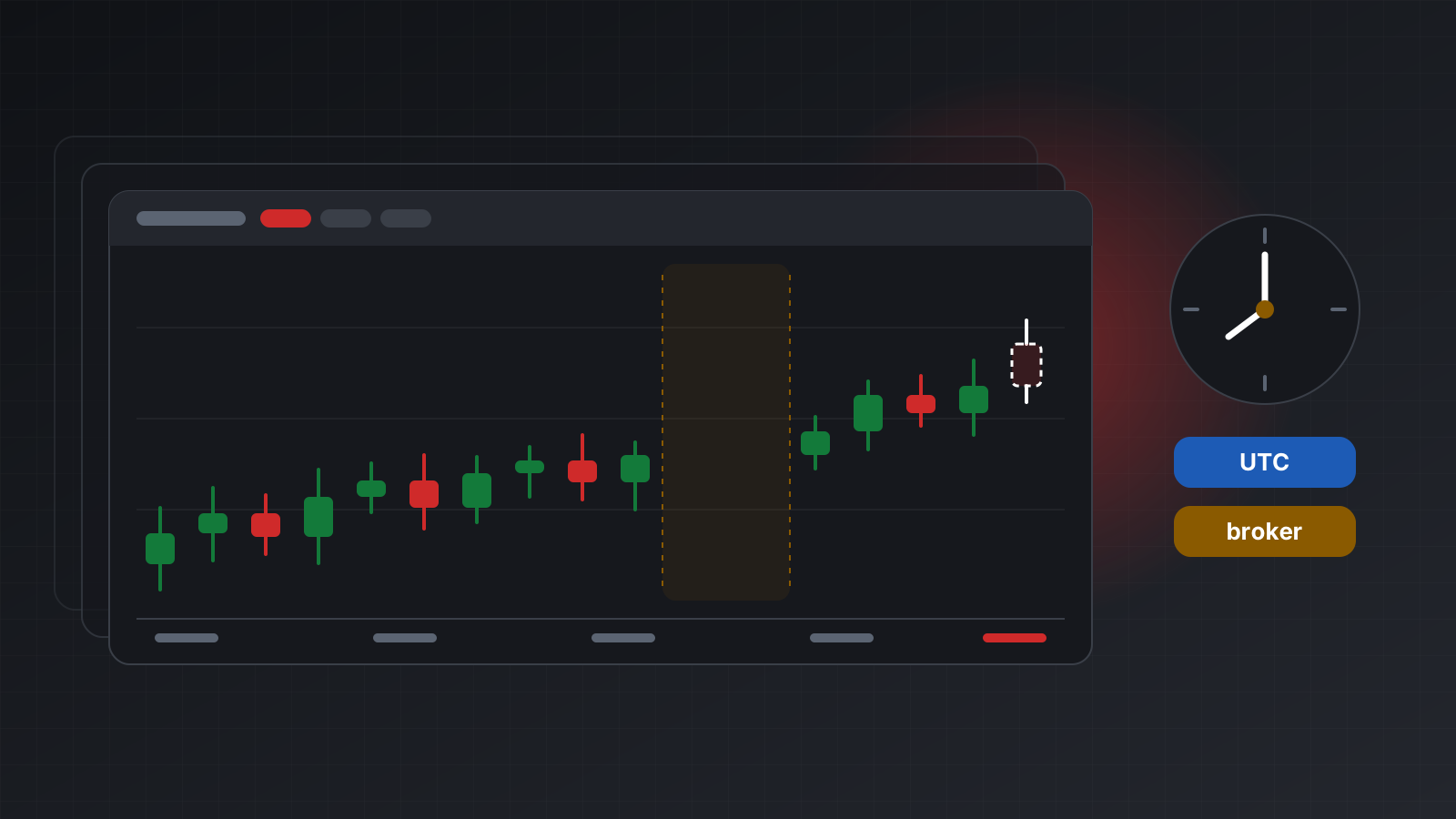
The package returns numpy arrays with times in broker seconds. The API returns JSON. Every bar and tick has a UTC time and a separate brokerTime. Broker time is not UTC, so never mix the two. The time zones page explains how the broker’s offset is measured.
There is no range form of the candles route. To cover a long range, ask for bars before your end date, then page back with the oldest bar’s time until you pass your start date.
Sending an order safely
This is where a hosted API differs most from order_send(). A network call can fail after the order reached the broker. If you just send it again, you may open two positions. So every order gets an Idempotency-Key, and a retry uses the same key.
def trade(body, key, reason):
    headers = {**AUTH, "Idempotency-Key": key, "X-Actor": "my-python-script", "X-Reason": reason}
    r = requests.post(BASE + "/trade", json=body, headers=headers, timeout=30)
    return r.json()

res = trade(
    {"actionType": "ORDER_TYPE_BUY", "symbol": "EURUSD", "volume": 0.01},
    key="eurusd-buy-2026-11-04-1",
    reason="demo order from the Python guide",
)
print(res["outcome"], res["numericCode"], res["stringCode"], res.get("positionId"))
Read the outcome, not only the code:
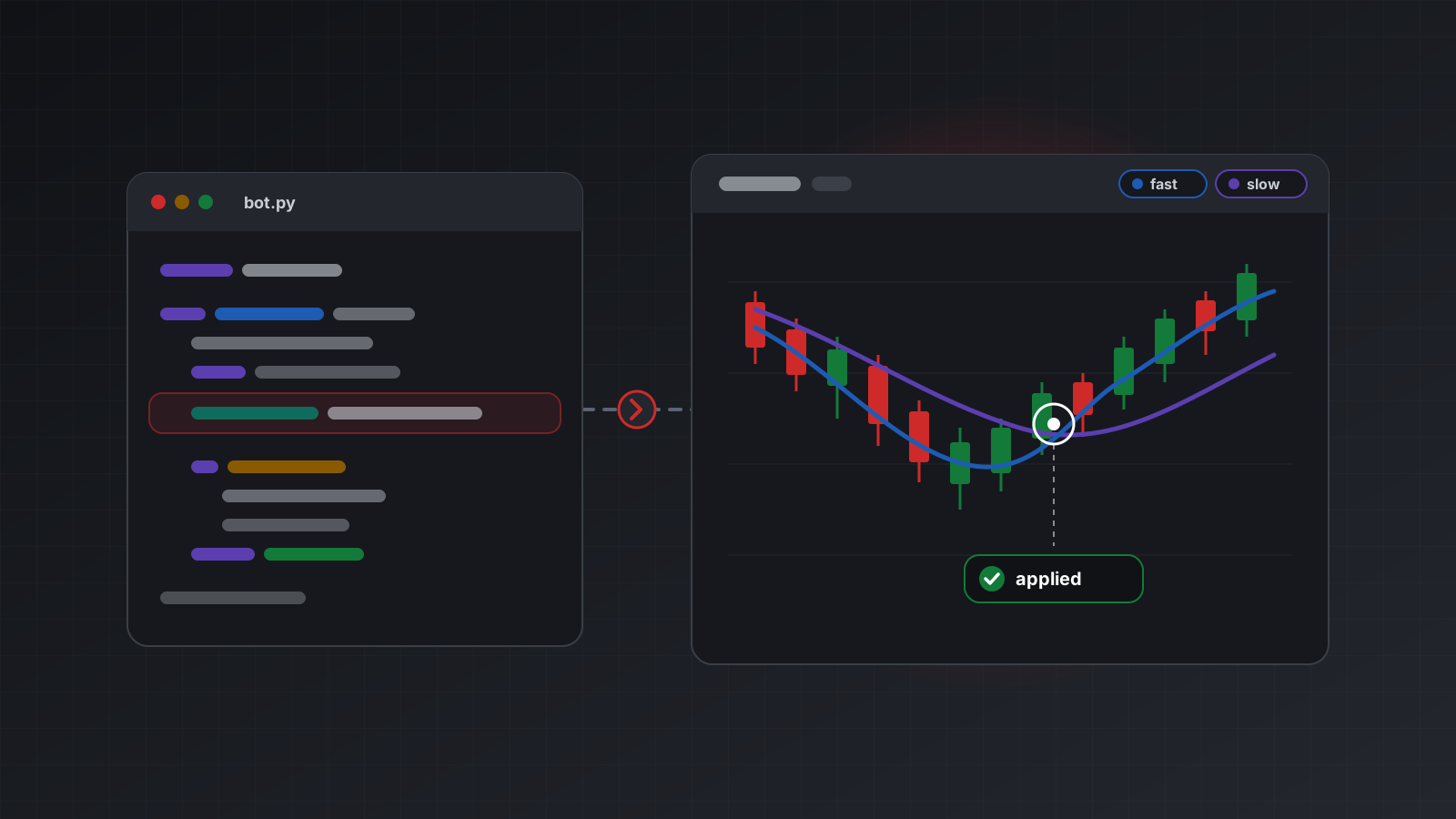
applied: the terminal confirmed it. On a market order you seenumericCode10009 andTRADE_RETCODE_DONE.rejected: it did not happen. Fix the request before you try again.unknown: it may have happened. Read positions and orders first. Never resend it under a new key.
If the request itself times out, send it again with the same key. You get the first answer back, not a second order. The post A retry should never place a second trade goes deeper.
stopLoss and takeProfit are prices, not distances. To close, send {"actionType": "POSITION_CLOSE_ID", "positionId": "..."}.
Reading history
deals = get("/history-deals/time/2026-11-01T00:00:00Z/2026-11-04T00:00:00Z")
for d in deals:
    print(d["time"], d["symbol"], d["entryType"], d["profit"])
The window is UTC, start included, end left out. Each call returns up to 1000 rows, so page with offset when you need more.
Live data without polling
Polling current-price in a loop works, but a WebSocket is better for live prices and account changes. Connect to wss://api.tickwire.io/users/current/accounts/{id}/ws with the same auth-token header. The streaming docs show the frames.
When you still want the official package
If your whole strategy already lives on a Windows machine next to the terminal, the official package is fine and fast. A hosted API helps when your code runs somewhere else, such as a Linux server, a Mac, a notebook or a container.
Either way, the API only carries orders. It does not make a strategy profitable. Test on a demo account first. When you are ready to build a full loop, see Build your first MT5 trading bot in Python.
Frequently asked questions
Can I use the MetaTrader5 Python package on Linux or macOS?
Not directly. The official package only ships for Windows and needs a running terminal on the same computer. On Linux or macOS you can call a hosted MT5 API over HTTPS instead.
Is there a Tickwire Python package?
Not on PyPI yet. Plain HTTP with the requests library works today, and every example in this post uses it.
Do I still need the MT5 terminal?
Yes, but you do not run it. Tickwire runs a real terminal for each account in the cloud and keeps it logged in.
Does my script need the broker password?
No. You give the password once when you add the account. Your script only holds a Tickwire API key. A read only key can read but cannot trade.
Does the same code work for MT4?
Mostly. The routes and fields are the same for MT4 and MT5. A few MT5 features, such as market depth and tick history, answer not_supported_on_mt4 on an MT4 account.
Will this make my trading bot profitable?
No. The API connects your code to the account. It does not improve a strategy. Nothing here is investment advice.
Trading carries risk, and you can lose money. This post explains software and how it behaves; it is not investment advice.