Trading MT5 from Python on a Mac or Linux
The official MetaTrader 5 Python library needs Windows. Here are the honest options for Mac and Linux users: a Windows VM, a VPS, or a hosted REST API.
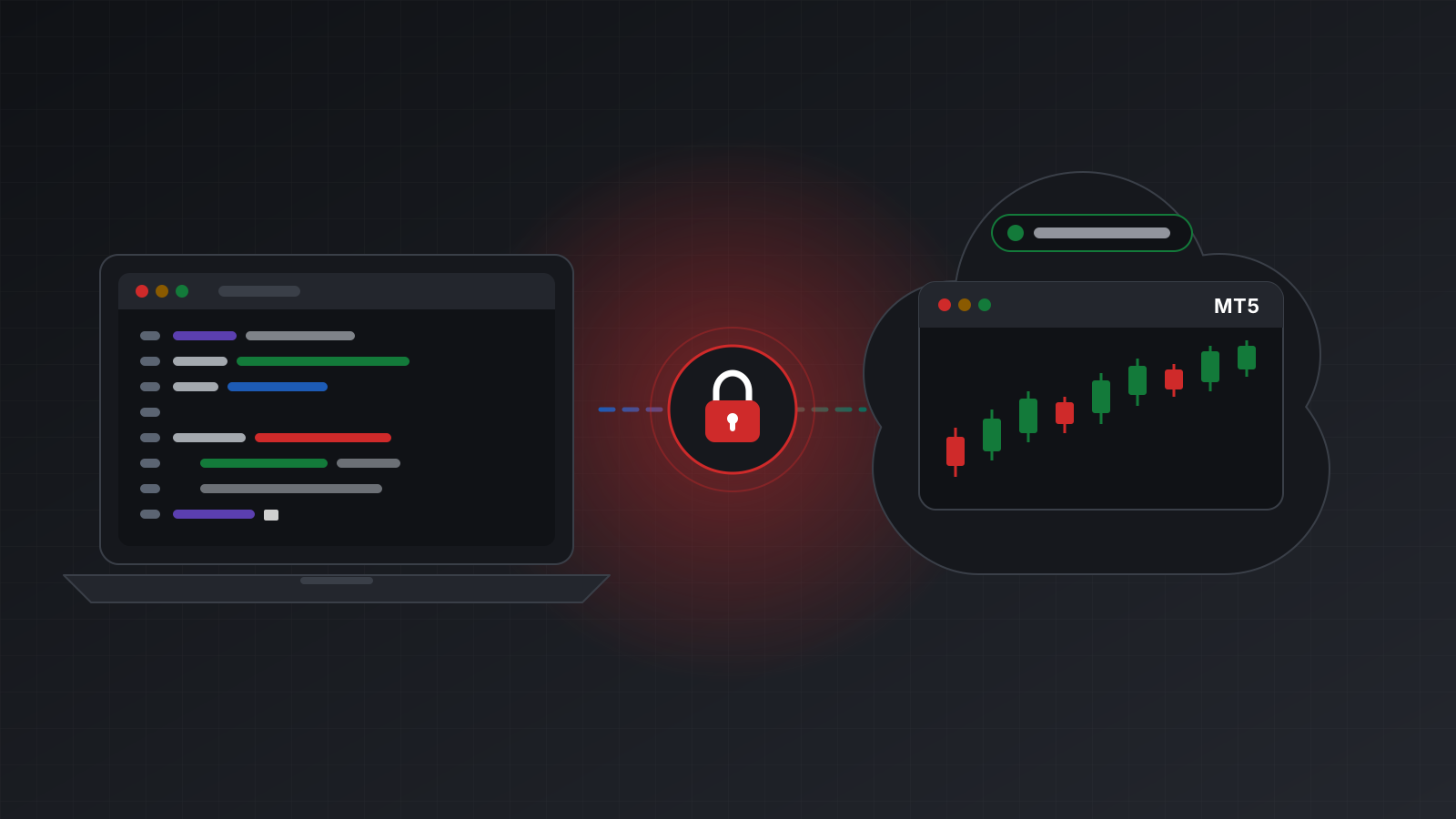
You write Python on a Mac or a Linux machine. You want your script to read prices from MetaTrader 5
(MT5) and place orders. You type pip install MetaTrader5, and pip tells you there is no matching
version for your system.
That isn’t a bug in your setup. The official MetaTrader 5 Python library is built for Windows only, and it needs a running terminal on the same computer. This post explains why, then walks through the three realistic ways around it, with the trade-offs of each.
Why the official library needs Windows
The official MetaTrader 5 Python library doesn’t talk to your broker. It talks to the MT5 terminal,
the desktop app you log in to. Your script calls initialize(), the library finds the terminal on
the same computer, and every later call (prices, positions, orders) goes through that terminal.
The terminal holds the broker connection. See the
official documentation for the full function
list.
Two facts follow:
- The library ships for Windows only. As of October 2026, every published release is a 64-bit Windows build. There is no macOS or Linux build to install.
- The terminal must be open and logged in. If it closes, crashes or loses its broker connection, your script stops working too. So the computer running it has to stay on.
MetaQuotes publishes installers that let the MT5 terminal itself run on macOS and Linux. They wrap the Windows program in a compatibility layer. That helps a manual trader, but it doesn’t give you a native Python library on your Mac. Some people install a Windows copy of Python inside the same layer, next to the terminal. It can work, but nobody supports that setup, and a terminal or system update can break it without warning. Treat it as an experiment, not a home for live money.
Three dependable options
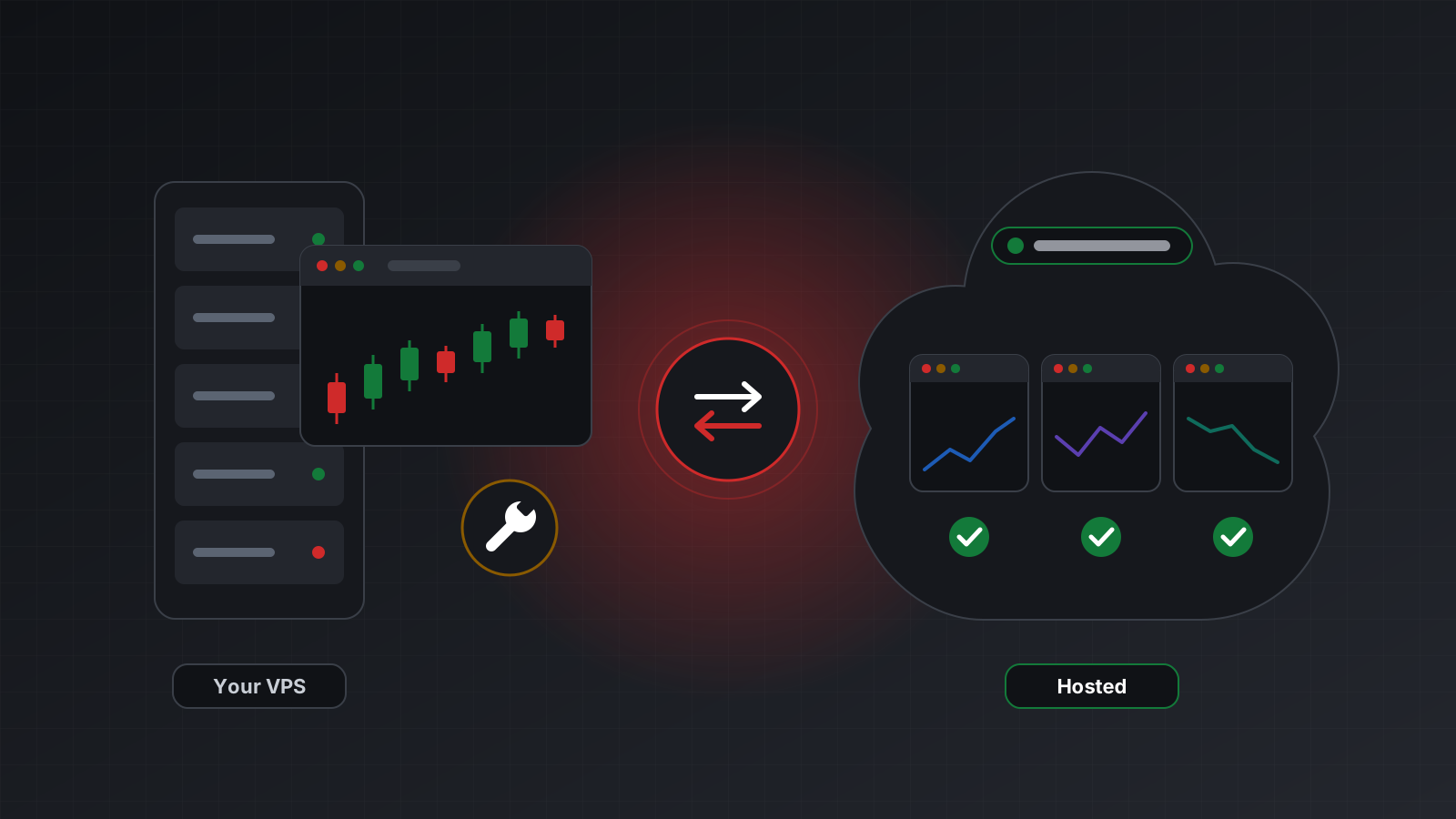
That leaves three setups you can rely on. Each one keeps the terminal running somewhere; they differ in where, and in who looks after it.
Option 1: a Windows virtual machine on your own computer
A virtual machine (VM) is a full copy of Windows running in a window on your Mac or Linux desktop. You install Python, the official library and the MT5 terminal inside it, and your code runs there exactly as it would on a Windows PC.
What to know:
- It is the closest to the official setup. The examples in the documentation work as written.
- Apple silicon Macs run the Arm version of Windows. It handles 64-bit Intel programs through emulation. Since the library is published only as a 64-bit Intel build, install the 64-bit Intel version of Python from python.org, not the Arm one, and check that everything works before you rely on it.
- Your computer has to stay on. Close the lid and the VM sleeps, the terminal stops and your strategy goes quiet. Open positions stay open at the broker with nobody watching them.
- It costs memory and a Windows licence. A VM plus the terminal uses a fair share of a laptop’s memory.
A VM is a good fit for research, development and backtesting. It is a weak fit for a strategy that must operate around the clock.
Option 2: a Windows VPS
A VPS (virtual private server) is a Windows machine you rent in a data centre. It stays on when your laptop is closed. You connect with remote desktop, install the terminal, Python and the library, and leave your script running.
There are two ways to use it:
- Run the whole strategy on the VPS. Simple. Your code lives on a Windows machine and you deploy to it.
- Run only the terminal and the library on the VPS, and put a small web service of your own in front of them. Your Mac or Linux code then calls that service over HTTP. This keeps your main code on your own platform, but you now own a second program, with its own security, error handling and restarts.
What to know:
- You maintain it. Windows updates, terminal updates, reboots, disk space and remote desktop security are all yours.
- You monitor it. A terminal can be running yet logged out, stuck on a dialog or disconnected from the broker. A check that only asks “is the process alive?” will miss those.
- It gives you full control. You can also run MQL programs, custom indicators and manual charts on the same machine.
Option 3: a hosted terminal behind a REST API
The third option moves the terminal out of your hands entirely. A provider runs a real MT5 terminal for your account in the cloud and exposes it through a REST API, a set of web addresses your code calls with ordinary HTTP requests. Your script needs nothing from Windows. It runs on a Mac, Linux, a Raspberry Pi, a server or a notebook.
Here is the shape of it in plain Python with requests:
import os, uuid, requests

API = "https://api.tickwire.io"
KEY = os.environ["TW_KEY"]            # an API key such as tw_live_...
ACC = os.environ["TW_ACCOUNT"]        # your account id, <ACCOUNT_ID>
h = {"auth-token": KEY}
base = f"{API}/users/current/accounts/{ACC}"

info = requests.get(f"{base}/account-information", headers=h).json()
print(info["balance"], info["equity"], info["currency"])

price = requests.get(f"{base}/symbols/EURUSD/current-price", headers=h).json()
print(price["bid"], price["ask"])

order = requests.post(f"{base}/trade", json={
    "actionType": "ORDER_TYPE_BUY", "symbol": "EURUSD", "volume": 0.01,
}, headers={**h, "Idempotency-Key": str(uuid.uuid4()),
            "X-Actor": "my-script", "X-Reason": "first order from Python"}).json()
print(order["stringCode"], order.get("outcome"))
volume is in lots, the standard trade size. For most currency pairs one lot is 100,000 units
of the base currency, so 0.01 lots is 1,000.
What to know:
- No Windows anywhere in your stack. Your laptop can sleep. The terminal keeps running.
- You pay per account. You don’t buy or patch a server, but you pay a monthly fee for each account.
- Your code calls an API, not the terminal’s desktop. It is built for strategies written outside the terminal. If your logic is an MQL program on a chart, a VPS is the more natural home.
- Network calls add a little latency. Each request crosses the internet. For most strategies that hold trades for minutes or longer this doesn’t matter. For very fast strategies, measure it.
The options side by side
| Windows VM | Windows VPS | Hosted REST API | |
|---|---|---|---|
| Runs when your laptop is off | No | Yes | Yes |
| Uses the official library | Yes | Yes | No, plain HTTP |
| Your code runs on Mac or Linux | Inside the VM only | Only with your own web service | Yes |
| You patch and restart things | Yes | Yes | No |
| You build the monitoring | Yes | Yes | Health is reported for you |
| Built for MQL programs on a chart | Yes | Yes | No, for outside code |
| Typical cost | A Windows licence | A monthly server fee | A monthly fee per account |
Moving code from the library to an API
If you already have code written against the official library, the jobs map across cleanly:
| Official library | REST call |
|---|---|
mt5.account_info() | GET /users/current/accounts/{id}/account-information |
mt5.symbol_info_tick("EURUSD") | GET /users/current/accounts/{id}/symbols/EURUSD/current-price |
mt5.order_send({...}) | POST /users/current/accounts/{id}/trade |
mt5.positions_get() | GET /users/current/accounts/{id}/positions |
mt5.orders_get() | GET /users/current/accounts/{id}/orders |
mt5.copy_rates_from(...) | GET /users/current/accounts/{id}/historical-market-data/symbols/EURUSD/timeframes/1h/candles |
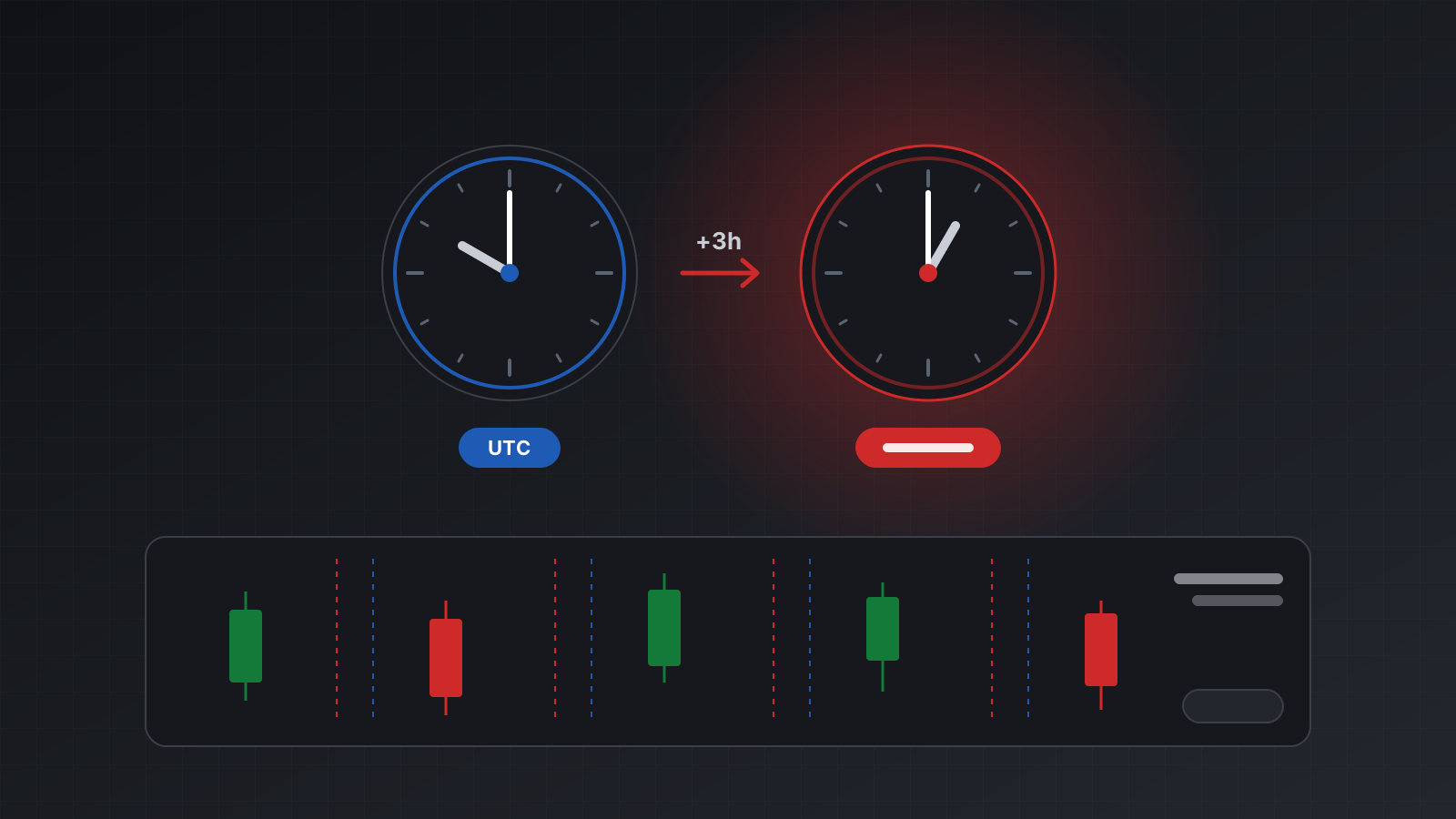
Two habits are worth keeping whichever way you go. First, never retry an order blindly after a timeout. You may have placed it already. Second, never assume the broker’s clock is UTC. Broker server time is usually set to the broker’s own time zone.
Doing this with Tickwire
Tickwire is a hosted option of the third kind. It runs a real MT5 (or MT4) terminal for each trading
account and gives your Python code a REST and WebSocket API, so nothing has to be installed on
Windows. Every order takes an Idempotency-Key: send the same key again and you get the first
result back, never a second order. If the result can’t be confirmed, the answer says unknown
instead of guessing. Broker time is labelled as broker time.
The MT5 Python API page has more examples, the quickstart takes you to a first order, and idempotency explains safe retries. Plans start at $12 per account a month, with a 7-day free trial (see pricing).
Key points
- The official MetaTrader 5 Python library runs only on Windows and needs a local, logged-in terminal.
- A Windows VM is fine for development but stops when your computer sleeps.
- A Windows VPS operates around the clock, and you maintain and monitor it.
- A hosted terminal behind a REST API lets your Python run anywhere, at a monthly cost per account.
- Whatever you pick, practise on a demo account before you risk money.
Trading carries risk, and you can lose money. This post explains software and how it behaves; it is not investment advice.