Build a trading journal from your MT5 history
How MT5 deals, orders and positions fit together, how to group deals into round-trip trades with pandas, and how to read win rate, expectancy and drawdown honestly.
A trading journal answers plain questions. How many trades did I take? How many won? What does an average trade earn after costs? How deep did the account fall from its best point? The data to answer them is already in your MetaTrader 5 (MT5) account history. It just isn’t stored as “trades”.
MT5 records history as orders and deals, and a single trade can be made of several deals. To build a journal you need to group those deals correctly, count every cost, put each trade on the right day, and be careful about what the summary numbers can and can’t tell you.
This post explains the history model, then builds a small journal in Python with pandas, a popular library for working with tables of data.
Orders, deals and positions in MT5 history
MT5 separates three things:
- An order is an instruction to trade: “buy 0.10 lots of EURUSD at market”. Orders can be filled, cancelled or expire. A lot is the standard trade size; on most currency pairs one lot is 100,000 units of the base currency.
- A deal is a fill that actually happened: a volume, a price, a time. Profit, commission and swap live on deals.
- A position is what you hold as a result of deals. Every deal that opens, adds to, reduces or closes a position carries that position’s identifier.
The history of deals is the one to build a journal from. Orders tell you what you asked for. Deals tell you what happened and what it cost.
Each deal has an entry type that says what it did to its position:
| Entry type | Meaning |
|---|---|
DEAL_ENTRY_IN | Opened a position or added to it |
DEAL_ENTRY_OUT | Reduced or closed a position |
DEAL_ENTRY_INOUT | Reversed a position, closing it and opening the other side in one deal (netting accounts) |
DEAL_ENTRY_OUT_BY | Closed a position against an opposite one (close-by) |
The full list of properties is in the MQL5 deal properties reference.
From deals to round-trip trades
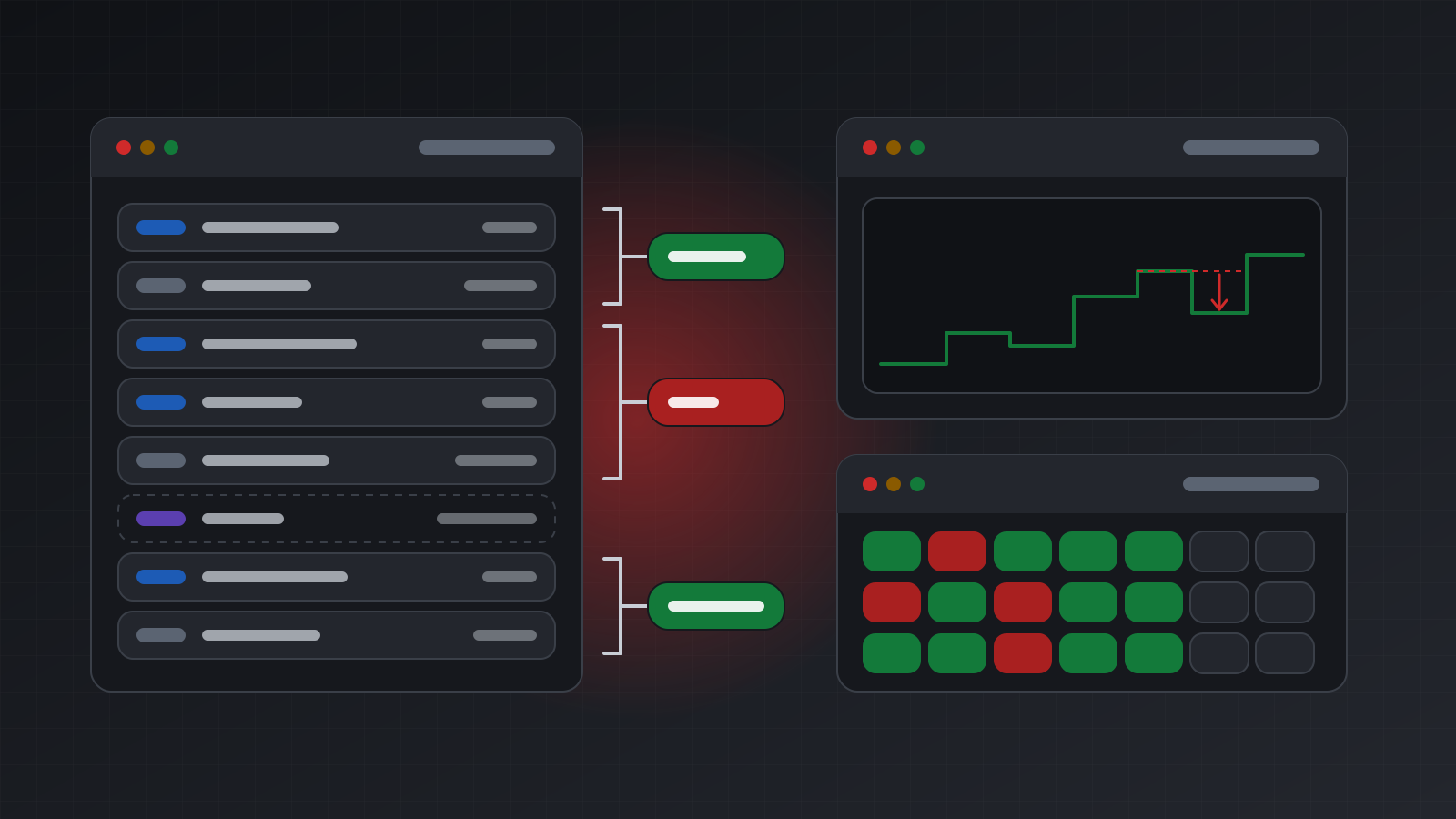
A round-trip trade is a position from its first entry to its final exit. To rebuild one, group deals by position id. A simple trade has two deals, one in and one out. A trade that was scaled in or partly closed has more. The position is closed when the volume that went out equals the volume that came in.
Then add up every money field on those deals:
- profit: the price gain or loss, usually booked on exit deals;
- commission: the broker’s charge, which may sit on the entry deal, the exit deal or both;
- swap: the overnight financing charge or credit for holding a position past the daily rollover;
- fee: a separate charge some brokers book per deal.
A journal that reports profit without commission and swap overstates every result, sometimes by enough to turn a small winning strategy into a losing one.
Not every deal belongs to a trade. History also contains deposits and withdrawals
(DEAL_TYPE_BALANCE), credit (DEAL_TYPE_CREDIT), and account-level charges such as monthly
commissions or interest, which carry no position id. Keep deposits and withdrawals out of
performance completely: a deposit is not a profit. Account-level charges are real costs, so report
them as their own line rather than dropping them.
Two cases need care:
- Netting accounts hold one position per symbol. A reversal (
DEAL_ENTRY_INOUT) closes one side and opens the other in a single deal, so one position id covers two trades. Split it yourself, or flag it, as the code below does. See netting vs hedging accounts. - Trades still open, or opened before the start of your date range, have unmatched volume. Leave them out of closed-trade statistics.
Broker time, UTC and which day a trade belongs to
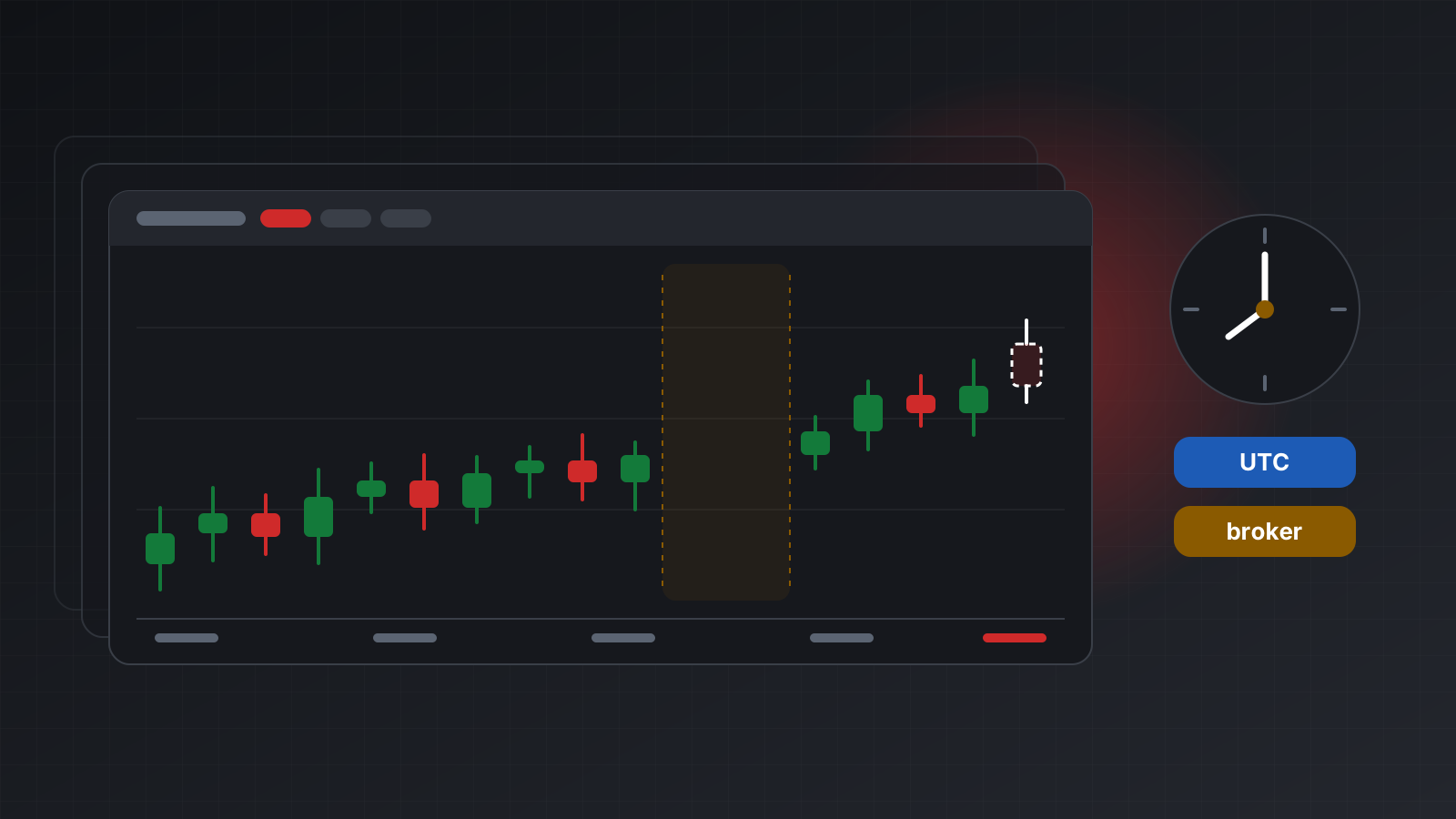
MetaTrader servers keep their own clock. Many run two hours ahead of UTC in winter and three in summer, but not all of them. A deal stamped “23:30” by the server may be on a different calendar day in UTC.
For a journal, this decides which day each trade lands on. Daily profit, “best day of the week” and any daily loss rule should use the broker’s trading day, because that is the day the broker, and any prop firm (a company that funds traders under rules), uses. Store the UTC time for sorting and joining, and the broker time for grouping by day. Never treat one as the other. Broker server time is not UTC explains the conversion.
MT4 history is different
MetaTrader 4 (MT4) has no separate deals. Each order is one ticket that opens and later closes, with its own profit, commission and swap. A few consequences:
- A partial close on MT4 closes part of the ticket and reopens the rest under a new ticket, with a comment pointing back to the original. Grouping by raw ticket splits one trade into several.
- History only covers what the terminal has loaded. The history tab’s date range in the MT4 terminal decides how far back it goes.
- Deposits and withdrawals appear as balance entries in the same history list.
If you work with both platforms, convert MT4 history into the same deal shape (one entry deal, one exit deal per close, all sharing the original ticket as the position id) and run one set of code on both.
A journal in pandas
The example below reads deals over HTTP with requests, groups them into trades with pandas, and
prints the basic metrics. It uses the paged history route from the
journal guide: times are UTC, the start is inclusive and the end exclusive,
and limit is at most 1000.
import requests
import pandas as pd

TW = "https://api.tickwire.io"
KEY = "tw_live_..."
ACC = "<ACCOUNT_ID>"

def fetch_deals(start, end):
    url = f"{TW}/users/current/accounts/{ACC}/history-deals/time/{start}/{end}"
    rows, offset = [], 0
    while True:
        r = requests.get(url, headers={"auth-token": KEY},
                         params={"offset": offset, "limit": 1000}, timeout=30)
        r.raise_for_status()
        page = r.json()
        rows.extend(page)
        if len(page) < 1000:
            return rows
        offset += len(page)

df = pd.DataFrame(fetch_deals("2026-01-01T00:00:00Z", "2026-10-01T00:00:00Z"))
df = df.drop_duplicates("id")
for col in ("profit", "swap", "commission", "fee", "volume"):
    df[col] = df[col].fillna(0.0) if col in df else 0.0
df["time"] = pd.to_datetime(df["time"], utc=True)
df = df.sort_values(["time", "id"])
df["net"] = df["profit"] + df["swap"] + df["commission"] + df["fee"]

is_trade = df["type"].isin(["DEAL_TYPE_BUY", "DEAL_TYPE_SELL"])
is_money = df["type"].isin(["DEAL_TYPE_BALANCE", "DEAL_TYPE_CREDIT"])
account_costs = df[~is_trade & ~is_money]["net"].sum()   # charges, interest and so on
deals = df[is_trade].copy()

deals["in_vol"] = deals["volume"].where(deals["entryType"] == "DEAL_ENTRY_IN", 0.0)
deals["out_vol"] = deals["volume"].where(
    deals["entryType"].isin(["DEAL_ENTRY_OUT", "DEAL_ENTRY_OUT_BY"]), 0.0)
deals["reversal"] = deals["entryType"] == "DEAL_ENTRY_INOUT"

trades = deals.groupby("positionId").agg(
    symbol=("symbol", "first"),
    first_type=("type", "first"),
    opened=("time", "first"),
    closed=("time", "last"),
    close_broker_time=("brokerTime", "last"),
    in_vol=("in_vol", "sum"),
    out_vol=("out_vol", "sum"),
    reversal=("reversal", "any"),
    net=("net", "sum"),
)
trades["side"] = trades["first_type"].map({"DEAL_TYPE_BUY": "buy", "DEAL_TYPE_SELL": "sell"})
is_closed = (trades["in_vol"] > 0) & ((trades["in_vol"] - trades["out_vol"]).abs() < 1e-8)
closed = trades[is_closed & ~trades["reversal"]].sort_values("closed").copy()
closed["broker_day"] = closed["close_broker_time"].str[:10]   # the broker's trading day
if closed.empty:
    raise SystemExit("no closed trades in this range")

net = closed["net"]
wins, losses = net[net > 0], net[net < 0]
curve = net.cumsum()
drawdown = curve - curve.cummax().clip(lower=0)

print(f"trades {len(net)}, win rate {len(wins) / len(net):.1%}")
print(f"average win {wins.mean():.2f}, average loss {losses.mean():.2f}")
print(f"expectancy per trade {net.mean():.2f}, max drawdown {drawdown.min():.2f}")
print(f"account-level costs {account_costs:.2f}, reversals skipped {int(trades['reversal'].sum())}")
print(closed.groupby("broker_day")["net"].sum().tail(10))
To keep the journal current, ask again from the time of the last deal you stored, overlap by a
minute, and drop duplicates on the deal id, as the code already does.
Reading the numbers honestly
Each metric answers a narrow question. None of them says whether a strategy is good.
- Win rate is the share of trades that made money. On its own it means little: a strategy can win 80% of the time and still lose money if its losses are large.
- Average win and average loss show the shape of results. Compare them with the win rate.
- Expectancy is the average net result per trade. It is the single most useful number here, but it describes the past sample, not the future. A few dozen trades can produce almost any value by chance.
- Maximum drawdown here is the largest fall from a peak in the running total of closed trades. It ignores losses that were open and then recovered, so the real fall in equity was at least as large and often larger. It is also in money, not percent; deposits and withdrawals change what a percentage would mean.
Other things worth knowing before you trust the output:
- Results depend on the date range. A trade opened before the start is skipped.
- Costs booked outside trades (account-level charges) are reported separately, not per trade.
- A backtest and a live journal rarely match; see why live results differ from your backtest.
Key points
- Build the journal from deals, grouped by position id.
- Add profit, commission, swap and fee. Keep deposits out of performance.
- Group days by broker time, sort and join by UTC.
- Treat netting reversals and MT4 partial closes as special cases.
- Read expectancy and drawdown as descriptions of a sample, not predictions.
Doing this with Tickwire
Tickwire hosts a real MT4 or MT5 terminal per account and exposes its history over REST, with the
same deal fields on both platforms: on MT4, closed orders are presented as deals. Each deal carries
time in UTC and brokerTime in the broker’s clock, labelled as such and never assumed to be UTC.
For a journal, connect the account with its investor (read-only) password. The terminal then
can’t trade at all, and account information shows tradeAllowed: false. The
journal guide covers paging and staying in sync, including the WebSocket
stream as an alternative to polling, and time zones explains the broker clock.
Using MT5 from Python on a Mac or Linux is covered on the MT5 Python API page.
Trading carries risk, and you can lose money. This post explains software and how it behaves; it is not investment advice.