Netting vs hedging accounts on MT5
What netting, exchange and hedging margin modes do to your positions on MT5, how closing differs in each, and how to detect the mode before your bot trades.
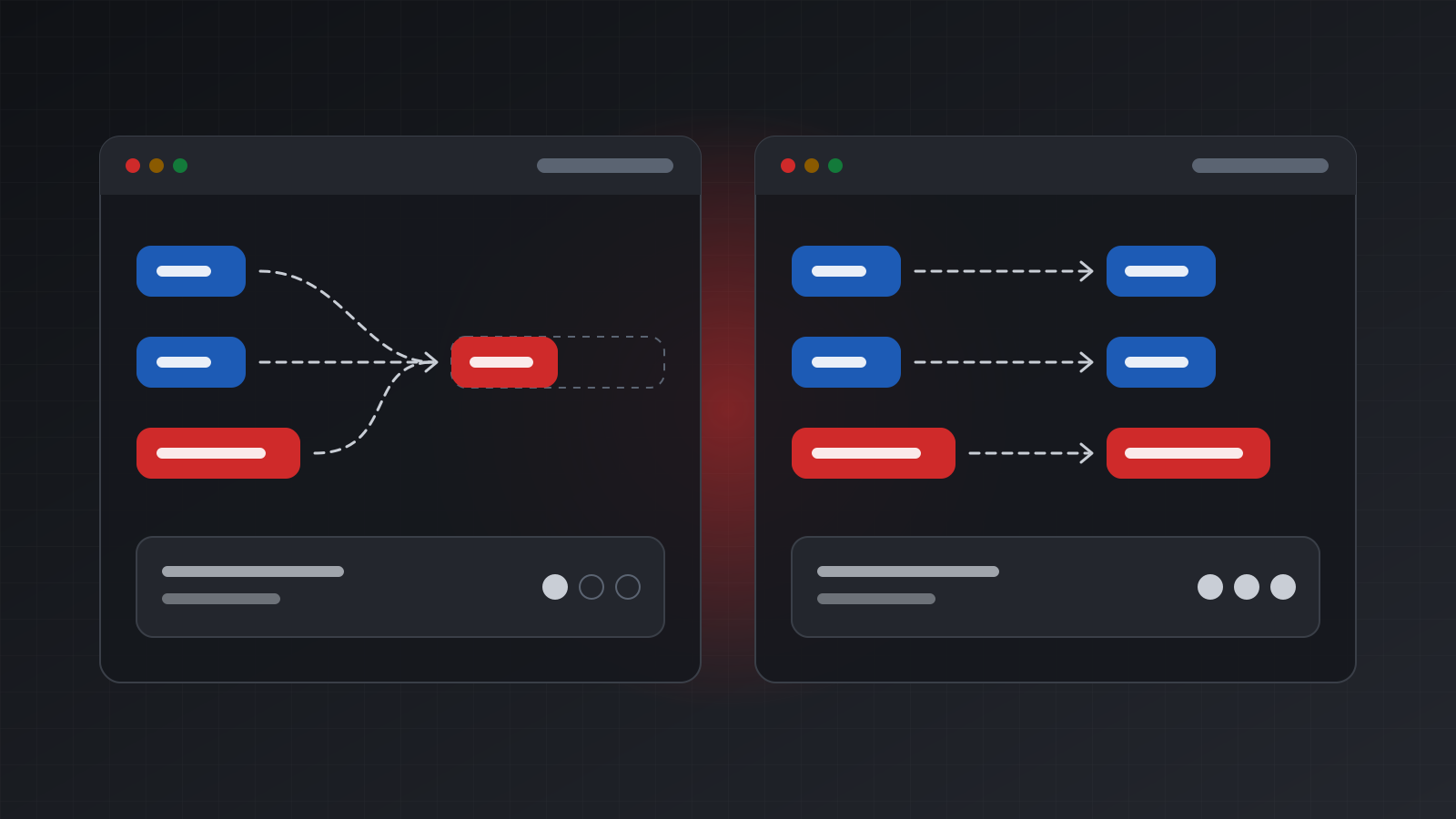
Send the same two orders to two MetaTrader 5 (MT5) accounts, a buy and then a sell on the same symbol, and you can end up holding two different things. On one account you hold a buy and a sell side by side. On the other you hold nothing, or a smaller position, or a position facing the other way.
The difference is the account’s margin mode, also called its position accounting system. The broker sets it when the account is opened, and your code can’t change it. It decides how orders turn into positions, how you close them, and whether a strategy written for one account behaves at all on another.
This post explains the three modes, walks through what happens to the same orders in each, and shows how to detect the mode so a bot or copier can refuse to run on the wrong kind of account.
The three margin modes
MT5 defines three values for an account’s margin mode, listed in the MQL5 account properties reference:
| Mode | Constant | Positions per symbol |
|---|---|---|
| Netting | ACCOUNT_MARGIN_MODE_RETAIL_NETTING | One |
| Exchange | ACCOUNT_MARGIN_MODE_EXCHANGE | One |
| Hedging | ACCOUNT_MARGIN_MODE_RETAIL_HEDGING | Many |
- Netting is for over-the-counter trading, where you trade with the broker rather than on an exchange. Each symbol has at most one position, and every new deal changes it.
- Exchange is used for exchange markets such as stocks and futures. Positions work as in netting; the difference is how margin, the money set aside to keep positions open, is calculated. For position logic, treat it as netting.
- Hedging allows many positions on one symbol at once, including a buy and a sell together. Each position lives and closes on its own, much like MT4 tickets.
Brokers offer both, sometimes for the same platform, so code should never assume.
Buy, then sell: the same orders in each mode
Take EURUSD, two orders, then a third. A lot is the standard trade size; on most currency pairs one lot is 100,000 units of the base currency.
| Step | Netting or exchange | Hedging |
|---|---|---|
| Buy 0.10 at 1.1000 | One buy, 0.10 at 1.1000 | Buy A, 0.10 at 1.1000 |
| Buy 0.10 at 1.1020 | One buy, 0.20 at 1.1010 | Buy A and buy B, each 0.10 |
| Sell 0.30 at 1.1030 | One sell, 0.10 | Buys A and B (0.10 each) and sell C (0.30) |
On a netting account, the second buy adds to the position, and the open price becomes the
volume-weighted average, 1.1010 here. The sell of 0.30 first closes the 0.20 buy and then opens a
0.10 sell with what is left. That is a reversal. MT5 records it as a single deal with entry type
DEAL_ENTRY_INOUT, which both closes and opens.
On a hedging account, nothing nets. Each order opens its own position, and the sell becomes a third position next to the two buys. Exposure is the same in both cases (a net 0.10 short), but the margin, the swap (the overnight financing charge) and the way you close are not.
Position identifiers and tickets
Every MT5 position has an identifier, a number that never changes for the life of the position. It also has a ticket, which usually equals the identifier. The MQL5 position properties reference notes one exception: when a netting position reverses, the identifier stays the same and the ticket changes to the ticket of the order that caused the reversal.
So on a netting account, the identifier follows the position through adds, partial closes and reversals. Store the identifier, not the ticket, when you need to recognise a position later. Deals carry the same identifier, which is how you group them into trades.
Closing a position: by id, by opposite order, or close-by
There are three ways to close, and they don’t behave the same in each mode.
Close by id. You name the position and the platform sends the opposite order for its volume. This works in every mode and is the safe default. Over a MetaTrader REST API it looks like this:
curl -s -X POST "https://api.tickwire.io/users/current/accounts/<ACCOUNT_ID>/trade" \
  -H "auth-token: tw_live_..." \
  -H "Idempotency-Key: close-46870472" \
  -H "X-Actor: my-bot" -H "X-Reason: exit signal" \
  -H "content-type: application/json" \
  -d '{"actionType": "POSITION_CLOSE_ID", "positionId": "46870472"}'
Close by opposite order. On a netting account, a sell of the same volume closes a buy, because the deal nets against the position. On a hedging account, the same sell opens a new position instead. Code that “closes” by sending an opposite market order works on netting and silently doubles the positions on hedging. Never close this way unless you know the mode.
Close-by. On a hedging account you can close a buy against a sell on the same symbol in one
operation (TRADE_ACTION_CLOSE_BY in MQL5). Both close together, and the overlapping volume is
settled at the two positions’ own prices instead of the current market. Over the REST API:
{ "actionType": "POSITION_CLOSE_BY", "positionId": "46870472", "closeByPositionId": "46870519" }A netting account never holds two opposite positions on one symbol, so there is nothing to close by.
MT4 always allows opposite positions
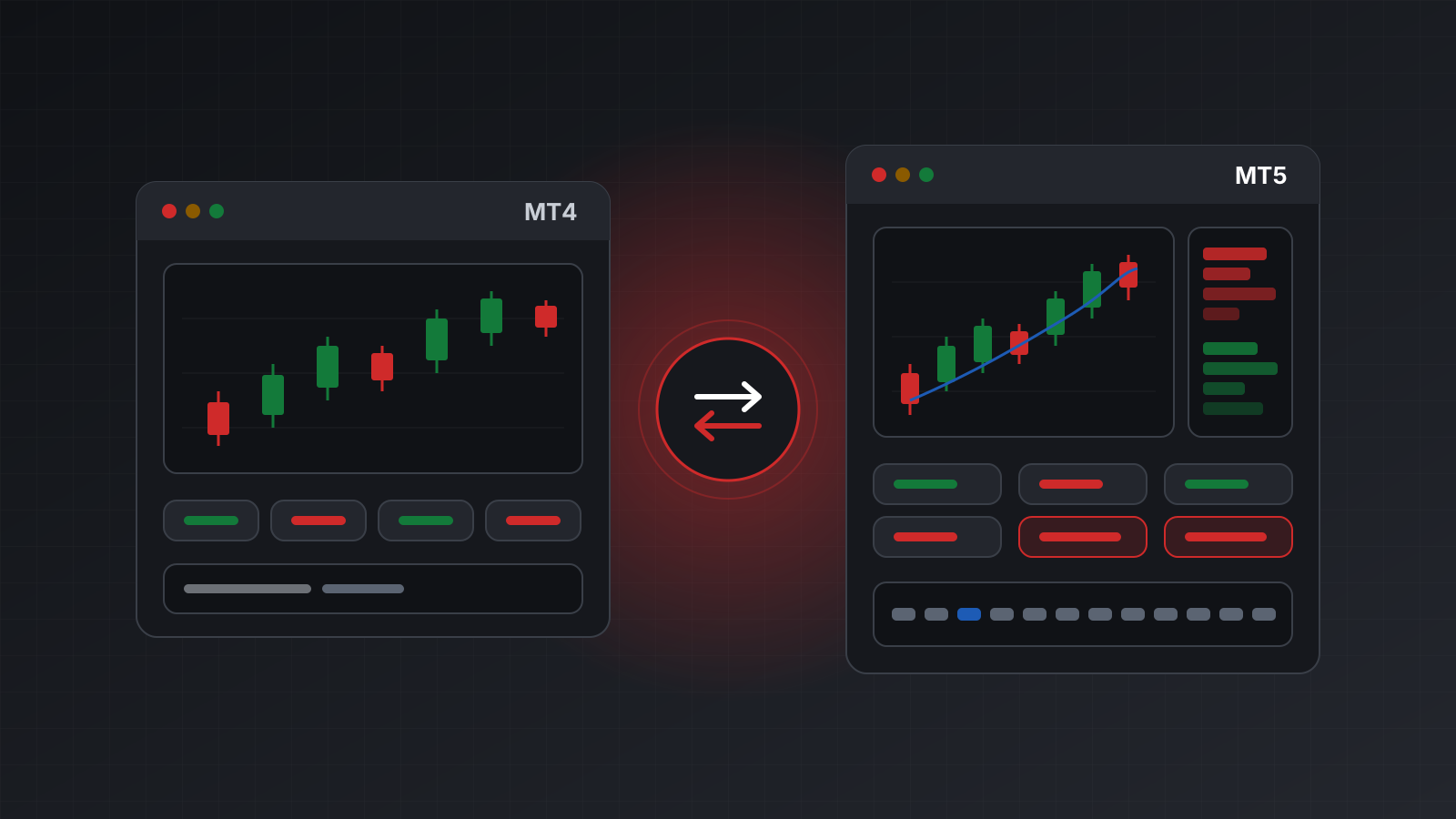
MetaTrader 4 (MT4) has no margin mode setting. Every order is its own ticket, and a buy and a sell on the same symbol can be open together, as on an MT5 hedging account. Closing is always by ticket, and close-by exists on MT4 as well, where the broker allows it.
Two broker rules can still get in the way:
- Some brokers forbid holding opposite positions on one symbol, often because of local regulation, and reject the second order.
- Some require FIFO (first in, first out): positions on a symbol must be closed in the order they were opened. Closing a newer ticket first is rejected.
If your code runs on both platforms, read the broker’s rules and test a hedge and an out-of-order close on a practice account.
What the mode changes for bots and copiers
Detect the mode first
Read the margin mode when your program starts, and refuse to run if it is not the model you wrote for. With the official MetaTrader 5 Python library:
import MetaTrader5 as mt5

if not mt5.initialize():
    raise SystemExit("terminal not available")
mode = mt5.account_info().margin_mode
if mode != mt5.ACCOUNT_MARGIN_MODE_RETAIL_HEDGING:
    raise SystemExit("this bot needs a hedging account")
Over REST, the account information route reports the same value as marginMode:
import requests

r = requests.get("https://api.tickwire.io/users/current/accounts/<ACCOUNT_ID>/account-information",
                 headers={"auth-token": "tw_live_..."}, timeout=30)
r.raise_for_status()
mode = r.json().get("marginMode")
if mode != "ACCOUNT_MARGIN_MODE_RETAIL_HEDGING":
    raise SystemExit(f"this bot needs a hedging account, got {mode}")
Treat a missing value as unknown, not as hedging.
What breaks on the wrong account
- Hedges disappear. A strategy that holds a buy and a sell as a hedge ends up flat on a netting account.
- Position counts stay at one. A grid or scaling strategy that opens “one more” position when it has fewer than five will keep adding volume to a single position on netting.
- Magic numbers merge. A magic number is a tag a strategy puts on its orders. On netting, two strategies trading the same symbol share one position, so the position can’t tell you which strategy owns which part.
- Stops are shared. A netting position has one stop loss and one take profit, so stops sent with a new order can replace the ones already set.
- Copiers mismatch. A copier from a hedging master to a netting follower must sum the master’s positions per symbol and copy the net volume. Copying each master position one to one nets them together on the follower, so a master holding a buy and a sell leaves the follower flat, with nothing left to close later. See how trade copiers work.
Checklist
- Read the margin mode at start-up and refuse to run on the wrong one.
- Treat exchange as netting for position logic.
- Close by position id, never by sending an opposite order.
- Store the position identifier, not the ticket.
- On MT4, check whether the broker allows opposite positions or requires FIFO.
- Practise on a demo account of the same mode before you risk money.
Doing this with Tickwire
Tickwire hosts a real MT4 or MT5 terminal per account with one REST API for both. On MT5,
marginMode in account information tells you whether the account is hedging or netting, and closes
by positionId work the same in each mode. The MT4 and MT5 platform notes list
where the platforms differ, including close-by, and every close takes an Idempotency-Key, so a
retried close never sends a second order (idempotency).
Trading carries risk, and you can lose money. This post explains software and how it behaves; it is not investment advice.