MT4 vs MT5 for algorithmic trading
How MetaTrader 4 and MetaTrader 5 differ for automated trading: order types, positions, timeframes, backtesting, data and code, and how to choose.
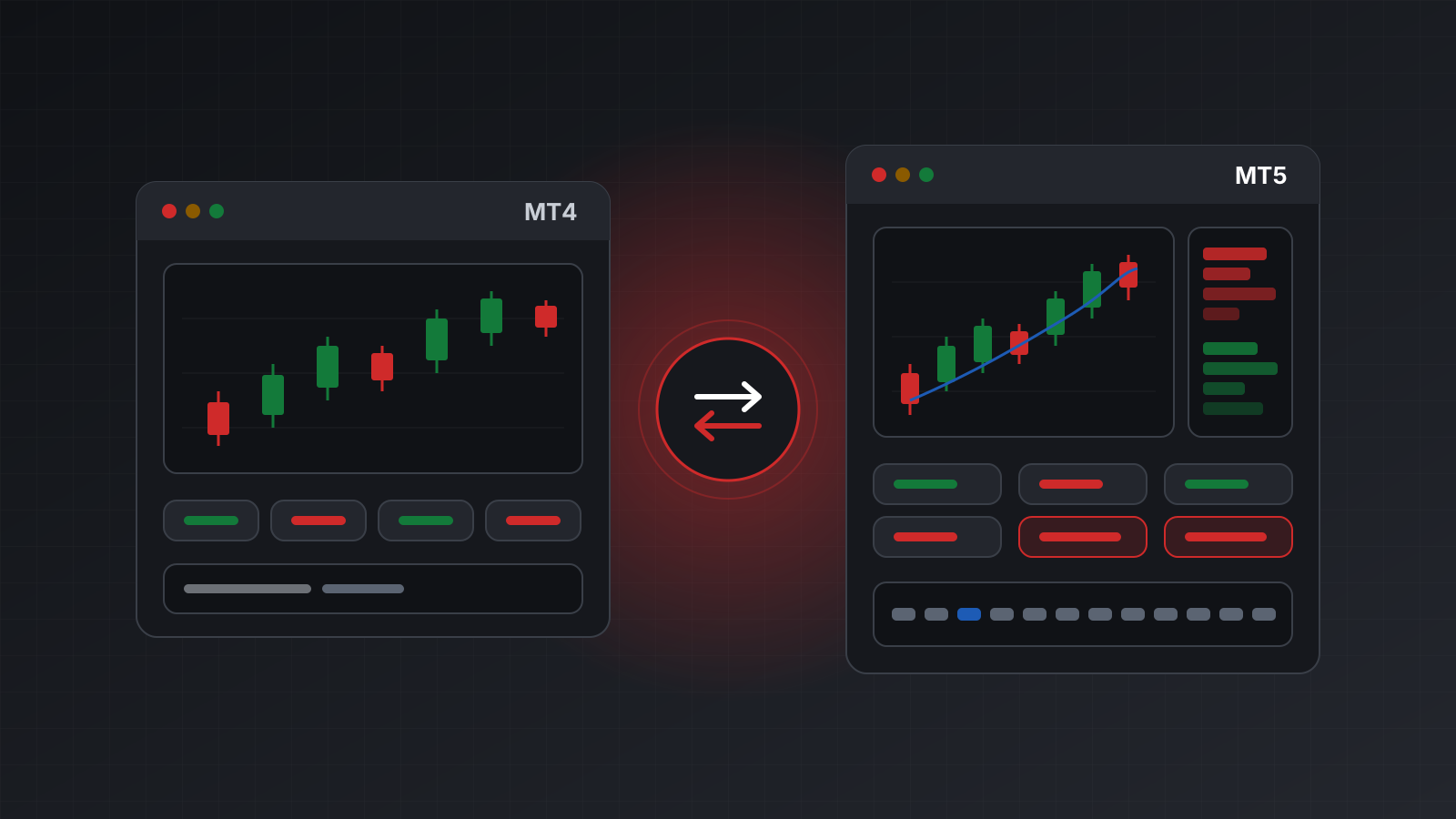
MetaTrader 4 (MT4) and MetaTrader 5 (MT5) look alike. Both show charts, both take orders, and both can run automated strategies. So it is easy to think of MT5 as simply the newer version of MT4. It isn’t. They are two separate platforms with different trading models, different programming languages and different broker servers.
For a manual trader the difference is mostly cosmetic. For algorithmic trading, where code places the orders, the differences decide what your strategy can do and how you test it.
This guide compares the two from the point of view of someone automating a strategy. It does not tell you which one will make money. Neither will on its own.
Two platforms, not two versions
MetaQuotes released MT4 in 2005 and MT5 in 2010. A few points follow from that history:
- An account lives on one platform. A broker runs MT4 servers and MT5 servers separately. An MT4 login does not work in the MT5 terminal, and the other way round. If you want to move, you open a new account.
- Programs don’t carry over. MT4 programs are written in MQL4 and MT5 programs in MQL5. An MQL4 program has to be ported before it runs in MT5. The languages are close, but the trading functions are different.
- New features go to MT5. MT4 still works and is still widely offered, but new platform features land in MT5.
- Availability depends on the broker. Many brokers offer both. Some offer only one. Check what your broker supports before you write a line of code.
What differs for automated strategies
Here is the short version. Each row is explained below.
| Topic | MT4 | MT5 |
|---|---|---|
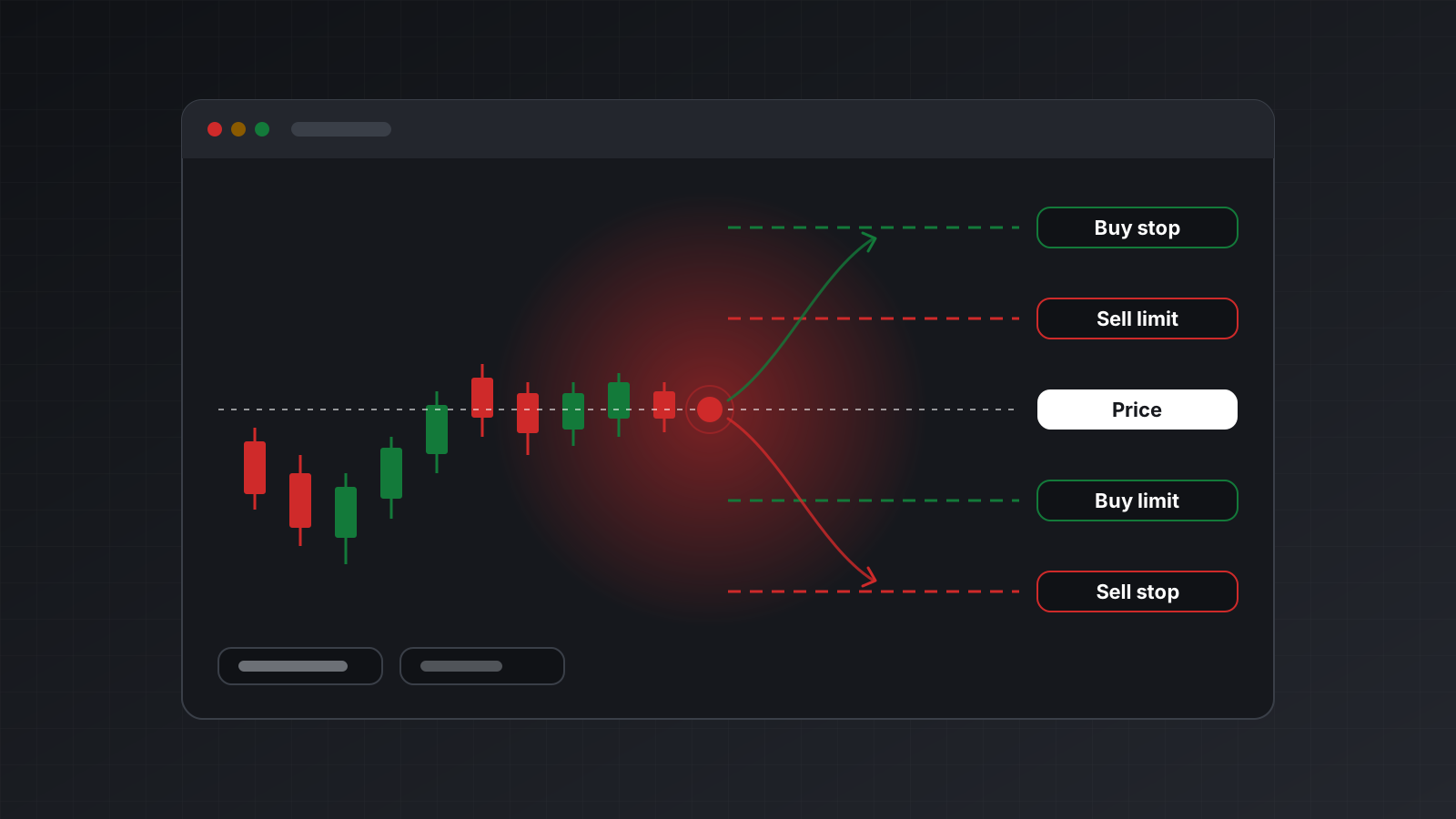
| Pending order types | 4: buy limit, sell limit, buy stop, sell stop | 6: the same four plus buy stop limit and sell stop limit |
| Position model | Every trade is its own ticket (hedging style) | Hedging or netting, set per account |
| Timeframes | 9, from 1 minute to 1 month | 21, from 1 minute to 1 month |
| Market depth | Not built in | Available where the broker publishes it |
| Tick history | Not kept by the terminal | Available from the terminal |
| Strategy tester | One symbol, one thread, ticks modelled from bars | Many symbols, many threads, real ticks where the broker provides them |
| Fill policy | No choice | Fill or kill, immediate or cancel, or return |
| Language | MQL4 | MQL5 |
| Official Python library | None | Yes, Windows only |
A few terms first:
- A pending order waits until the price reaches a level you set. A market order fills now.
- A stop limit order becomes a limit order once the price touches a trigger level. It lets you enter on a breakout without paying any price the market offers.
- Market depth is the list of buy and sell offers at prices near the current one, sometimes called the order book or level 2.
- A tick is a single price change. Tick history is the record of every one of them.
Hedging and netting
This is the biggest difference for code, and the one people trip on most.
In MT4, every order you open becomes its own ticket. Buy 0.10 lots of EURUSD twice and you hold two tickets. Buy and sell at once and you hold both, side by side. To close, you name the ticket. (A lot is the standard trade size. For most currency pairs one lot is 100,000 units of the base currency, so 0.10 lots is 10,000.)
MT5 separates three things that MT4 merges:
- an order is a request to trade,
- a deal is a fill that happened,
- a position is what you hold as a result.
An MT5 account is either hedging or netting. A hedging account behaves much like MT4: many positions per symbol, each closed on its own. A netting account holds at most one position per symbol. A second buy adds to it, a sell reduces it, and a sell larger than the position flips it to short.
Code written for one model can misbehave on the other. A strategy that opens a buy and a sell as a hedge will find, on a netting account, that the two cancel out and nothing is left. A strategy that counts open positions to decide whether to add one will see the count stay at one. Read the account’s margin mode when your program starts and refuse to run if it isn’t the model you wrote for.
Backtesting and data
A backtest runs your strategy over past prices to see how it would have behaved. Its quality depends on the data and on how faithfully the tester replays it.
The MT4 tester runs one symbol at a time on one processor core. It builds ticks from one minute bars by modelling how the price might have moved inside each bar. For slow strategies on higher timeframes that is often fine. For anything sensitive to the spread or to the order of prices within a minute, the modelled ticks can paint a rosier picture than reality.
The MT5 tester can replay real tick data where the broker provides it, test several symbols in one run, and spread an optimisation across all your processor cores. That makes it better suited to portfolio strategies, to scalping (many small, short trades) and to strategies that react to spreads.
No tester is perfect. Live trading adds slippage, requotes and connection drops. Slippage is the gap between the price you asked for and the price you got. Treat any backtest as a filter that rejects bad ideas, not as proof that a good one will work. Practise on a demo account before you risk money.
Code inside the terminal, or code outside it
There are two ways to automate MetaTrader.
Inside the terminal. You write an MQL program and attach it to a chart. It reacts to each new price and sends orders directly. This is the classic approach and works on both platforms. It keeps you inside MetaQuotes’ languages and tools, and the terminal must stay open for the program to run.
Outside the terminal. Your strategy is written in Python, JavaScript or anything else, and it talks to the terminal. MT5 has an official Python library for this. It runs only on Windows and needs the terminal open on the same computer. MT4 has no official equivalent. People who want outside code on MT4 usually place a small MQL program inside the terminal that relays requests.
Outside code is attractive for algorithmic trading. You can use the data and machine learning libraries you already know, keep your strategy under version control, test it with normal tools, and run it on a server or in a notebook. It is also the only realistic way to connect an AI agent.
How to choose
Start from the strategy and the account, not from the platform’s reputation.
- You already have a working MQL4 program. Staying on MT4 avoids a port. Moving to MT5 means rewriting the trading code and testing it again.
- Your broker or prop firm offers only one platform. Then the choice is made for you.
- You need stop limit orders, market depth or tick data. These exist only on MT5.
- You trade many symbols together, or you scalp. The MT5 tester and its tick data are a better fit.
- Your strategy holds a buy and a sell on the same symbol. Use MT4, or an MT5 hedging account. Never a netting one.
- You want to write the strategy in Python. MT5 has the official library, with its Windows limit. A hosted API works for both platforms from any operating system.
- You run strategies on several accounts across both platforms. Write against one interface that hides the platform, and handle the few gaps explicitly.
Doing this with Tickwire
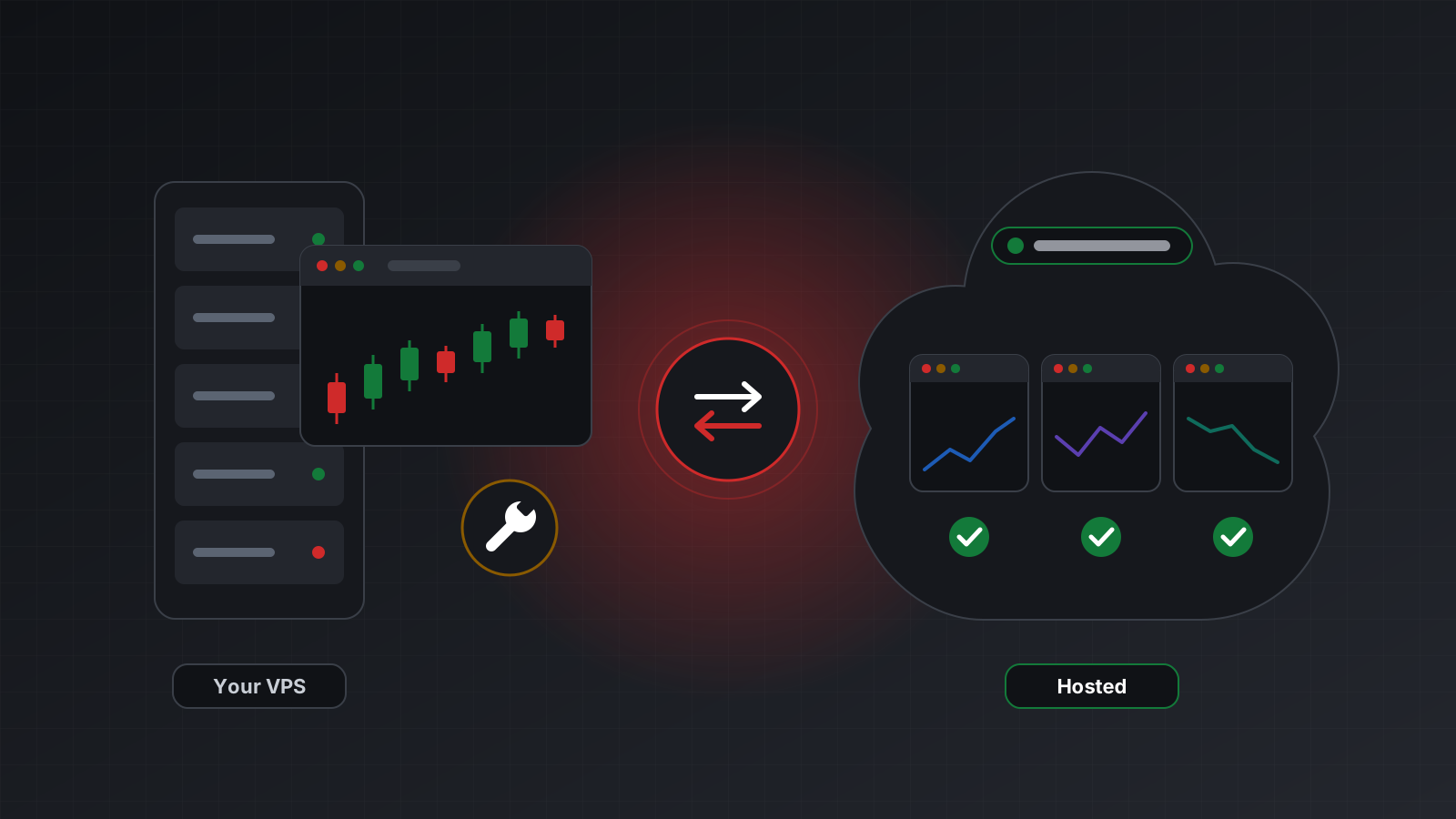
Tickwire runs a real MT4 or MT5 terminal for each trading account in the cloud and gives your code
one REST and WebSocket API for both. You pick the platform when you add the account
("platform": "mt4" or "mt5"). After that, every endpoint and field is the same.
Where MT4 can’t do something, the API says so instead of faking it. Market depth, tick history and
stop limit orders on an MT4 account answer not_supported_on_mt4. You can ask an account what it
supports before you call:
curl -s "https://api.tickwire.io/users/current/accounts/<ACCOUNT_ID>/capabilities" \
  -H "auth-token: tw_live_..."
{ "platform": "mt4", "marketDepth": false, "tickHistory": false, "stopLimitOrders": false, "closeBy": true }The full table of differences is in MT4 and MT5. The MT4 API and MT5 API pages cover each platform, and the quickstart gets you to a first call.
Key points
- MT4 and MT5 are separate platforms. Accounts and programs don’t move between them.
- MT5 adds stop limit orders, market depth, tick history, more timeframes and a stronger tester.
- MT5 accounts are hedging or netting. Check which before your code trades.
- MT4 suits existing MQL4 programs and simple, slower strategies. MT5 suits multi-symbol work, tick-sensitive strategies and Python.
- Whichever you choose, test with realistic costs and practise on a demo account first.
Trading carries risk, and you can lose money. This post explains software and how it behaves; it is not investment advice.