Streaming MT4 and MT5 prices over WebSocket
How a live price stream works for MT4 and MT5: subscribing, reconnecting with backoff, heartbeats, telling a closed market from a broken feed, throttling and candles.
A trading bot that decides on prices needs those prices quickly and needs to know when they stop. Asking for the current price every second works for a toy script. For anything serious, a stream is the better tool: one open connection, and the server pushes each new price as it happens.
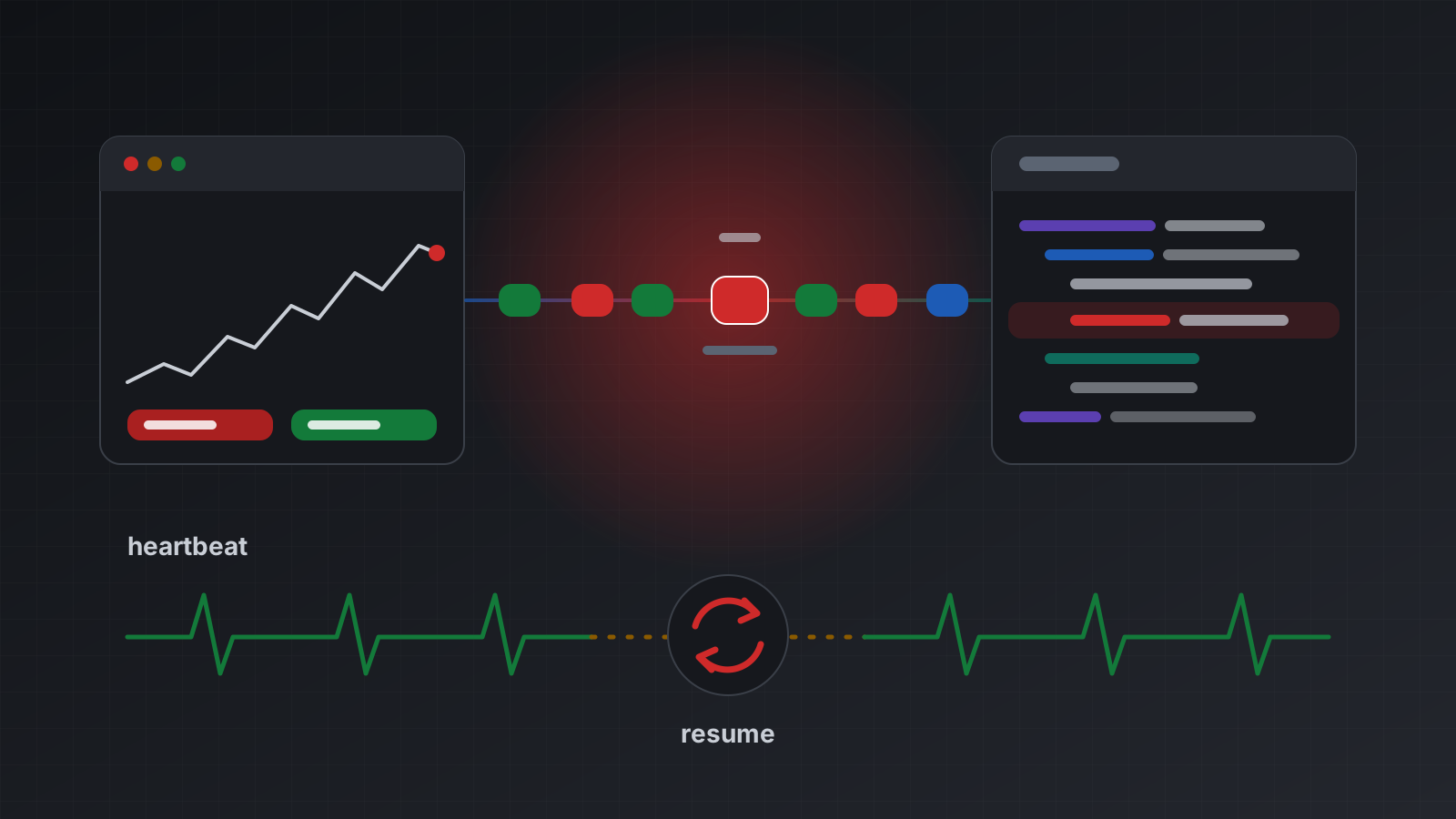
Streams have one awkward habit. When they break, they often break quietly. The socket looks open, nothing arrives, and the bot keeps acting on the last price it saw. Most of the work in a good stream client goes into noticing that and recovering cleanly.
This post explains what a price stream carries for MetaTrader 4 (MT4) and MetaTrader 5 (MT5), how to subscribe, how to reconnect without hammering the server, and how to tell a closed market from a broken feed. The Python example follows Tickwire’s WebSocket protocol, but the ideas apply to any price stream.
What a tick stream is
A tick is one change in a symbol’s price: a new bid (the price you can sell at), a new ask (the price you can buy at), or both. A busy pair can tick many times a second. A quiet one may not tick for minutes.
A stream can carry prices in a few shapes:
- Quotes. The latest bid and ask for a symbol, sent when they change. You can ask for at most one update per interval, such as every 250 milliseconds. Updates in between are merged, so you always get the newest price but not every step.
- Ticks. Every individual tick, unmerged. More data, more work for you. On Tickwire this is MT5 only.
- Candles. The open, high, low and close of the bar now forming, for a timeframe such as one minute.
- Market depth. The order book: prices and volumes waiting at each level. MT5 only, and only where the broker publishes it. On MT4 the answer is
not_supported_on_mt4, never empty or made-up data.
Most bots need quotes and maybe one candle timeframe. Ask only for what you use: each subscription is more frames to read.
Connect and subscribe
The address has the account in its path:
wss://api.tickwire.io/users/current/accounts/<ACCOUNT_ID>/wsSend your key as the auth-token header on the upgrade request where your client can set headers. Browsers can’t, so they pass ?auth-token= in the address instead, and should use a short-lived scoped token rather than a full key, because addresses end up in logs.
Once connected, send one subscribe message:
{
  "type": "subscribe",
  "sync": { "startingHistoryTime": "2026-10-20T09:00:00Z", "lastSeq": null },
  "marketData": [
    { "symbol": "EURUSD", "subscriptions": [
      { "type": "quotes", "intervalInMilliseconds": 250 },
      { "type": "candles", "timeframe": "1m" }
    ] }
  ]
}
sync.startingHistoryTime controls how far back the account’s history (deals and history orders) is sent during the first synchronisation. A price-only client can set it to the current time. The symbol must be the broker’s exact name, which may carry a suffix; see symbol names, suffixes and contract specs.
The server answers with a subscribed frame, then a full synchronisation (account information, positions, orders, then synchronized), then market data. Price updates arrive as prices frames. Each holds a prices list with symbol, bid, ask, time (UTC) and brokerTime (the broker’s own clock, which is not UTC), plus the account’s equity, margin, freeMargin and marginLevel.
Every server frame has a seq number that goes up by one per frame. Keep the last one you processed. It is how you resume.
A Python client that survives reconnects
This client uses the websockets library. It subscribes, prints prices, remembers its place, reconnects with backoff when the link drops, and treats 60 seconds of silence as a dead link.
import asyncio, json, random, time
from datetime import datetime, timezone

import websockets
from websockets.exceptions import InvalidStatus, WebSocketException

URL = "wss://api.tickwire.io/users/current/accounts/<ACCOUNT_ID>/ws"
HEADERS = {"auth-token": "tw_live_..."}       # a header keeps the key out of URLs
SYMBOLS = ["EURUSD", "GBPUSD"]
SILENCE_S = 60                                # the server sends something every 15 s

state = {"session_id": None, "last_seq": None}
last_price_at: dict[str, float] = {}          # symbol -> local monotonic time

def subscribe_msg() -> dict:
    now = datetime.now(timezone.utc).strftime("%Y-%m-%dT%H:%M:%SZ")
    return {"type": "subscribe",
            "sync": {"startingHistoryTime": now,          # prices only: skip old deals
                     "sessionId": state["session_id"],    # from the "subscribed" frame
                     "lastSeq": state["last_seq"]},
            "marketData": [{"symbol": s, "subscriptions": [
                {"type": "quotes", "intervalInMilliseconds": 250}]} for s in SYMBOLS]}

def on_frame(f: dict) -> None:
    t = f["type"]
    if t == "subscribed":
        state["session_id"] = f["sessionId"]
    elif t == "prices":
        for p in f["prices"]:
            last_price_at[p["symbol"]] = time.monotonic()
            print(p["symbol"], p["bid"], p["ask"], "broker time", p.get("brokerTime"))
    elif t == "health" and f["health"].get("prices_live") is False:
        print("connected, no live prices:", f["health"].get("prices_reason"))
    elif t == "brokerConnectionStatus":
        print("broker link", "up" if f["connected"] else "DOWN")
    elif t == "error":
        print("stream error:", f.get("error"), f.get("message"))

async def one_session() -> None:
    async with websockets.connect(URL, additional_headers=HEADERS) as ws:
        await ws.send(json.dumps(subscribe_msg()))
        while True:
            f = json.loads(await asyncio.wait_for(ws.recv(), SILENCE_S))
            if f["type"] == "warning" and f.get("code") == "slow_consumer":
                state["last_seq"] = f["firstMissingSeq"] - 1
                return                                    # reconnect, replay the gap
            on_frame(f)
            if f.get("seq"):
                state["last_seq"] = f["seq"]

async def main() -> None:
    delay = 1.0
    while True:
        started = time.monotonic()
        try:
            await one_session()
        except InvalidStatus as e:
            if e.response.status_code in (401, 403):
                raise                                     # a bad key won't fix itself
        except (OSError, WebSocketException):
            pass                                          # timeouts and drops land here
        if time.monotonic() - started > 60:
            delay = 1.0                                   # that session was healthy
        await asyncio.sleep(random.uniform(0, delay))     # full jitter
        delay = min(delay * 2, 30.0)

asyncio.run(main())
Why it is built this way:
- Backoff with jitter. Each failed attempt doubles the wait, up to 30 seconds, and the actual wait is a random value below that. If a server restarts, a thousand clients then return spread out instead of all in the same second.
- The delay resets only after a healthy session. A socket that connects and dies at once should not reset the backoff, or the client loops at full speed.
- Authentication errors stop the loop. Retrying a revoked key forever just fills logs.
- The client never trades from inside the loop. Reading frames should be quick. Put decisions on a queue and handle them elsewhere, or you’ll fall behind (see below).
Heartbeats, and telling quiet from broken
Silence has several possible causes, and each one calls for a different reaction. Tickwire sends a frame at least every 15 seconds, a health frame if nothing else is happening, so silence on the socket itself is never normal.
| What you see | Likely cause | What to do |
|---|---|---|
| No frames at all for 60 seconds | Your connection is dead, even if the socket looks open | Reconnect and resume |
brokerConnectionStatus with connected: false | The terminal lost its broker link | Stop new orders until it is back |
Heartbeats arrive, health.prices_live is false | No symbol in the Market Watch has moved: likely a closed market or a paused feed | Don’t trade; the account is still connected |
prices_live is true, but your symbol is silent | That symbol is closed (a stock CFD at night) or its own feed stalled | Check its trading hours before calling it broken |
Two ages are worth keeping per symbol. The receive age is how long since your client last got a price for it, measured with your own monotonic clock, as last_price_at does above. The quote age compares the quote’s time with the current UTC time. A big quote age with a small receive age means the server is passing on an old price; that happens when a broker serves a cached quote after login. Treat any price older than your limit as no price at all, and check it before every order.
Remember that markets close. Forex is shut at the weekend, and many symbols have daily breaks. A stream that goes quiet on Friday evening is working correctly. See market hours, weekends and gaps for trading bots.
Resume, throttling and slow consumers
When the connection drops, reconnect and send the same subscribe with the sessionId you were given and the last seq you processed in lastSeq. If the server still holds the frames after that point, it replays them and carries on: no gap, no full resync. If it doesn’t, it runs a full synchronisation, and you replace your state when synchronized arrives.
This matters more for account events than for prices. A missed price is replaced by the next one. A missed positionRemoved leaves your bot believing it still holds a position.
You control how much the server sends with intervalInMilliseconds. A dashboard that redraws every half second doesn’t need every tick; ask for 500. A bot that scalps on ticks needs more, and then it needs a fast reader too.
If your client reads too slowly, the server won’t buffer forever. It drops frames and sends a warning with code: "slow_consumer" and firstMissingSeq. Reconnect with lastSeq set to one less than that and the missing frames come back. The client above does exactly that. If you see this warning often, your reading loop is doing too much work.
Building candles or requesting them
You can build your own candles from the price stream: start a bar at each minute, track the high and low, close it when the next minute starts. It looks simple. In practice your bars will differ from the terminal’s:
- A throttled quote stream skips ticks, so your highs and lows can be too narrow.
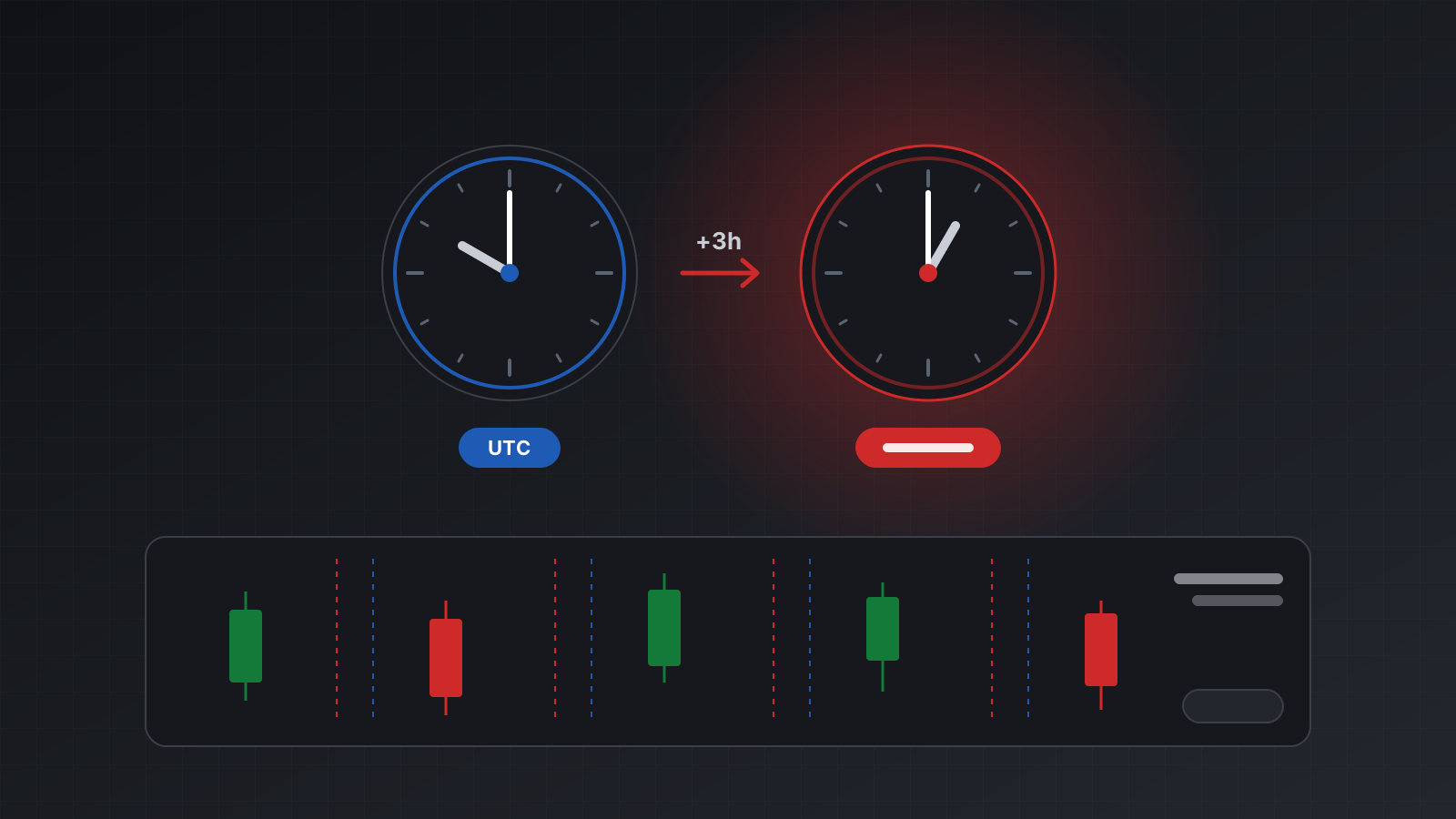
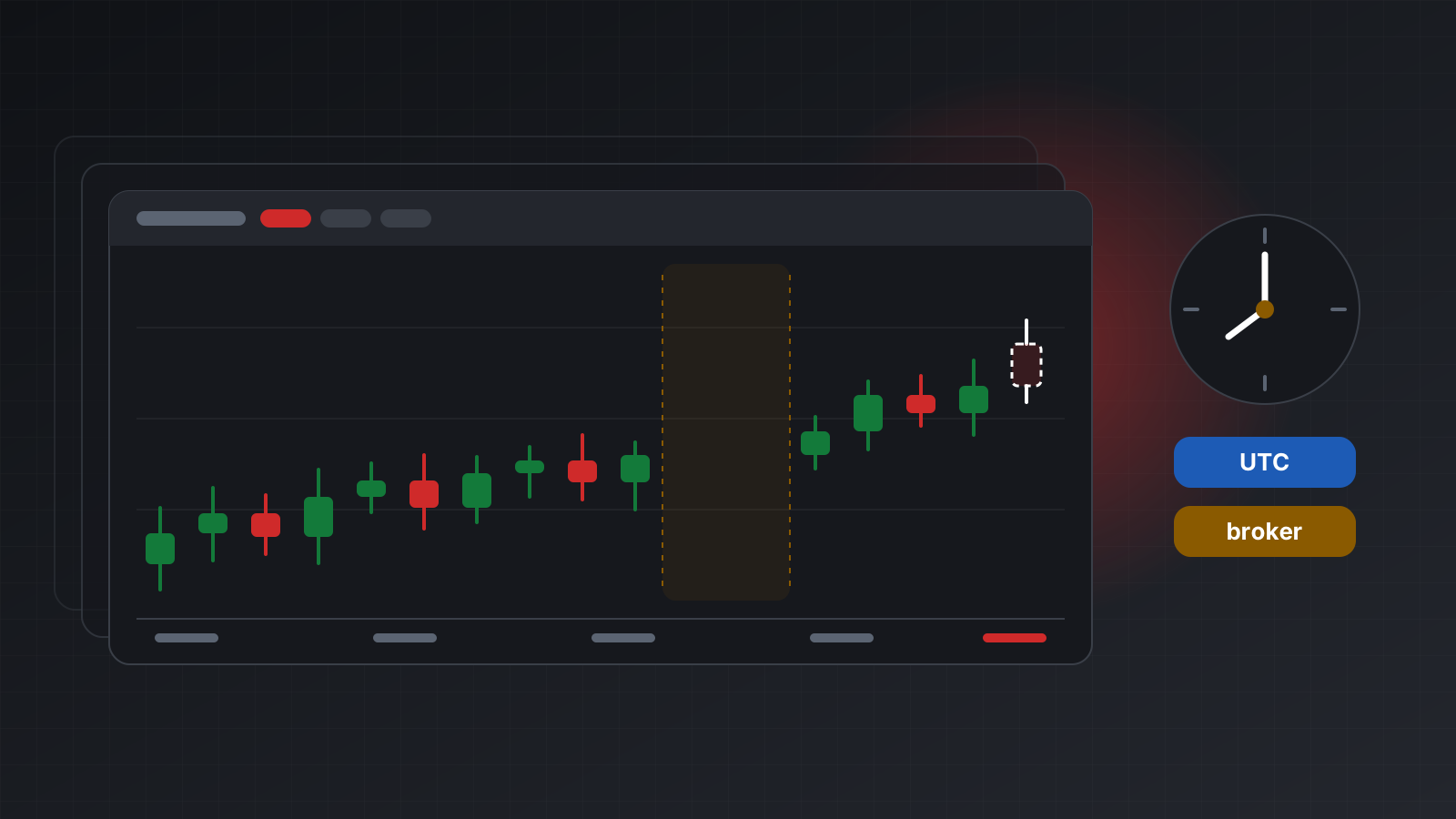
- Bars belong to the broker’s clock, not UTC, so a daily bar starts at the broker’s midnight.
- After a reconnect, the minutes you missed are simply missing.
It’s usually better to subscribe to candles for the bar that is forming and to request closed bars over REST, so your numbers match the terminal’s chart. Build your own only for bar types the terminal doesn’t offer, such as a 7-minute or range bar, and accept that they are your own. Candles and timeframes from an MT5 API covers the request side.
Doing this with Tickwire
Tickwire runs one real MT4 or MT5 terminal per account and streams its prices, candles and account events over one WebSocket per account, with the same frames for both platforms. Health in the stream is truthful: prices_live is false when nothing in the Market Watch is moving, and the account is never reported connected without evidence. Stream frames don’t count against your request limits.
- Streaming documents every frame, resume and slow-consumer handling. That page is still marked as being finished, so a field name may change before it is final. Check it before you build on a field.
- Health explains
prices_live, the price ages and the status ladder. - MT4 and MT5 lists what MT4 can’t do, such as ticks and market depth.
Practise on a demo account before you risk money, and cut your network once on purpose to watch the client resume.
Trading carries risk, and you can lose money. This post explains software and how it behaves; it is not investment advice.