Getting started with algorithmic trading
What algorithmic trading is, the parts every trading system needs, how to write rules a computer can follow, and how to test and run them without avoidable losses.
Algorithmic trading means writing your trading rules down so precisely that a computer can follow them without you. The computer reads prices, decides when the rules say to act, sends the order and keeps track of what happened. That is all it is. There is no special maths required to start, and no secret indicator.
What makes it hard is not the code. It is turning a vague idea into exact rules, testing them honestly, and keeping the program safe once real money is involved. This guide walks through each of those parts in order, for someone who trades a little and codes a little, or the other way round.
Nothing here is a recommendation to trade any instrument or strategy. Trading carries real risk of loss, and an automated mistake can repeat itself faster than a manual one.
What algorithmic trading is, and what it is not
An algorithm is a fixed set of steps. In trading, those steps usually answer four questions: when to enter, how much to buy or sell, when to exit, and when to stop trading altogether.
A few terms come up constantly, so here they are once:
- Lot: the unit of trade size on MetaTrader. On most currency pairs one standard lot is 100,000 units of the base currency; 0.01 lots (a “micro lot”) is 1,000 units. Brokers can set their own sizes, so always read the symbol’s specification.
- Pip: a small, standard price step. On most currency pairs it is the fourth decimal place (0.0001); on pairs quoted in Japanese yen it is the second (0.01).
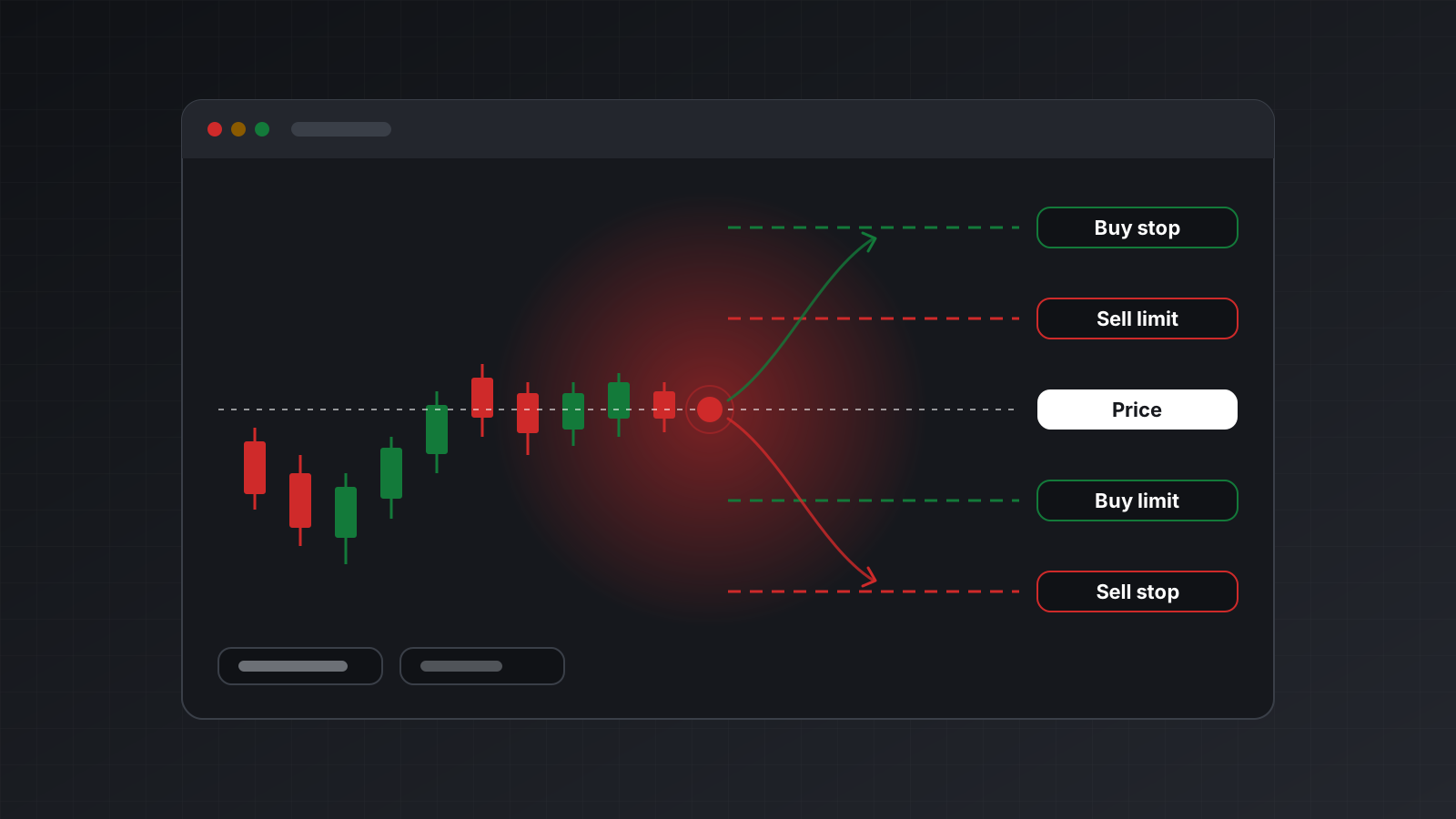
- Spread: the gap between the bid (the price you sell at) and the ask (the price you buy at). It is a cost you pay on every trade.
- Slippage: the difference between the price you expected and the price you actually got.
Algorithmic trading is not a way to remove risk, and it is not automatically more profitable than trading by hand. It removes hesitation and fatigue, and it lets you test an idea on past data before you trust it. It also removes your judgement, so the rules have to carry that judgement for you.
The parts every trading system needs
Whatever the strategy, a working system has the same five parts. Beginners tend to build only the second one.
| Part | What it does | A common mistake |
|---|---|---|
| Data | Reads prices and the account state | Trading on a frozen or stale price |
| Signal | Applies your rules to the data | Rules that peek at data from the future |
| Risk and sizing | Decides how much to trade, and when to stop | A fixed size with no loss limit |
| Execution | Sends orders and confirms the result | Retrying an order and opening it twice |
| Monitoring | Tells you when something is wrong | Finding out from your balance |
The signal is the fun part, so it gets the attention. The other four decide whether you survive a bad week, a lost connection or a bug.
Choosing your tools
On MetaTrader 4 and MetaTrader 5 (MT4 and MT5, two trading platforms many brokers offer) you have two broad routes.
Inside the terminal. You write an MQL program, in MQL4 or MQL5, the platforms’ own languages. It runs inside the terminal, next to the charts. This is the traditional route and has the most examples online. The terminal has to stay open, which for most people means renting a Windows server.
Outside the terminal. You write the strategy in a general language such as Python and talk to the terminal from outside. The official MetaTrader 5 Python library does this, but only on Windows with the terminal open on the same machine. A hosted API is the other option: the terminal runs elsewhere and your code sends HTTP requests from any computer.
Python is a sensible first language for this. It is readable, it has good tools for data, and it is free from python.org. If you are choosing between the two platforms, MT4 vs MT5 for algorithmic trading compares them for automation.
Write rules a computer can follow
A computer cannot follow “buy when the trend looks strong”. It can follow this:
- On EURUSD, at the close of each 1-hour candle, compute the average of the last 10 closing prices and the average of the last 30.
- If the 10-candle average has just moved above the 30-candle average, and no position is open, buy 0.01 lots.
- If it has just moved below, close the position.
- If the account has lost 2% of its starting balance today, close everything and stop until tomorrow.
That example is a toy, chosen because it is easy to read, not because it works. Notice what it pins down: the instrument, the timeframe, the moment of decision (the candle close, not mid-candle), the size, the exit and a stop for the whole system. Every rule you write should answer those same questions.
Two habits help. First, write the rules in plain sentences before you write any code, then check the code does exactly that. Second, decide what happens in the awkward cases: a gap over the weekend, a missing candle, an order the broker rejects.
Test, then limit the risk
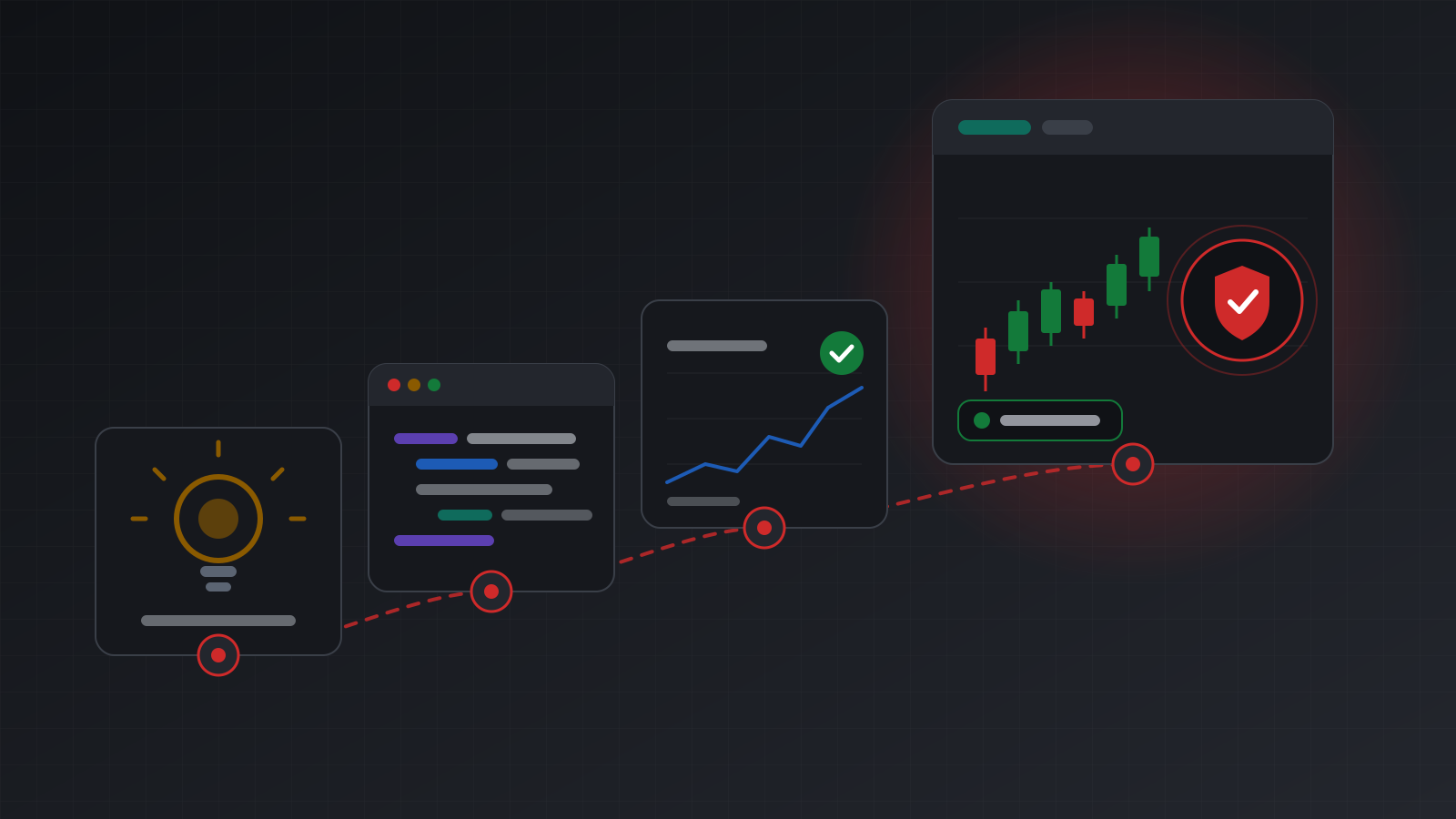
Testing comes in three stages, and each catches different problems.
- Backtest. Run the rules over past prices and see what they would have done. MT5 has a built-in Strategy Tester for MQL programs; in Python you replay historical candles through your own code. A backtest is fast and cheap, and it is easy to fool yourself with.
- Forward test. Run the same rules on live prices without real money, for weeks rather than days. This shows how the strategy behaves on data it has never seen.
- Small and live. Only after both, trade the smallest size your broker allows, and compare every fill with what the backtest expected.
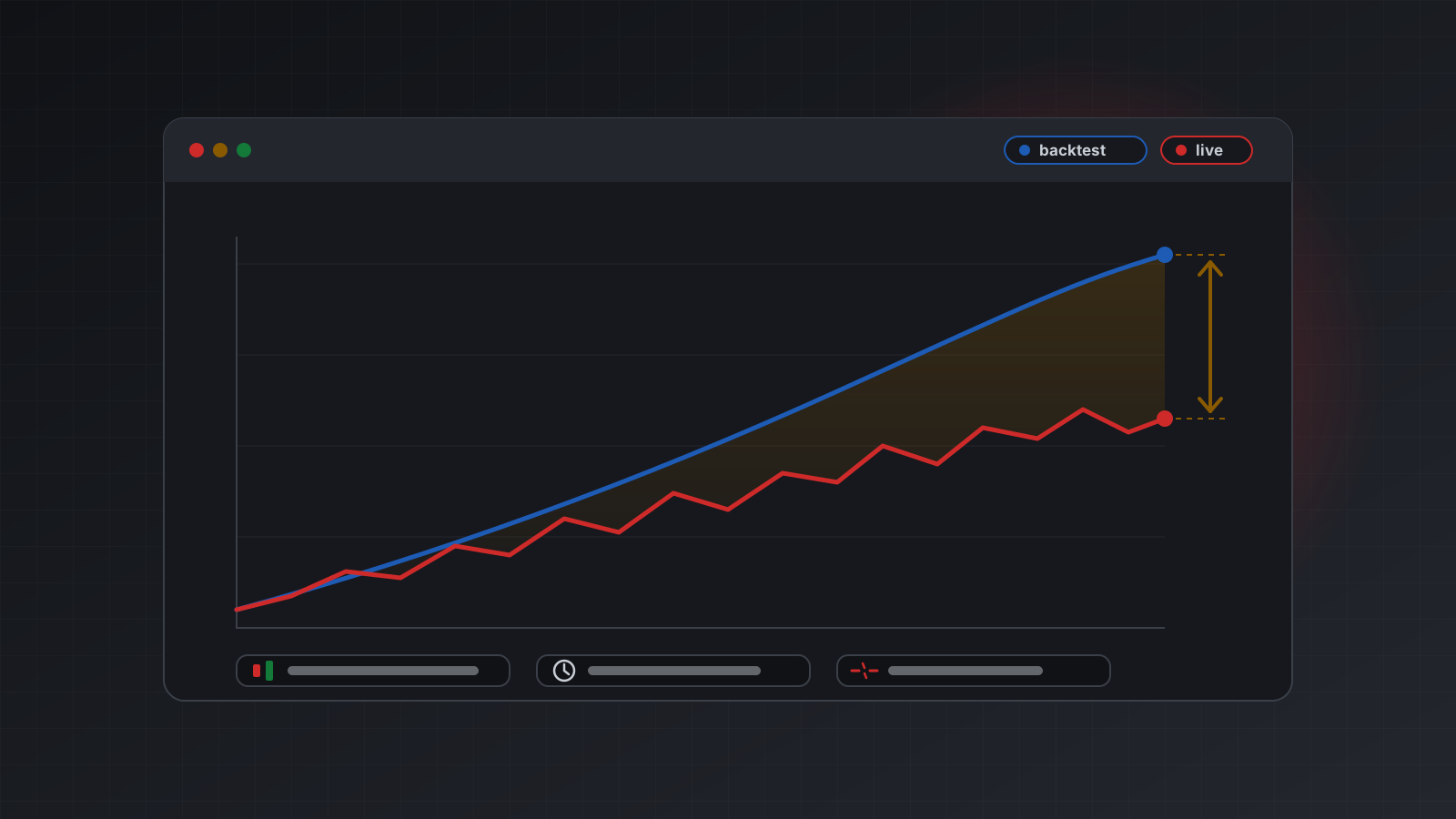
Practise on a demo account before you risk money. It costs nothing and it shows you how orders, fills and errors look in practice. Expect live results to be worse than the backtest; why live results differ from your backtest explains the usual reasons and how to measure the gap.
Risk comes first
Most early losses come from size and from missing limits, not from a bad signal. Decide these before the first live order:
- Size per trade. Many traders risk a small, fixed fraction of the account on each trade, measured from entry to stop loss. A stop loss is an order that closes the position at a set price to cap the loss.
- A daily loss limit. A level at which the program closes positions and stops for the day.
- A maximum number of open positions, so a bug cannot open fifty.
- A kill switch. One action that stops the program at once, which you have tested.
Put these limits in code, not in your head. A rule you only remember is a rule you will skip on a bad day.
Running it for real
A strategy that worked in testing can still fail in production for reasons unrelated to the market.
- The connection drops. The terminal can be open but not connected to the broker. Check health before every decision and pause when it is not clearly connected. See is your trading bot really connected?
- An order is sent twice. A timeout makes your code retry, and the first order had already gone through. Give every order a unique key so a retry returns the first result. See a retry should never place a second trade.
- Time is wrong. A broker’s server clock is often not UTC, so “the daily candle” and “midnight” depend on the broker. See broker server time is not UTC.
- Nobody is watching. Send yourself an alert on errors, disconnects and limit breaches, and read a log of every action at least once a day.
Checklist
- Rules written in plain sentences, covering entry, exit, size and a stop for the whole system.
- Code checked against those sentences, including the awkward cases.
- A backtest you are suspicious of, then a forward test of several weeks.
- Practice on a demo account, then the smallest live size.
- Loss limits and a kill switch in code, and tested.
- Health checks, unique order keys and alerts before the first real order.
Doing this with Tickwire
Tickwire hosts a real MT4 or MT5 terminal for each trading account and lets your code reach it over
REST and WebSocket, so you can write the strategy in Python on a Mac, Linux or a server. Every order
takes an idempotency key, health reports connected, disconnected or unknown with its
evidence, and broker time is always labelled. Tickwire gives no investment advice and does not set
size or loss limits for you; those stay in your code.
When you are ready to write code, build your first MT5 trading bot in Python turns the toy rules above into a working script, and the quickstart and the free sandbox let you make your first calls without a broker login.
Trading carries risk, and you can lose money. This post explains software and how it behaves; it is not investment advice.