How a TradingView alert becomes one MT5 order
Turn a TradingView alert into an MT5 or MT4 order with one private webhook URL. How the message works, how repeats are made harmless, and how to check what happened.
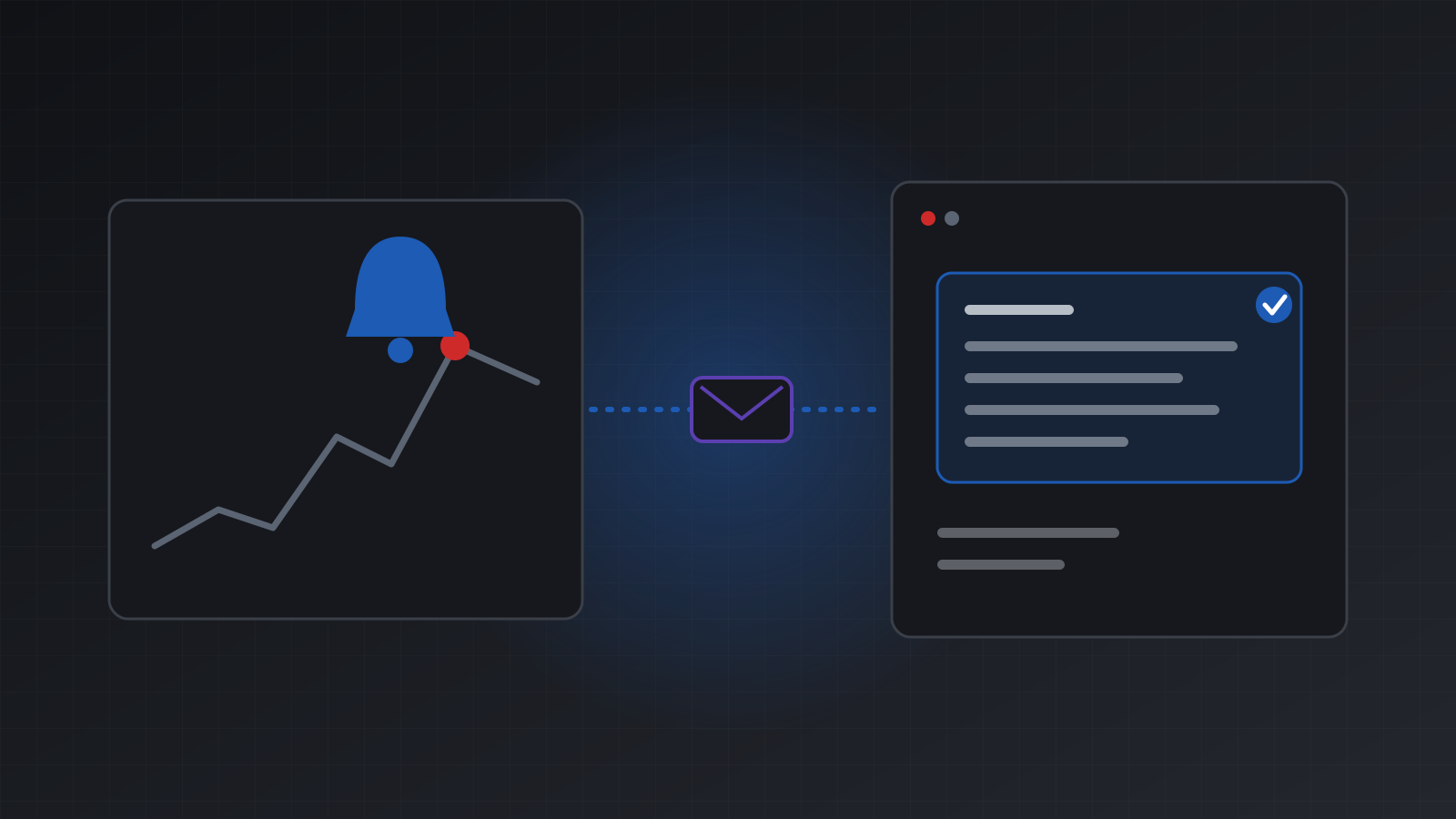
To send TradingView alerts to MT5 or MT4, create a signal webhook in Tickwire, paste its private URL into the alert’s Webhook URL box, and paste a short JSON message such as {"symbol": "{{ticker}}", "action": "{{strategy.order.action}}"} into the Message box. Each alert then becomes a checked, recorded order on your account. Give each alert an alert_id, and an alert that arrives twice trades only once. TradingView needs a paid plan to send webhooks.
This post covers how the pieces fit, how a repeat is made harmless, and how to see what really happened. The full field list is in the TradingView alerts guide.
How it works
A signal webhook is a private URL for one trading account. It looks like this:
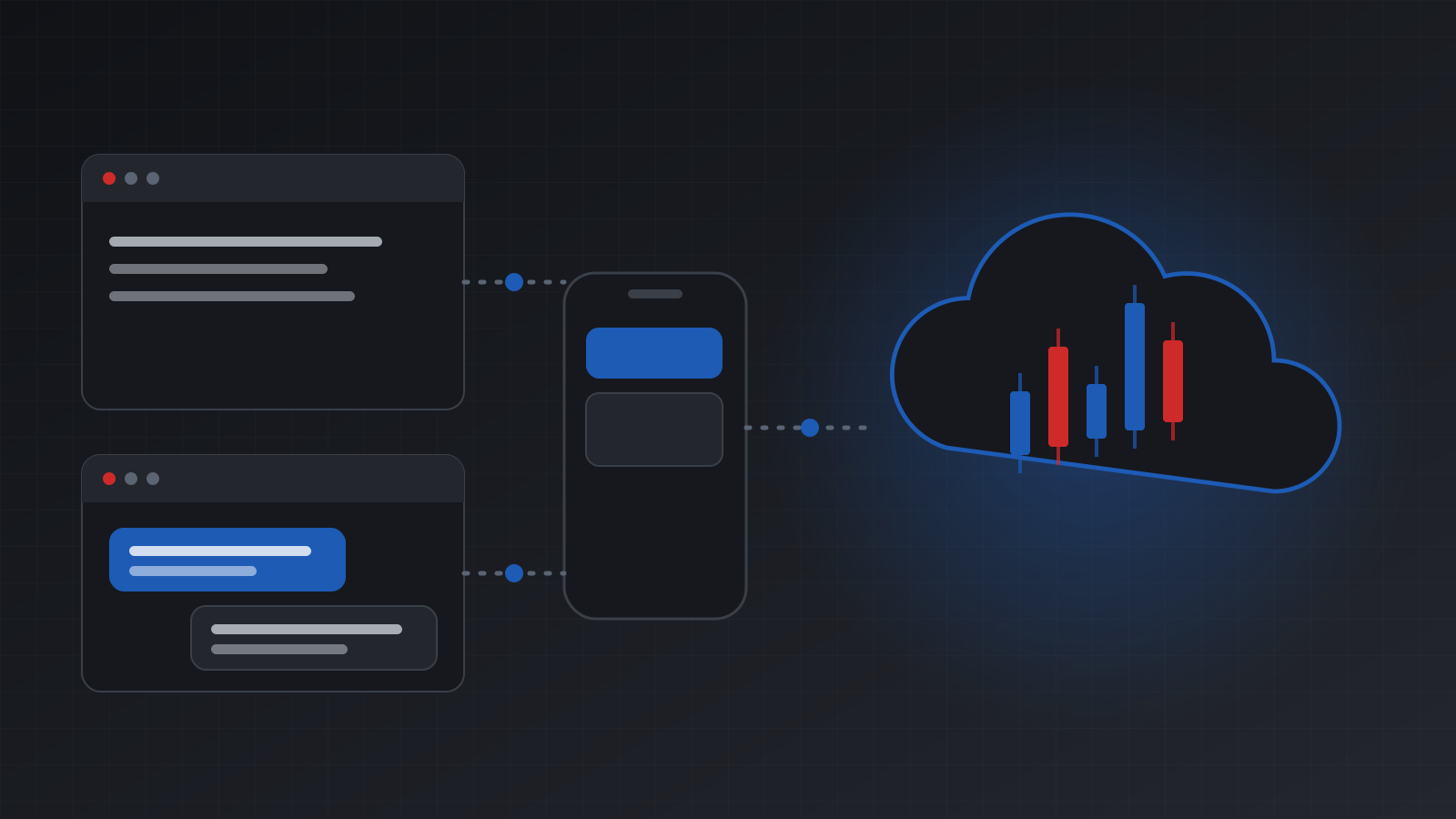
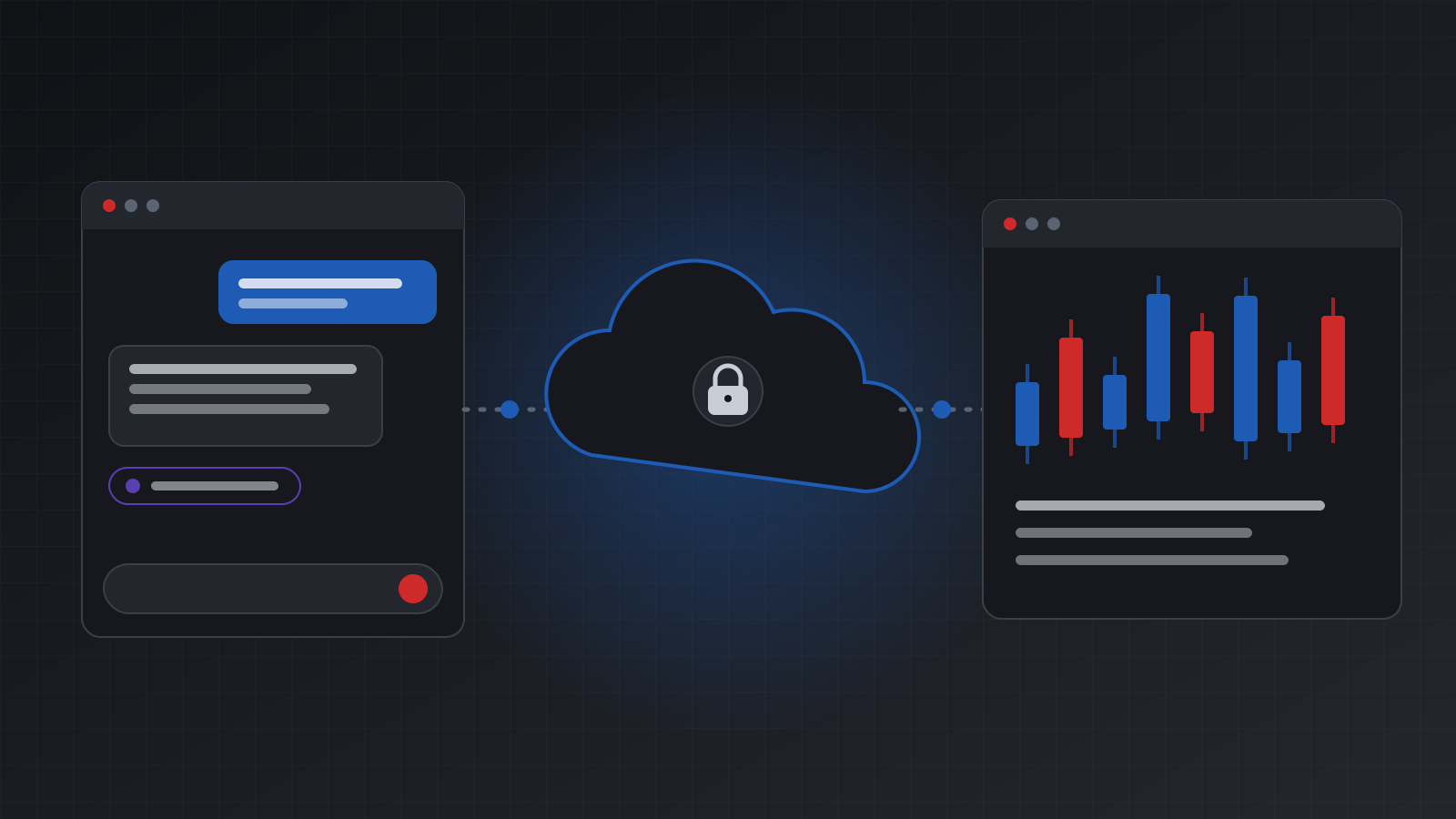
https://api.tickwire.io/v1/signals/twsig_...TradingView posts your alert message to it. Tickwire reads the message, works out the orders, and sends them to your hosted MT5 or MT4 terminal. Every order goes through the same checks as the rest of the API: idempotency, your kill switch, your pre-trade hook and the audit log.
The URL works like a password. Anyone who has it can send alerts to that account. It is shown once, and Tickwire keeps only a hash of the token. If you lose it, rotate the webhook to get a new one.
Step 1: create the webhook
The easy way is the dashboard. Open TradingView alerts, press New webhook, pick the account, choose the size and stops, and press Create webhook. Copy the URL and the alert message the page gives you.
You can also create one with the API and a full API key:
curl -X POST https://api.tickwire.io/v1/signal-webhooks \
  -H "X-API-Key: $TICKWIRE_API_KEY" \
  -H "Content-Type: application/json" \
  -H "Idempotency-Key: create-gold-trend" \
  -H "X-Reason: TradingView gold trend strategy" \
  -d '{
    "account_id": "acc_123",
    "name": "Gold trend",
    "symbol_map": {"XAUUSD": "GOLD"},
    "sizing": {"mode": "risk_pct", "risk_pct": 1},
    "stops": {"sl": {"type": "pips", "value": 30}, "tp": {"type": "r", "value": 2}}
  }'
The answer has an id that starts with swh_ and a url. Copy the url now.
symbol_map turns TradingView’s XAUUSD into the broker’s GOLD. If your broker adds an ending such as .m to every symbol, set symbol_suffix instead.
Step 2: write the message
The shortest message takes everything else from your webhook settings:
{"symbol": "{{ticker}}", "action": "{{strategy.order.action}}"}An indicator has no strategy placeholders, so you write the action yourself. Make one alert per direction:
{"symbol": "{{ticker}}", "action": "buy", "risk_money": 50, "sl_pips": 20, "tp_pips": 40}The main actions are buy, sell, close, close_long, close_short, close_pct, move_sl, move_tp, breakeven and cancel. Size by fixed lots, by risk_pct of your balance, or by risk_money. Risk sizing needs a stop loss. With no stop, there is no trade.
Write numbers with a dot. A value such as "0,01" is refused with invalid_signal, so a typo can never trade 1 lot instead of 0.01.
Step 3: make repeats harmless
TradingView does not resend a failed alert. But an alert can still arrive twice. Two alerts can fire on the same condition. An alert can fire twice on one bar. You might send one again by hand. Tickwire treats an alert as one order request:
- With an
alert_id, the same id always gets the first answer back, withreplayed: true. - Without one, the same message within about a minute counts as the same alert.
- If the first copy is still running, the second gets
409 signal_in_flightand sends nothing. - The plan is saved before the first order. A repeat is never sized again from a newer price.
The safest message for a strategy states where the position should be, not what to do:
{
  "symbol": "{{ticker}}",
  "market_position": "{{strategy.market_position}}",
  "market_position_size": "{{strategy.market_position_size}}",
  "alert_id": "{{strategy.order.id}}-{{timenow}}"
}
If this arrives twice, the second copy finds the position already there and sends nothing.
One trap: {{timenow}} changes every second. Two copies sent in different seconds are two different messages, and an alert_id built from {{timenow}} will differ too. With a target position message that is fine. With a plain buy, leave {{timenow}} out of the id if repeats matter to you. The post A retry should never place a second trade explains the idea behind all of this.
What the answer means
TradingView waits about 3 seconds for an answer and ignores what it says. Tickwire keeps it with the alert so you can read it later.
| Outcome | HTTP | Meaning |
|---|---|---|
applied | 200 | The terminal confirmed every order |
no_change | 200 | Nothing needed doing. Nothing was sent |
held | 202 | Your pre-trade hook is holding the order for approval |
in_flight | 202 | Still running after about 2 seconds. The result is saved when it ends |
unknown | 200 | An order may have executed. Check positions before anything else |
rejected | 4xx or 5xx | Refused, with an error code. sent: false means nothing left Tickwire |
Step 4: check what happened
TradingView’s alert log only shows whether it got an answer in time. A “timed out” line there does not mean the order failed. Look in Tickwire instead. In the dashboard, open TradingView alerts and press Recent alerts. Or ask the API:
curl "https://api.tickwire.io/v1/signal-webhooks/swh_9f2c/events?limit=20" \
  -H "X-API-Key: $TICKWIRE_API_KEY"
Each event shows the parsed signal, the outcome, the sizing and every order step. The orders also appear in the account’s audit log with the actor signal-webhook:<id>.
Stay in control
- Pause:
PATCH /v1/signal-webhooks/{id}with{"enabled": false}. Alerts are refused until you turn it back on. - Rotate:
POST /v1/signal-webhooks/{id}/rotategives a new URL. The old one stops at once. - Revoke:
DELETE /v1/signal-webhooks/{id}ends the webhook for good. - Kill switch and pre-trade hook: both apply to every alert.
Tickwire sets no limits of its own. You can add yours on the webhook: max_lots_per_order, max_risk_pct, max_open_positions, trading_hours, max_spread_points, max_alert_age_s and allowed_sides. Each one is off until you set it. For anything more, write a pre-trade hook.
What signal webhooks do not do
Signal webhooks place the orders your own alerts ask for. They do not run trailing stops, break even at a set R, more than one take profit, ATR stops, time based exits, daily loss limits or prop firm rules. Tickwire sells no signals and gives no trading advice.
A webhook also does not make an alert any better. If the strategy behind it loses money, the orders will too. Test on a demo account first.
MT4 and MT5
The same URL and messages work on both platforms. Sizing uses each terminal’s own tick value. MT4 has one tick value for profit and loss, so MT4 sizes are marked mt4_approximate. The planned loss shown in the answer is before costs: spread, commission and slippage are not included.
TradingView alerts are included in the plan price. To set it up, see how to trade TradingView alerts on MT5 and MT4.
Frequently asked questions
Do I need a paid TradingView plan?
Yes. TradingView only sends webhooks on a paid plan. On the free plan the Webhook URL box is not there.
What happens if the same alert fires twice?
It trades once. An alert with the same alert_id gets the first answer back. Without an id, the same message within about a minute counts as the same alert. Target position messages are safe to repeat at any time.
TradingView says my alert timed out. Did the order fail?
Not necessarily. TradingView waits only about 3 seconds. Tickwire keeps going and saves the result. Check Recent alerts in the dashboard, or the webhook’s events, before you send anything again.
Do I need to allowlist TradingView’s IP addresses?
No. The secret URL is what proves an alert is yours. Keep it private, and rotate it if it leaks.
Can a webhook trade my manual positions?
Not by default. A webhook only touches trades it opened, marked with its own magic number. You can turn on manage_others if you want it to manage every trade on the symbol.
Does Tickwire provide trading signals?
No. Tickwire places the trades your own alerts ask for and records what happened. It does not make a strategy profitable, and nothing here is investment advice.
Trading carries risk, and you can lose money. This post explains software and how it behaves; it is not investment advice.