MT5 built-in MCP (build 6060) vs a hosted MCP server
MetaTrader 5's built-in MCP support runs on your own computer, while Tickwire's hosted MCP server runs in the cloud, so claude.ai and ChatGPT can reach MT4 and MT5.
MetaTrader 5 build 6060, released in July 2026, added built-in MCP support: the desktop terminal can now act as a local MCP server for AI tools on the same computer. Tickwire is a hosted MCP server: it runs your MT5 or MT4 terminal in the cloud, so cloud apps such as claude.ai and ChatGPT can reach it too. Which one fits depends on where your AI app runs and whether the terminal must stay on.
Both speak MCP, the open protocol AI apps use to call tools. If MCP is new to you, start with What is MCP, for traders.
What the terminal’s built-in MCP support does
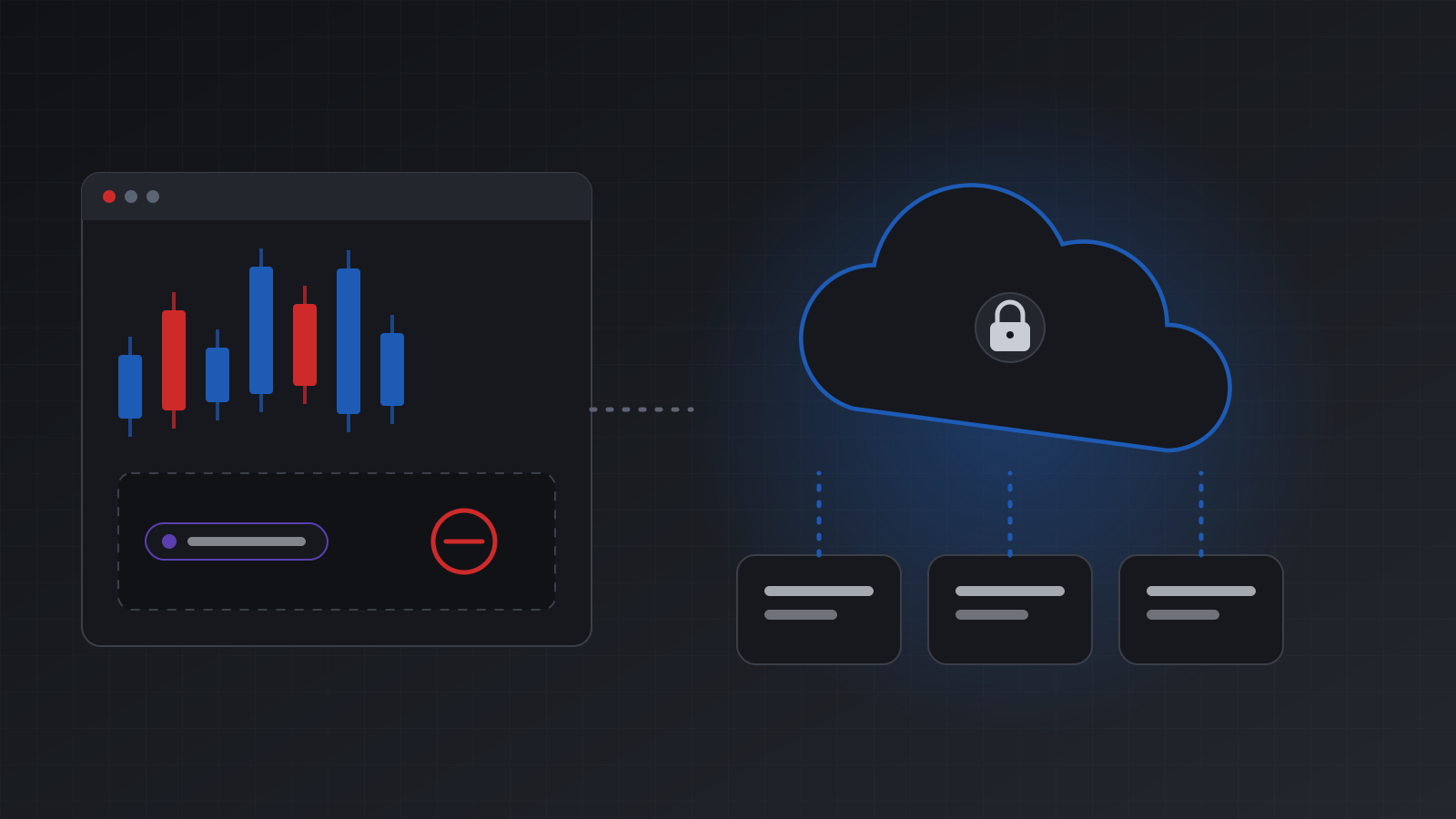
In build 6060 the MT5 desktop terminal can run an MCP server inside itself. You turn it on in the terminal’s settings, and it gives you a local address and a key. An AI tool on the same computer can then read the account and, if you allow it, trade. You can forbid AI trading, allow it, or ask for a manual confirmation of each order.
That is a real step forward. For a trader who sits at a Windows PC with the terminal open, and uses a desktop AI tool such as Claude Code, it is a quick way to try AI on MT5.
The limits come from where it runs:
- It is local. The server listens on your own computer. A cloud app such as Claude on claude.ai or ChatGPT connects from its own servers, and can’t reach an address on your laptop.
- The terminal must stay open. Close the app, sleep the PC or lose the network, and the AI loses the account.
- It is MT5 only. MetaTrader 4 has no MCP support.
- One terminal, one machine. Several accounts mean several terminals on that machine, each set up by hand.
- Controls live in the terminal. There is no separate audit log, kill switch or pre-trade hook outside the terminal you can check from your phone.
What a hosted MCP server does
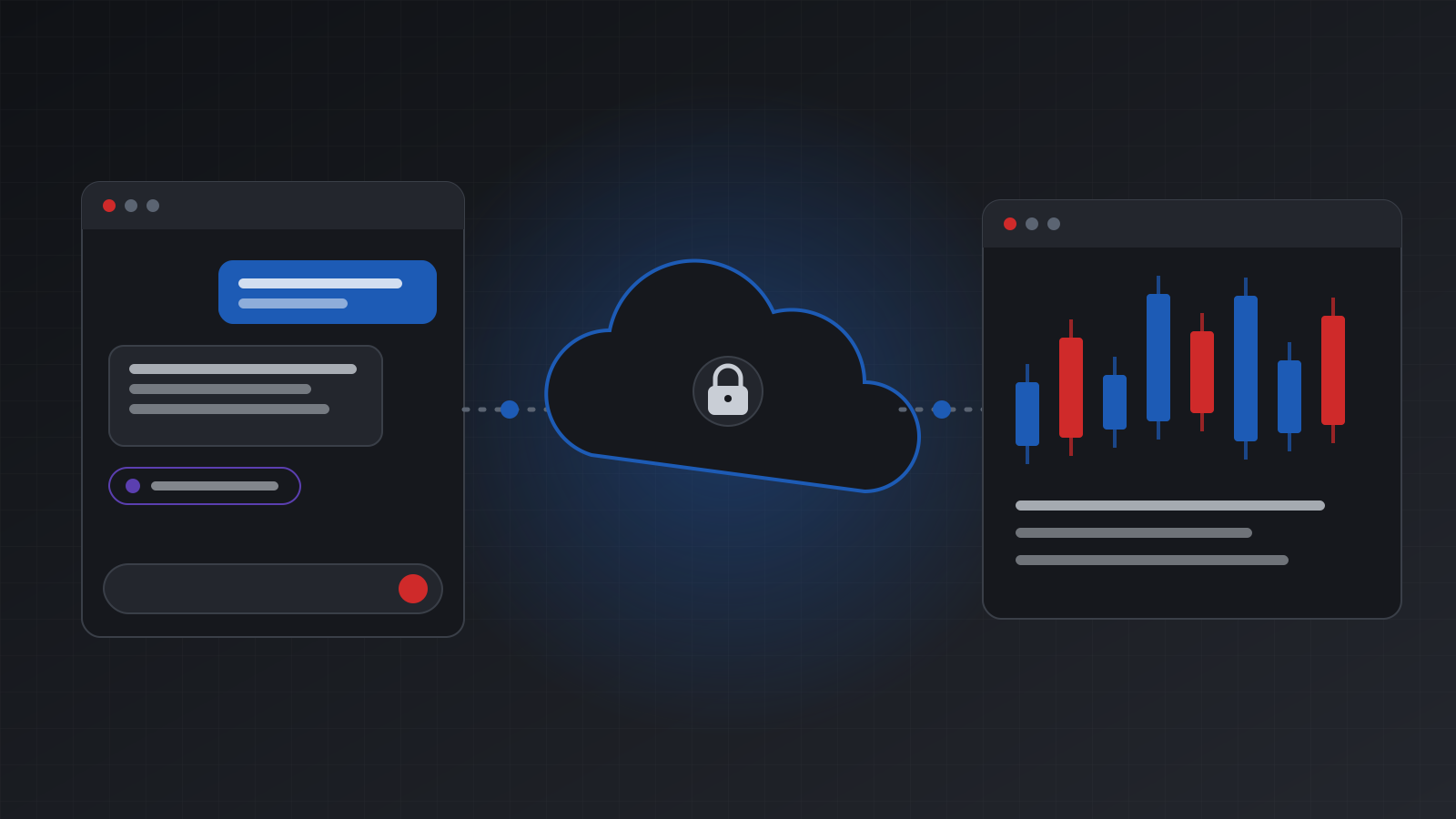
A hosted MCP server keeps the terminal on a server and gives it a public address. Tickwire’s is:
https://api.tickwire.io/mcpYou add that address once as a custom connector in Claude or ChatGPT, sign in, pick the accounts the AI may use, and choose look only or look and trade. The AI app then reaches the account from claude.ai, the Claude desktop app or chatgpt.com, while your own computer is off.
What you get on top of the protocol:
- MT4 and MT5 behind the same tools.
- Per-key scope. Each AI app gets its own agent key, limited to the accounts you ticked, read-only if you like.
- Owner controls outside the AI. Kill switches per key and per account, and an optional pre-trade hook that can allow, deny or hold each order.
- Safe retries. A repeat of the same order returns the first answer with
replayed: true, never a second order. Anunknownoutcome tells the AI to check positions first. - An audit log with the time, the tool, the reason and the result of every change.
- Truthful health. The AI can ask whether the account is really connected and prices are moving before it trades.
See the MetaTrader MCP server page for the full list of tools.
Side by side
| Built-in MCP support (MT5 build 6060) | Tickwire hosted MCP server | |
|---|---|---|
| Where it runs | Your own computer | In the cloud |
| Works with claude.ai and ChatGPT | No, they can’t reach a local address | Yes |
| Works with Claude Code and other local tools | Yes | Yes, with sign-in or an agent key |
| Needs your PC on | Yes | No |
| Platforms | MT5 | MT4 and MT5 |
| Many accounts | One terminal each, set up by hand | Pick them at sign-in |
| Kill switch and audit log outside the terminal | No | Yes |
| Cost | Included with the terminal | From $12 per account a month, 7-day free trial |
Which one to use
Use the terminal’s built-in MCP support if you trade MT5 from one Windows PC, keep the terminal open, and use a desktop AI tool on that same PC. It costs nothing extra.
Use a hosted MCP server if you want claude.ai or ChatGPT, if you trade MT4, if the AI should work while your PC is off, or if you want controls and records that the AI can’t change.
You can use both. They don’t conflict: the built-in server talks to your local terminal, and Tickwire runs its own terminal for the account in the cloud.
Connect a hosted MCP server
- Claude: How to connect Claude to your MT4 or MT5 account
- ChatGPT: How to connect ChatGPT to MetaTrader 5 and MT4
- Claude Code, from a terminal:
claude mcp add --transport http tickwire https://api.tickwire.io/mcp \
  --header "Authorization: Bearer $AGENT_KEY"
Create the agent key in the dashboard or with POST /v1/agent-keys. See the AI agent guide. Test on a demo account first.
Frequently asked questions
Does MetaTrader 5 have built-in MCP support now?
Yes. MT5 build 6060, released in July 2026, can run a local MCP server inside the desktop terminal. AI tools on the same computer can use it while the terminal is open.
Can ChatGPT or claude.ai use the terminal’s built-in MCP server?
Not directly. Those apps connect from their own cloud servers and can’t reach an address on your computer. They need a hosted MCP server with a public address, such as Tickwire’s.
Does MetaTrader 4 have MCP support?
No. MT4 has no built-in MCP server. Tickwire’s hosted MCP server works with MT4 and MT5 accounts through the same tools.
Do I need a VPS to keep an AI connected to MT5?
With the built-in support, the terminal must keep running, so a PC or VPS has to stay on. With a hosted MCP server, the terminal runs in the cloud for you, so you need neither.
Is a hosted MCP server safe for trading?
It depends on the controls. Tickwire gives each AI app a scoped key, look-only mode, kill switches, an optional pre-trade hook and an audit log of every change. Start with look only on a demo account.
What does the hosted option cost?
Tickwire starts at $12 per account a month after a 7-day free trial, and the MCP server is included. See pricing.
Trading carries risk, and you can lose money. This post explains software and how it behaves; it is not investment advice.