What MCP is, and why traders should care
A plain guide to the Model Context Protocol: how AI apps call tools, what a trade tool call looks like, local vs hosted servers, and the risks traders should know.
MCP stands for Model Context Protocol. It is an open standard for connecting AI apps to outside tools and data. Anthropic published it in November 2024, and in December 2025 it was donated to the Agentic AI Foundation, a fund under the Linux Foundation. Today most major AI apps and developer tools speak it.
For traders, MCP is the reason an AI assistant can now read your MetaTrader account, pull candles or place an order, instead of only talking about them. It is also the reason you should think carefully before you connect one.
This post explains what MCP is in plain terms, what a tool call actually looks like, how local and hosted setups differ, and what MCP does not do for you.
MCP in one paragraph
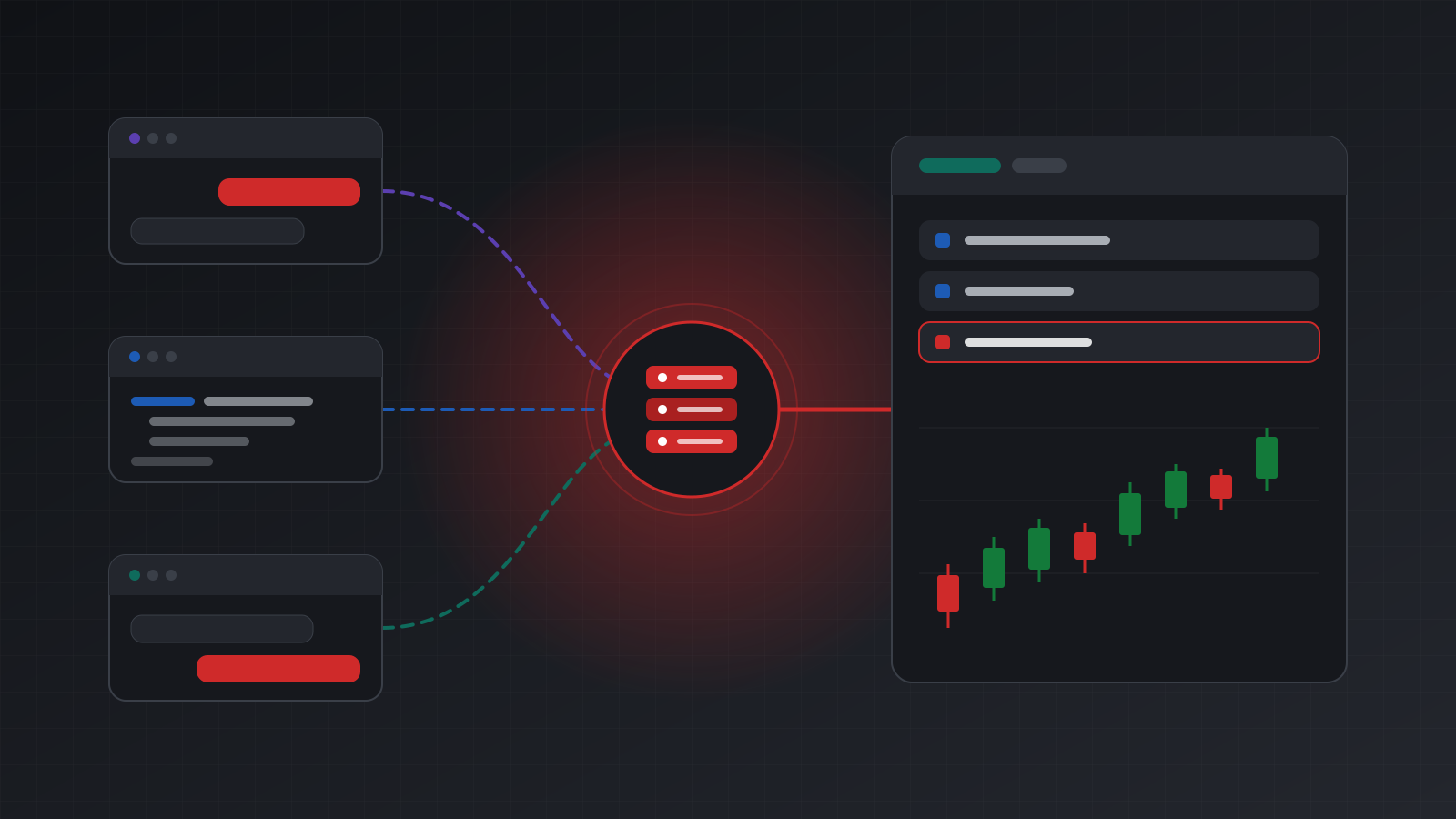
An AI model on its own can only read and write text. MCP gives it a standard way to use tools: named actions with defined inputs and outputs. There are three parts:
- The host is the AI app you use, such as a chat app or a code editor.
- The client is the piece inside the host that talks MCP.
- The server is a separate program or web service that offers tools.
The host connects to a server, asks it which tools it has, and shows that list to the model. When the model decides to use a tool, the host sends the request to the server and passes the answer back into the conversation. The model never touches your terminal directly. It asks; the server acts.
Besides tools, servers can also offer resources (data the app can read, such as a file) and prompts (ready-made instructions). For trading, tools are the part that matters.
What a tool call looks like
MCP messages are JSON-RPC, a simple request and response format. First, the app asks the server for its tools. Each tool comes back with a name, a description, an input schema and optional hints such as “this tool only reads”:
{
  "name": "get_quote",
  "description": "Current bid and ask for a symbol, with their times.",
  "inputSchema": {
    "type": "object",
    "properties": {
      "account_id": { "type": "string" },
      "symbol": { "type": "string" }
    },
    "required": ["account_id", "symbol"]
  },
  "annotations": { "readOnlyHint": true }
}
When you ask “what is EURUSD trading at?”, the model picks that tool and the app sends a call:
{
  "jsonrpc": "2.0",
  "id": 7,
  "method": "tools/call",
  "params": {
    "name": "get_quote",
    "arguments": { "account_id": "<ACCOUNT_ID>", "symbol": "EURUSD" }
  }
}
A trade tool works the same way, with more inputs. A place-order call might carry the symbol, the side (buy or sell), the volume in lots (a lot is the standard trade size; 0.1 lots is a tenth of one), an absolute stop-loss price and a short reason. The server checks the request, sends it to the terminal, and answers with what happened.
The key idea: the model can only do what the tools allow. If a server offers no order tool, no prompt in the world will make the model place a trade.
Why traders should care
MCP changes a few practical things.
- One integration, many apps. A trading service that offers an MCP server works with any app that supports MCP. You are not locked into one chat app.
- Questions in plain language. “Which of my positions has no stop loss?” or “Summarise last week’s closed deals by symbol” become one sentence instead of an export and a spreadsheet.
- Live data instead of screenshots. The model reads the real numbers from the account, not a picture you pasted, so it is less likely to misread a price.
- Agents, not only chat. Developers can write their own programs that use the same tools on a schedule, with the same rules.
It also changes the risk. Before MCP, an AI app could at worst give you a bad idea. With a trade tool connected, it can act on one.
What MCP does not do
MCP is a way of connecting things. It is deliberately silent on most of what makes trading safe:
- It does not make the model good at trading. A tool call is only as sensible as the decision behind it.
- It does not add risk limits. There is nothing in the protocol about maximum lot size or daily loss. Those rules have to live in the server, or in your own code that the server consults.
- It does not stop duplicate orders. Models repeat themselves, and networks time out. Whether a repeated call places a second trade depends entirely on the server. Look for idempotency keys: the same key returns the first result instead of sending again.
- It does not make data trustworthy. Text that comes back from a tool, such as an order comment or a broker message, can contain instructions. A careless model might follow them. This is called prompt injection. The MCP specification says tool descriptions should be treated as untrusted unless they come from a trusted server, that hosts must get your explicit consent before invoking a tool, and that the protocol itself cannot enforce these principles. The apps and servers have to.
- It does not decide time zones. Broker server time is often not UTC. A good server labels which is which.
Local servers and hosted servers
An MCP server can run in two places, and the difference matters for trading.
A local server runs on your own computer, and the app starts it as a program. In July 2026, MetaTrader 5’s release notes (build 6060) added native MCP support to the desktop terminal, so local AI tools can talk to a terminal on your machine. A remote (hosted) server is a web service the app reaches over HTTPS.
| Local server | Hosted server | |
|---|---|---|
| Where the terminal runs | Your computer | In the cloud |
| Works when your computer is off | No | Yes |
| Which apps can use it | Apps on that computer | Any app that supports remote MCP |
| Phone apps | Usually not | Often, depending on the app |
| Who you trust | Yourself and your machine | The host, plus their controls |
Neither is right for everyone. A local setup is fine for experiments at your desk. Anything that should keep working after you close the laptop needs a terminal that operates around the clock somewhere else.
Signing in: OAuth or a key
Remote servers have to know who is calling. There are two common ways.
Sign-in (OAuth). Chat apps such as Claude and ChatGPT open the service’s own sign-in page, where you log in and choose what the app may do. The app gets a token; it never sees your password. This is the friendliest option and the one to prefer in chat apps.
A key in a request header. Developer tools often let you set a header instead. With Claude Code, for example, adding a remote server with a fixed header looks like this:
claude mcp add --transport http tickwire https://api.tickwire.io/mcp \
  --header "Authorization: Bearer twag_..."
Whichever you use, give a new connection read-only access first, and keep keys out of shared files and screenshots.
Doing this with Tickwire
Tickwire hosts one real MT4 or MT5 terminal per trading account and runs an MCP server in front of it. Its tools include list_accounts, get_account_health, get_positions, get_quote, get_candles, place_order, close_position, get_trade_status and get_audit_log. The address and setup steps are on the AI agents page.
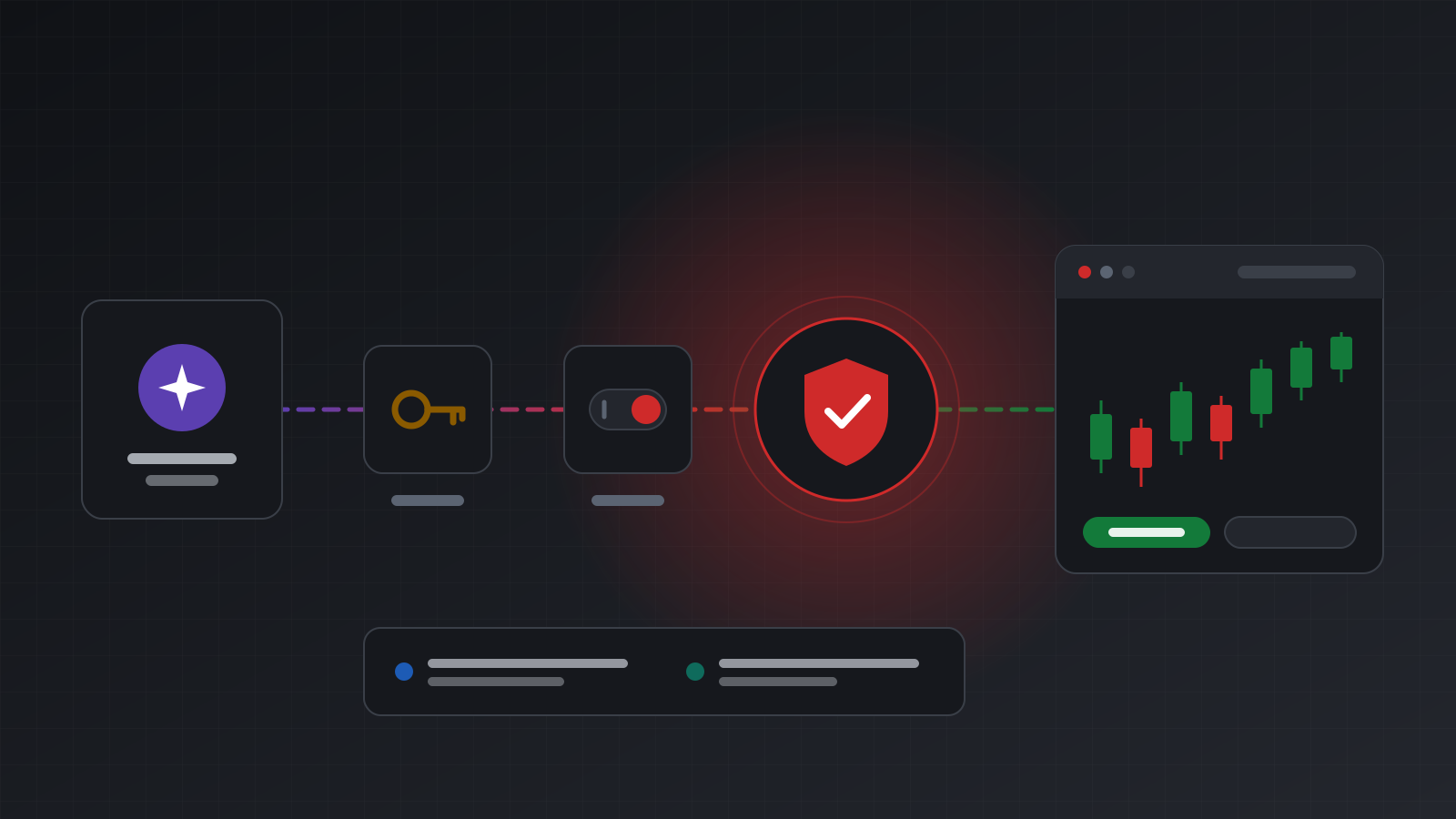
Chat apps connect by signing in with Tickwire and choosing the accounts and “Look only” or “Look and trade”. Developer tools and your own agents use an agent key (twag_...), which is read-only unless you allow trading. Agent keys cannot call the direct terminal routes, so an agent cannot go around the guards. Every trade tool needs a reason, a repeated call with the same key never trades twice, and an unclear result is reported as unknown. See the MetaTrader MCP server page and the guide to building your own AI agent.
Key points
- MCP is an open standard that lets AI apps call tools offered by a server.
- The model can only do what the tools allow; no trade tool means no trades.
- MCP itself has no risk limits, no duplicate protection and no trust in returned text. The server must supply those.
- Local servers need your computer on; hosted servers work from any supported app at any time.
- Prefer sign-in for chat apps, start read-only, and practise on a demo account before you risk money.
Trading carries risk, and you can lose money. This post explains software and how it behaves; it is not investment advice.