Prop firm accounts and your IP address
Why prop firms often look at IP addresses and devices, what shared and dedicated addresses mean, and why your own firm's written rules are the only answer that counts.
A prop firm (proprietary trading firm) lets traders trade the firm’s capital, or a simulated version of it, under a set of rules. Many run an evaluation first: pass it, and you get a funded or rewarded account. Break a rule, and the account can be closed or a payout refused.
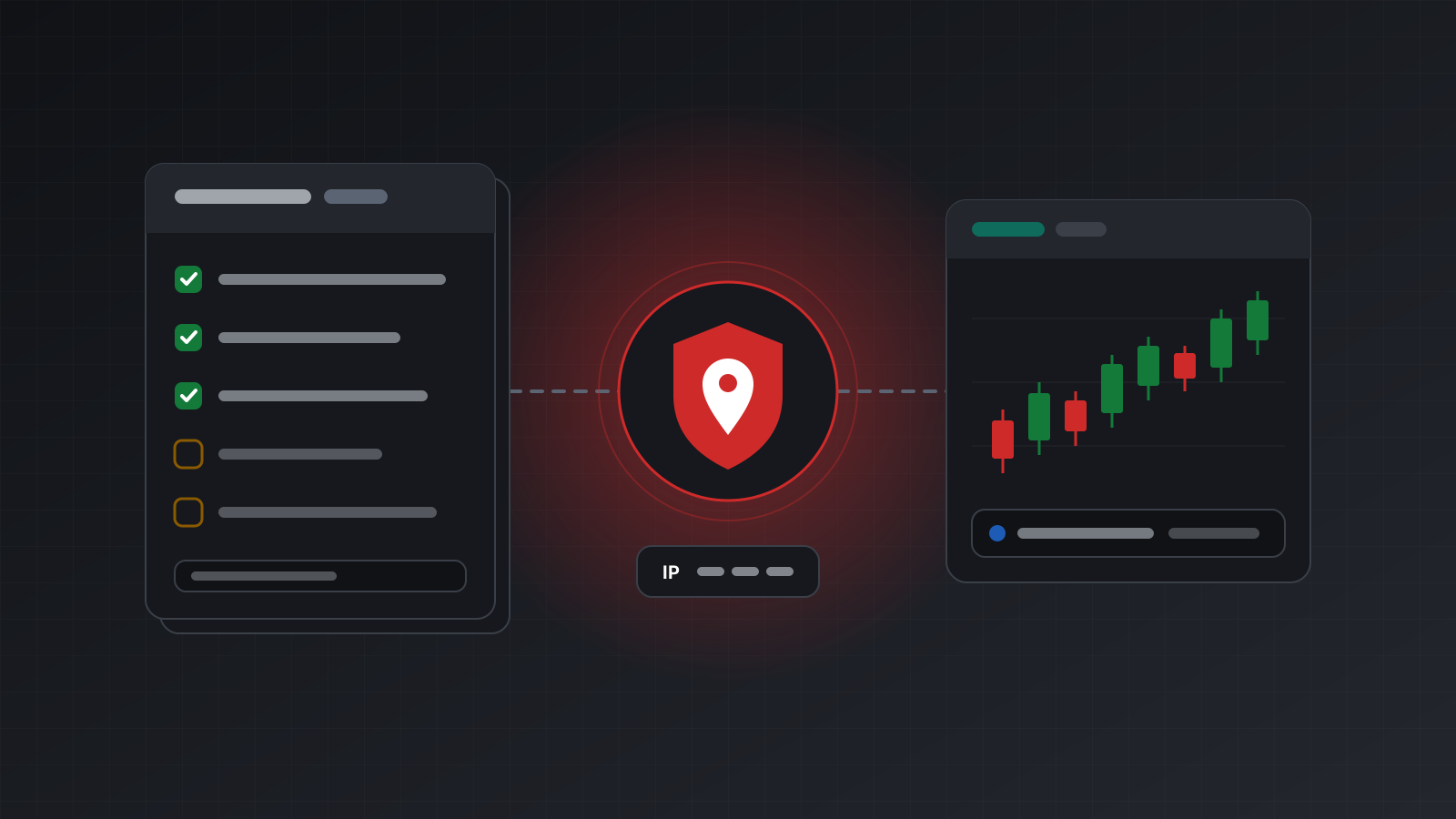
Some of those rules are about where and how you trade, not only what you trade. Firms often look at the IP addresses and devices used on an account, and that matters as soon as you run a strategy on a server or a hosted terminal instead of your own laptop.
This post explains why firms look, what they can usually see, and what the words “shared” and “dedicated” address mean. It cannot tell you what your firm allows. Rules differ from firm to firm, change over time, and only your firm’s written terms are an answer you can rely on.
What an IP address tells a firm
An IP address is the number that identifies a connection on the internet. Every request your computer, a server or a trading terminal makes comes from one. It is not a precise location, but it usually reveals a country, often a region, and the network it belongs to: a home broadband provider, a mobile network, a data centre or a VPN (a service that routes your traffic through someone else’s address).
A firm can usually see at least two kinds of address:
- The address the trading terminal connects from. The trade server records where each login and order came from.
- The address you use on the firm’s own website, for example its dashboard, sign-up and payout pages.
Many firms also collect device information when you use their websites or apps, and they have your identity documents and payment details. An IP address is one signal among several, not the whole picture.
Why firms look at addresses and devices
The reasons are mostly about fairness and fraud, and they are easy to understand once you see them from the firm’s side.
- One person, several accounts. Many firms limit how many accounts one person can hold, or how much total capital. Accounts that share an address can look like one person.
- Account sharing and paid passing. Most firms require that the person who signed up is the person trading. Logins from many places, or from an address used by someone else’s accounts, can suggest that someone else is trading.
- Coordinated trading between traders. Some rules forbid two traders from taking opposite sides of the same trade across accounts, or from copying each other. Shared addresses are one way such patterns are found.
- Where you are. Some firms do not serve certain countries. An address that suddenly appears in a different country, or a VPN address, can prompt questions.
None of this means a firm is hostile to automated trading. Many allow it. But automation moves your trading to a different machine, and that machine has a different address from your home.
Shared and dedicated addresses
When your terminal runs on a server, it connects to the broker from that server’s address, not from your home. There are two common setups.
| Setup | What it means | What a firm may notice |
|---|---|---|
| Shared address | The address is used by other customers of the same provider too | Several unrelated accounts appear from one address |
| Dedicated address | The address is used only for your accounts | One stable address that only your accounts use |
| Your own computer | Your home or office connection | Your address changes when your provider changes it, or when you travel |
A shared address is common and cheaper to provide. Whether it matters depends entirely on how a firm treats addresses. Some firms say plainly that a server or hosting service is fine. Others ask traders to tell them about it. Some look closely at accounts that share addresses with others.
A dedicated address removes one source of overlap: nobody else’s account appears from it. That is all it does. It does not make a strategy allowed, it does not replace the firm’s other checks, and it does not stop the firm from deciding that a rule was broken. If the strategy, the number of accounts or the way they are traded breaks the rules, the address does not change that.
Rules vary, so read yours
There is no single industry rule about IP addresses. Terms that differ between firms include:
- whether automated strategies, MQL programs or trading robots are allowed at all, and which kinds;
- whether a server, a VPS (a rented virtual server) or a hosted terminal is allowed, and whether you must say so;
- whether a VPN is allowed;
- how many accounts one person may hold, and whether accounts may share an address or a device;
- whether copy trading is allowed, between your own accounts or from others;
- which countries the firm serves.
Where to look: the firm’s terms and conditions, its trading rules page, and its help centre. If something is unclear, ask the firm’s support in writing and keep the answer. A screenshot of a chat with a date on it is worth more than a forum post, because forum posts go out of date and may describe a different firm.
Read the rules again from time to time. Firms update them, and a change can apply to accounts that are already open.
Practical habits that reduce surprises
These habits promise nothing, but they make your setup easier to explain if a firm asks.
- Keep it consistent. Trade each account from one stable setup rather than switching between home, phone, office and server.
- Do not share. Do not share logins, servers or addresses with other traders, even friends.
- Avoid a VPN for trading unless your firm’s rules allow it.
- Tell the firm when the rules ask you to. If you run a strategy on a server, say so if required, and keep the reply.
- Keep records. Note where each account is hosted and from which address, and keep the firm’s written answers.
- Respect account limits across all your accounts with that firm.
- Practise on a demo account before you risk money, including the firm’s own evaluation rules, so you know what a breach looks like.
Checklist
- I have read my firm’s current terms, trading rules and help pages on automation, servers, VPNs, copy trading and number of accounts.
- Anything unclear, I asked in writing, and I kept the answer.
- Each account trades from one consistent setup.
- No logins, servers or addresses are shared with anyone else.
- I know whether my hosting uses a shared or a dedicated address.
- I check the rules again when the firm announces changes.
Doing this with Tickwire
Tickwire hosts a real MT4 or MT5 terminal for each trading account, reached over REST and WebSocket. Accounts run either on a shared address, from $12 per account a month, or on an own dedicated address, from $14. A dedicated IP belongs to one customer and is never reassigned to anyone else, even after you stop using it. It does not make any strategy compliant with a firm’s rules; that is between you and your firm.
For risk rules such as daily drawdown, the prop risk tool guide shows how to watch equity and flatten positions safely. Prices are on the pricing page, and common questions are in the FAQ. Tickwire gives no investment advice and no advice on any firm’s rules.
Trading carries risk, and you can lose money. This post explains software and how it behaves; it is not investment advice.