Why every AI trade needs a reason and a record
Why an AI trading agent should state a reason for every order, what a useful audit log records, how to read one, and a weekly checklist for spotting loops and mistakes.
When a person trades, the reasoning lives in their head and maybe in a journal. When an AI agent trades, the reasoning lives in a model’s output for a few seconds and then it is gone. If nobody wrote it down, nobody can review it, and a week later all you have is a list of fills.
Two habits fix that. The first is to make the agent state, in one sentence, why it is placing each order, at the moment it places it. The second is to write every tool call, its reason and its result into a log that the agent cannot edit.
This post explains why both matter, what a useful record holds, how to read one, and what to look for each week. The examples use Tickwire’s field names, but the ideas apply to any agent setup.
What a reason is for
A reason is a short sentence attached to an order: “breakout above the Asian range”, “closing half at the first target”, “stop moved to entry after news”. It is not a strategy document. Its value comes from being written at the moment of action:
- It exposes bad reasoning early. “Buying because the user asked” when the user asked for a quote is a mistake you can see in one line.
- It lets you compare intent with effect. If the reason says “small test order” and the volume is 2.0 lots, something went wrong between the two.
- It makes reviews fast. Scanning 40 reasons takes a minute. Reconstructing 40 decisions from candles takes an afternoon.
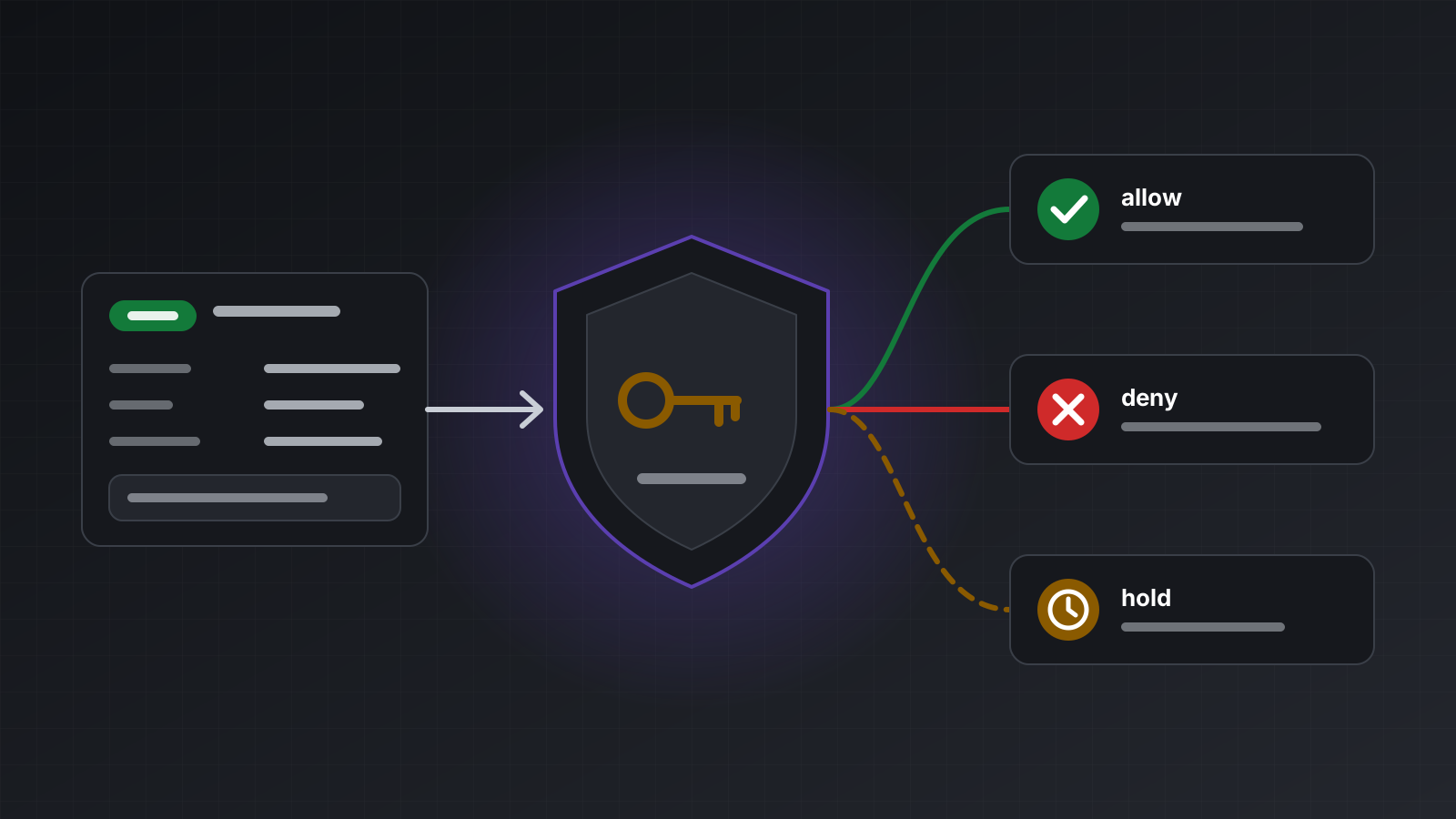
- It gives your guard something to read. A pre-trade hook receives the reason with the order. It can hold anything whose reason is empty or doesn’t fit the agent’s job.
A reason is only as honest as the model that wrote it. Treat it as the agent’s account of itself, to be checked against what actually happened, not as proof.
On Tickwire, every trading tool needs a reason, and a trade without one is refused before anything is sent (reason_required). On the REST routes the reason travels in the X-Reason header.
What a useful record holds
A log that says “order placed” is not much help. A useful entry answers who, what, why, and what really happened. Tickwire’s agent audit log records these fields for each entry:
| Field | What it tells you |
|---|---|
seq | Order of entries; newer entries have higher numbers |
actor_kind, actor_id | Who acted: agent, api_key, owner, hook or system, and which one |
account_id | Which trading account |
tool | What was called, such as place_order, or an owner change such as kill_switch.account |
args | The arguments sent, with secrets masked |
reason | The sentence given for the call |
outcome | For trades, applied, no_change, rejected, held or unknown; for reads, ok or error |
http_status, error | The status, and an error code when refused |
idempotency_key | The key that ties repeats of one order together |
hooks | Each pre-trade hook’s decision and how long it took |
hold_id | Set when a hook held the order |
evidence | The terminal’s proof of an applied result |
started_at, finished_at, duration_ms | When, in UTC, and how long |
Two other details matter. Owner changes go into the same log, such as creating an agent key, engaging a kill switch or changing a hook. Owner calls accept X-Actor (who, for example “ops-dashboard”) and X-Reason (why), so “the kill switch went on at 14:02 because the news feed was stale” is recorded next to the agent’s own entries. And for agents, the actor comes from the key itself (agent:<key id>), so an agent can’t sign its entries as someone else.
Reading the log
As the account owner, read the whole log with your API key:
curl -s "https://api.tickwire.io/v1/agent-audit?account_id=<ACCOUNT_ID>&limit=100" \
  -H "Authorization: Bearer $TICKWIRE_API_KEY"
The answer is {entries, has_more, next_cursor}, newest first. Pass cursor=<next_cursor> for the next page, or filter with agent_key_id. An agent can read only its own entries, at GET /v1/agent/audit with its agent key, or through the MCP tool get_audit_log.
A short Python script that pulls a week of entries and prints a summary:
import os, collections, requests
from datetime import datetime, timedelta, timezone

API = "https://api.tickwire.io"
HEADERS = {"Authorization": f"Bearer {os.environ['TICKWIRE_API_KEY']}"}
since = datetime.now(timezone.utc) - timedelta(days=7)

entries, cursor = [], None
while True:
    params = {"limit": 500, **({"cursor": cursor} if cursor else {})}
    page = requests.get(f"{API}/v1/agent-audit", headers=HEADERS,
                        params=params, timeout=30).json()
    batch = [e for e in page["entries"]
             if datetime.fromisoformat(e["started_at"].replace("Z", "+00:00")) >= since]
    entries += batch
    if not page["has_more"] or len(batch) < len(page["entries"]):
        break
    cursor = page["next_cursor"]

print("outcomes:", collections.Counter(e["outcome"] for e in entries))
print("errors:  ", collections.Counter(e["error"] for e in entries if e.get("error")))

for e in entries:
    if e["outcome"] == "unknown":
        print("CHECK", e["started_at"], e["tool"], e["idempotency_key"], e["reason"])
    if e["tool"] == "place_order" and not (e.get("reason") or "").strip():
        print("NO REASON", e["started_at"], e["args"])
Because the log is newest first, the loop stops as soon as a page reaches entries older than a week.
Spotting loops
The most common agent failure is not a wild trade. It is repetition: the model misses a reply, or misreads an error, and tries again, and again. A log makes loops easy to see.
- Same arguments, many times. Group entries by
toolandargswithin a few minutes. Five identicalplace_ordercalls in two minutes is a loop, whatever their outcomes. - Same idempotency key, many times. Repeats with the same key are safe and return the first result, but many of them mean the agent isn’t reading the answer.
- New key after
unknown. This is the dangerous one. Afterunknown, the order may have executed. An agent that then sends the same order with a new key can open a second position. The log shows it as anunknownentry followed by a near-identical order with a differentidempotency_key. - Retrying a refusal. A burst of
hook_deniedorread_only_keyerrors means the agent is trying to argue with a rule. Fix its instructions, not the rule.
More on why repeats should never double a trade in a retry should never place a second trade.
Explaining a loss
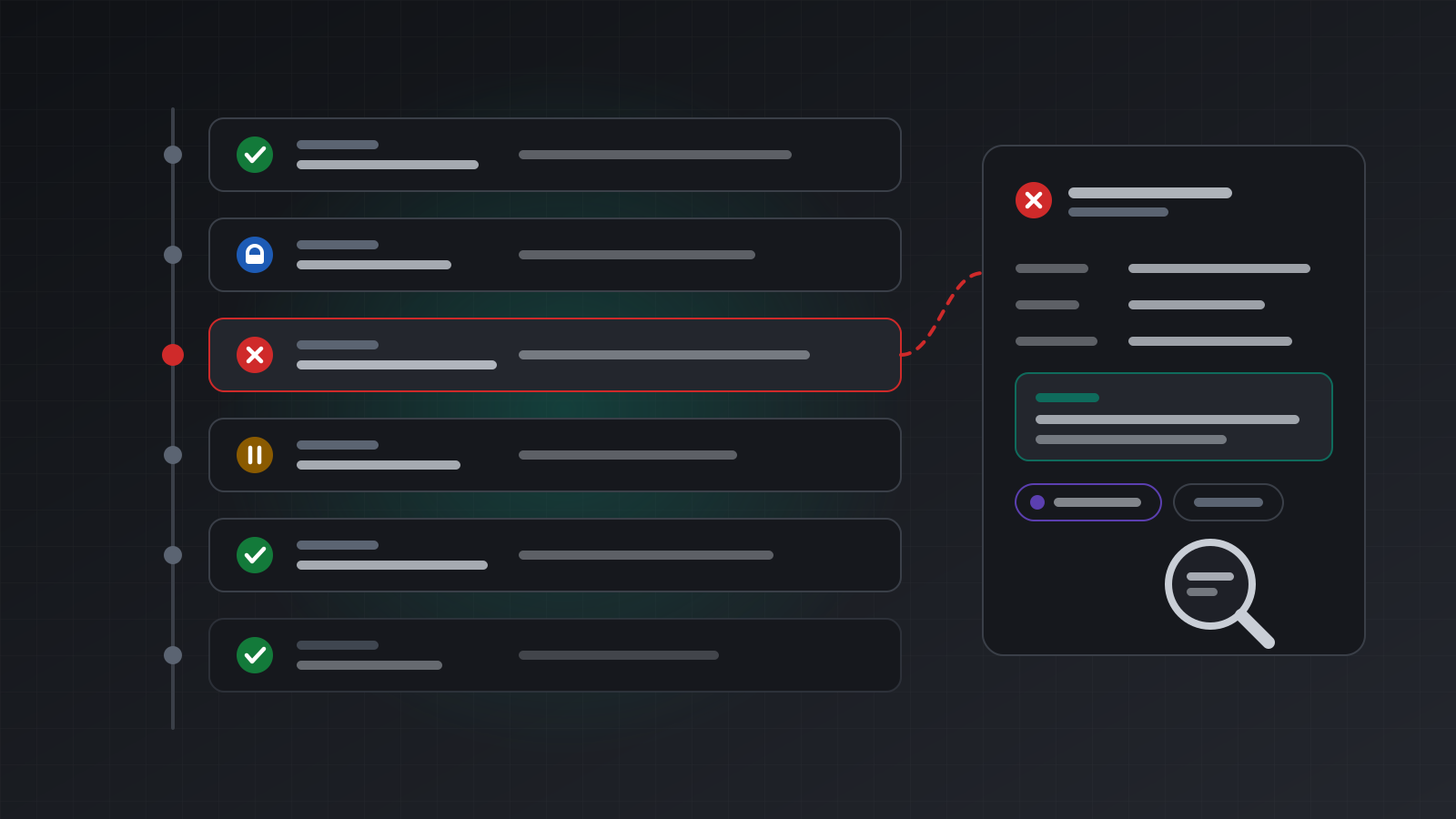
When a position goes wrong, the log turns “the AI did something” into a timeline. Work backwards from the position:
- Find the
place_orderentry whoseevidencenames the position. - Read its
reason. Did the stated reason make sense at that time? - Read its
args. Was the volume what you expected? Was there a stop loss? - Read
hooks. Did your guard allow it, and was that the right call under your rules? - Look at the entries just before it. What did the agent read first? Did it check positions, or act on stale information?
- Look at what came after. Did it move the stop, add to the position or close it, and why?
Sometimes the answer is that every step was reasonable and the market moved against it. That is useful to know too. The log can’t tell you whether a trade was good. It tells you whether the process behind it worked.
Owner decisions vs agent mistakes
Not every refusal is a problem. Some errors are your own controls working. Keep them apart in your reviews:
| Code | Whose decision | What it means |
|---|---|---|
kill_switch_engaged | Owner | A kill switch for the key or the account is on |
hook_denied | Owner, through the hook | Your rules said no; the hook’s message says which |
read_only_key | Owner | The key or connection is Look only |
hook_unavailable | Owner’s setup | No valid answer from the hook, so nothing was sent |
invalid_order, reason_required | Agent | It sent a malformed order or no reason |
idempotency_key_reused | Agent | It reused a key for a different order |
rejected from the broker | Market or broker | For example, the market was closed or the stops were too close |
A healthy log has some owner refusals in it. That means your limits are being reached and holding. A log full of agent errors means the instructions or the tool choice need work. hook_unavailable belongs to you as well: your guard was down or too slow, and that is worth fixing even though it failed safely.
Weekly checklist
- Count outcomes. Any
unknownmust have a follow-up entry that checks status and positions. - Read every reason for new positions. Flag empty, vague or copied reasons.
- Look for loops: identical calls within minutes, or a new key straight after
unknown. - Compare volumes in
argswith your expected sizes. - Sort refusals into owner decisions and agent mistakes, and fix the second kind.
- Check hook decisions and latency. Slow answers lead to
hook_unavailable. - Review owner changes: who engaged or released kill switches, changed hooks or created keys, and why.
- Confirm every
heldorder was released or rejected on purpose.
Doing this with Tickwire
Tickwire records every agent tool call, hook decision, hold release and owner change in the agent audit log, with the reason and the outcome. You read it at GET /v1/agent-audit; each agent reads its own at GET /v1/agent/audit or with get_audit_log. Separately, request logs keep every authenticated API call for 14 days. Tickwire doesn’t judge whether trades are good; the log is there so you can.
For the controls around the log, see risk controls for AI trading agents and the AI agents page. To build an agent that handles every outcome, follow build an AI trading agent.
Trading carries risk, and you can lose money. This post explains software and how it behaves; it is not investment advice.